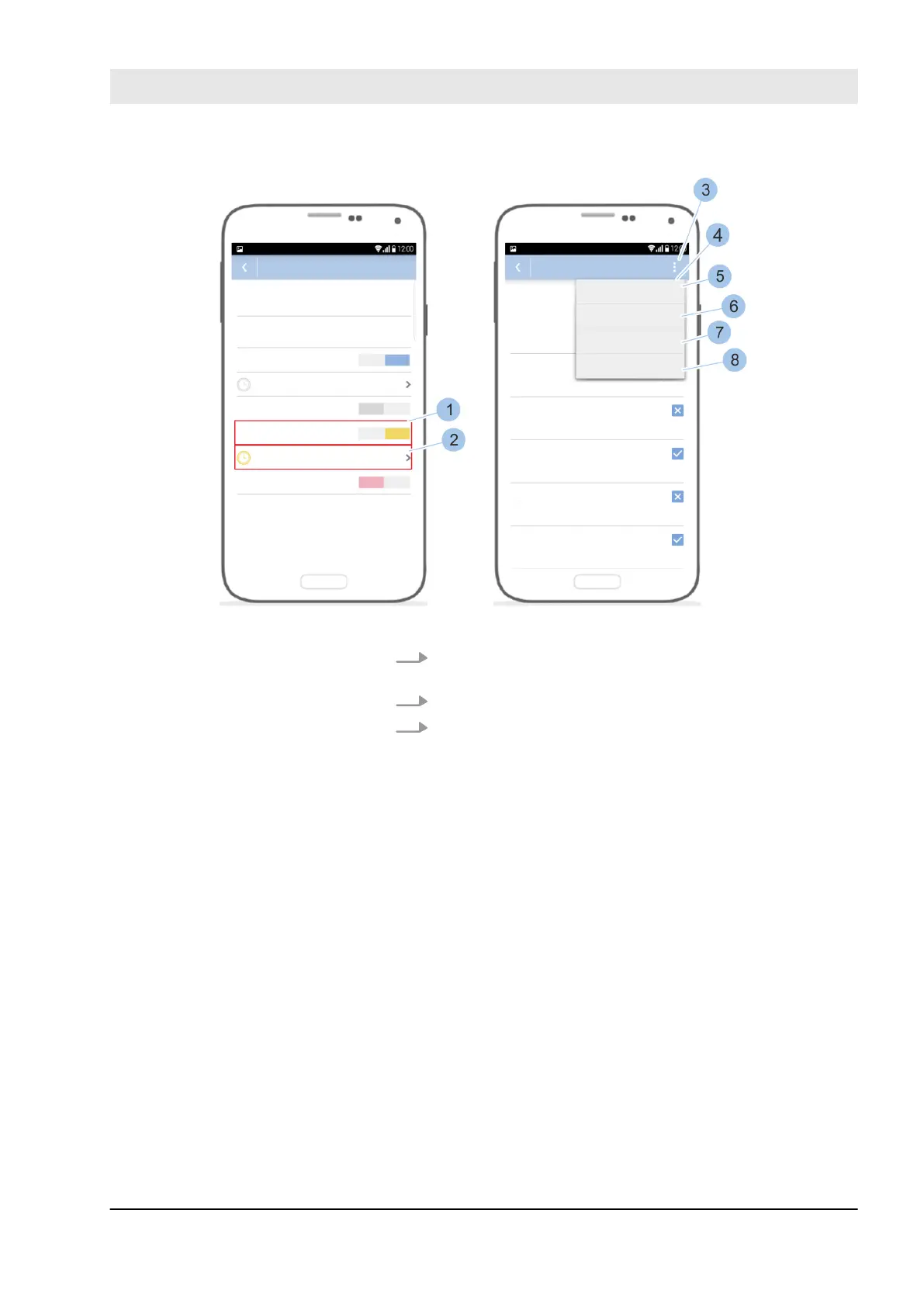
Fig. 85: Use quick administration
4. Issue locking authorisation (1) for the keys in the
selected key group.
5. Touch the Time profiles (2) menu.
6. Touch th e options m enu (3).
ð
The Quick administration (4) opens.
n To issue the key locking authorisations on all
weekdays, touch Every day: always (5).
n To withdraw the locking rights from the key on
all weekdays, touch Every day: not (6).
n To adopt the time restriction that was set for
Monday for every weekday, touch Every day like
Monday (7).
n To use the last time profile set with this smart-
phone, touch Use last (8).
Manage locking system
23.03.2020 blueCompact electronic locking system 109



 To Next Page