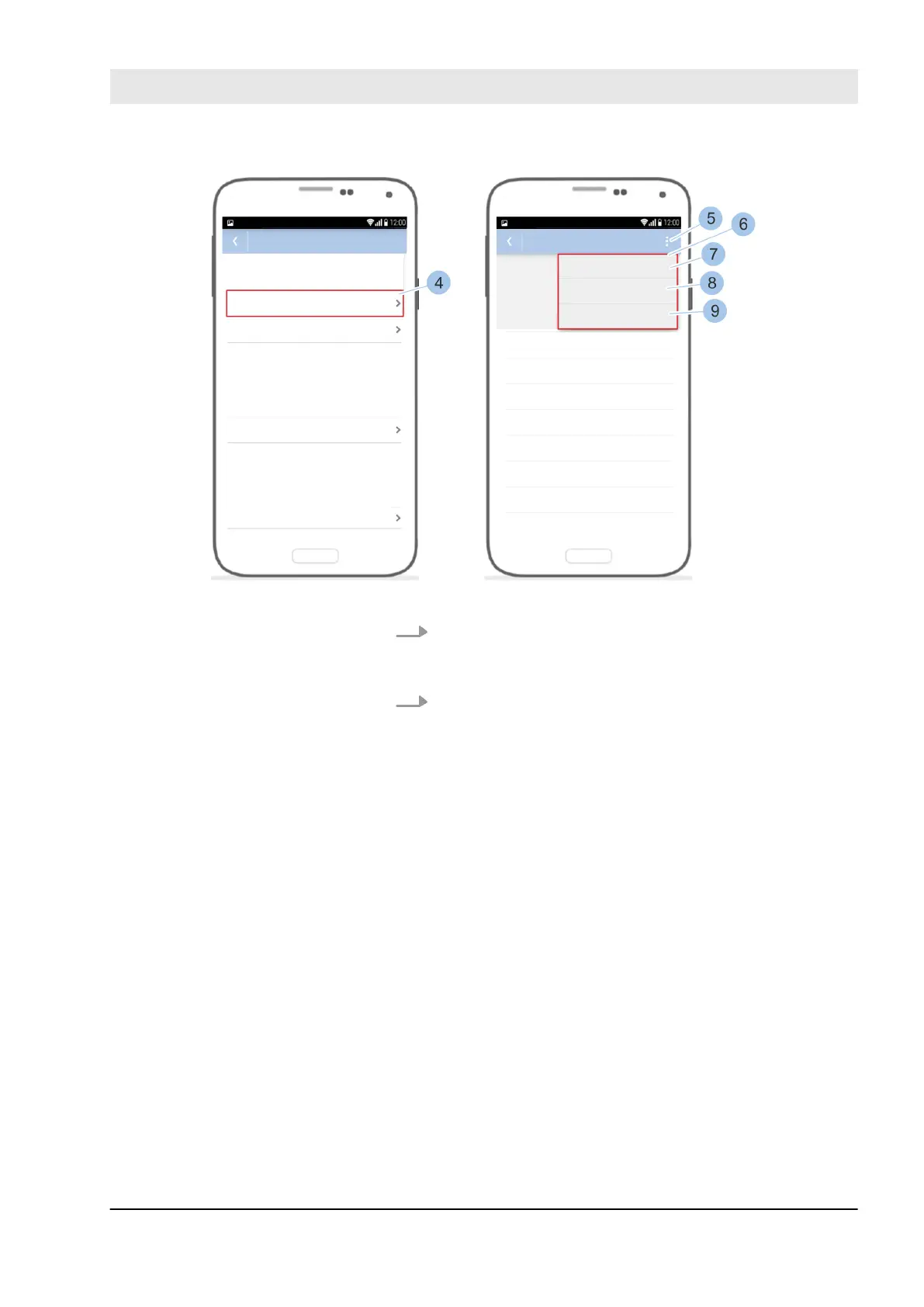
Fig. 91: Use quick administration
4. Touch Automatic deactivation (4).
ð
The weekdays with the relevant deactivation times
are shown.
5. Touch the options menu (5).
ð
The Quick administration (6) opens.
n To deactivate the automatic deactivation on all
days of the week, touch Every day: manual only
(7).
n To adopt the time set for Monday for all days of
the week, touch Every day like Monday (8).
n To use the last deactivation times set with this
smartphone, touch Use last (9).
Prerequisites:
n Masterkey has been linked to the app.
Ä
7.2 “Register” on page 79
n User is in the Cylinder menu.
Query or change permanent
release
Manage locking system
23.03.2020 blueCompact electronic locking system 115



 To Next Page