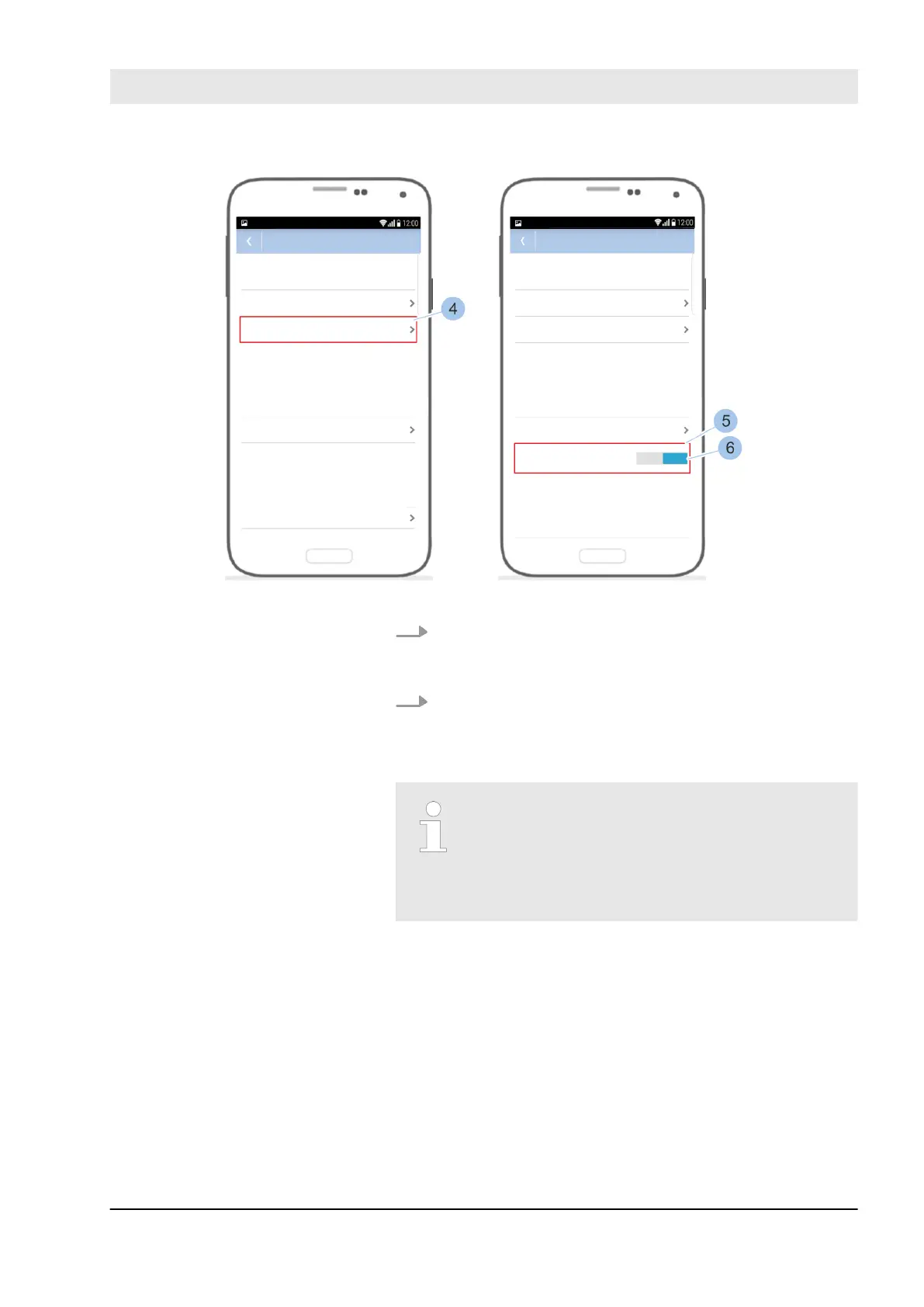
Fig. 93: Change status of permanent release
4. Touch Query current status (4).
ð
The current status of the permanent release (5) is
shown.
5. Change status of the permanent release (6).
The release time is the time for which the
switching mechanism of the reader is acti-
vated after an authorised key has been pre-
sented. This time can be set between
3 and 63 seconds. The standard time is
5 seconds.
Prerequisites:
n Masterkey has been linked to the app.
Ä
7.2 “Register” on page 79
n User is in the Cylinder menu.
Set the release time for the reader
Manage locking system
23.03.2020 blueCompact electronic locking system 117



 To Next Page