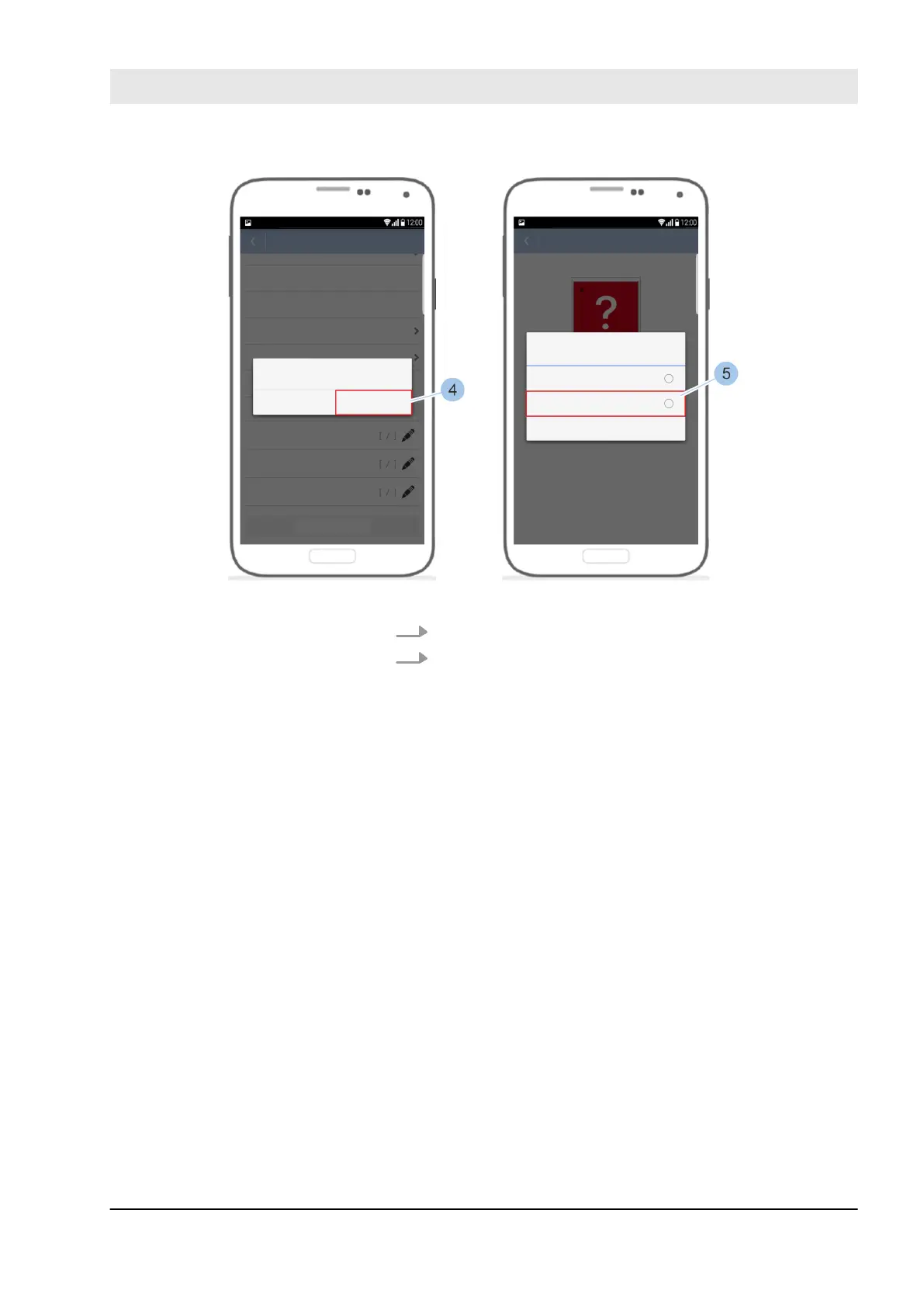
Fig. 97: Delete reader
5. Leave the Masterkey (4) in front of the reader.
6. Confirm message by pressing Delete (5).
ð
The reader is deleted.
Defective readers must be deleted from the system.
Readers with an electronic defect can be deleted without
linking to the Masterkey.
If a reader with external control unit is deleted, the control
unit must be connected with the reader.
If a functional reader is deleted without contact to the Mas-
terkey, authorised keys can still use this reader.
Manage locking system
23.03.2020 blueCompact electronic locking system 121



 To Next Page