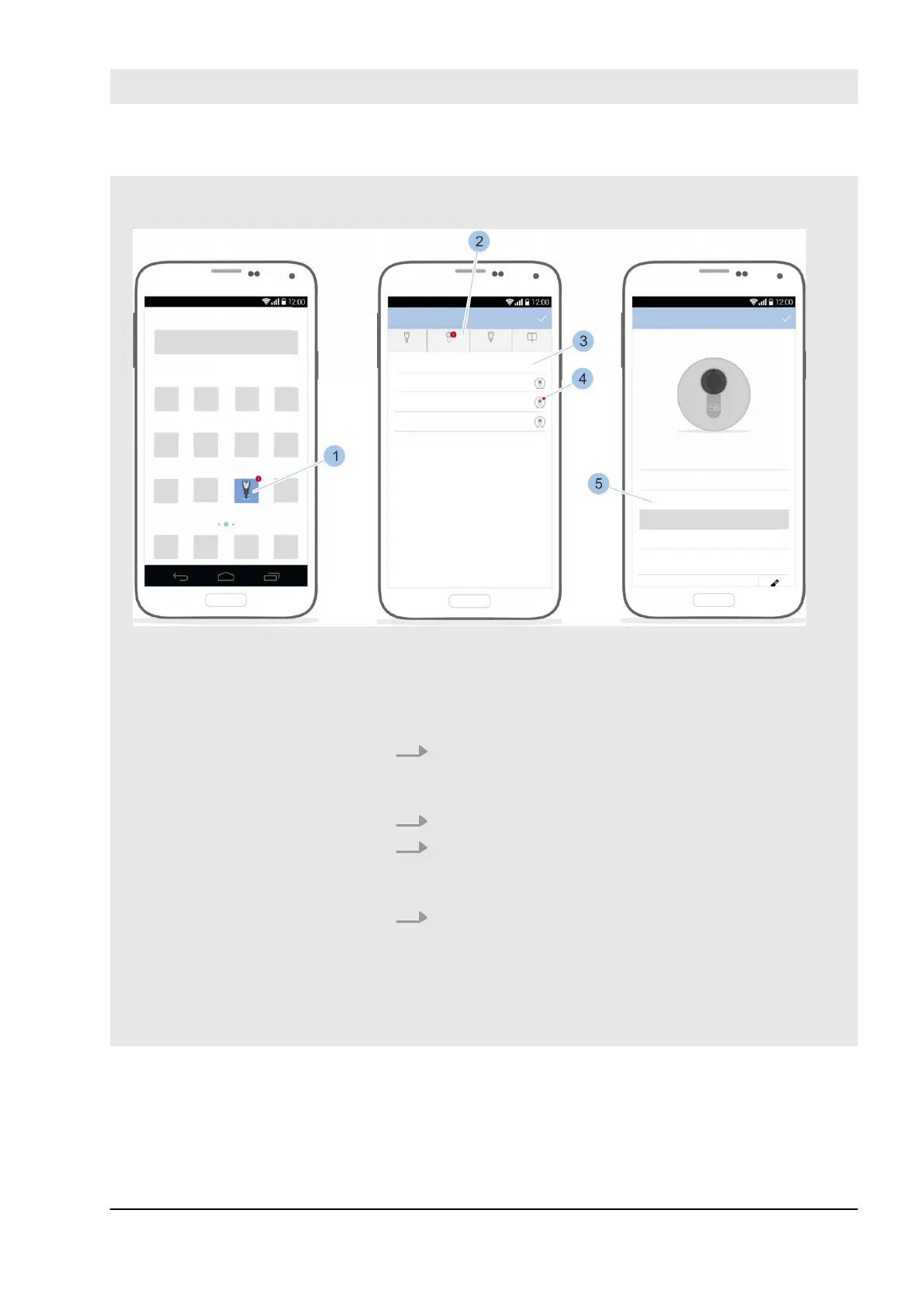
Fig. 124: Open message
Precondition:
n Masterkey has been linked to the cylinder.
–
Ä
Chapter 7.1 “Initialise Masterkey” on page 77
1. Launch app.
ð
A message is displayed in the app overview (1)
and in the main menu (2).
2. Open menu (2).
3. Touch the cylinder (3).
ð
The battery charge status (4) low is highlighted in
red.
4. Replace battery.
Ä
Chapter 10.3.2 “Replacing the batteries in cylinder
types 01, 04 MK and 05” on page 156–
Ä
Chapter
10.3.6 “Replacing batteries in padlock 85”
on page 165
Example: Low cylinder battery
charge status
Cleaning and maintenance
23.03.2020 blueCompact electronic locking system 155



 To Next Page