The position numbers in the instructions always refer to
the previous illustrations.
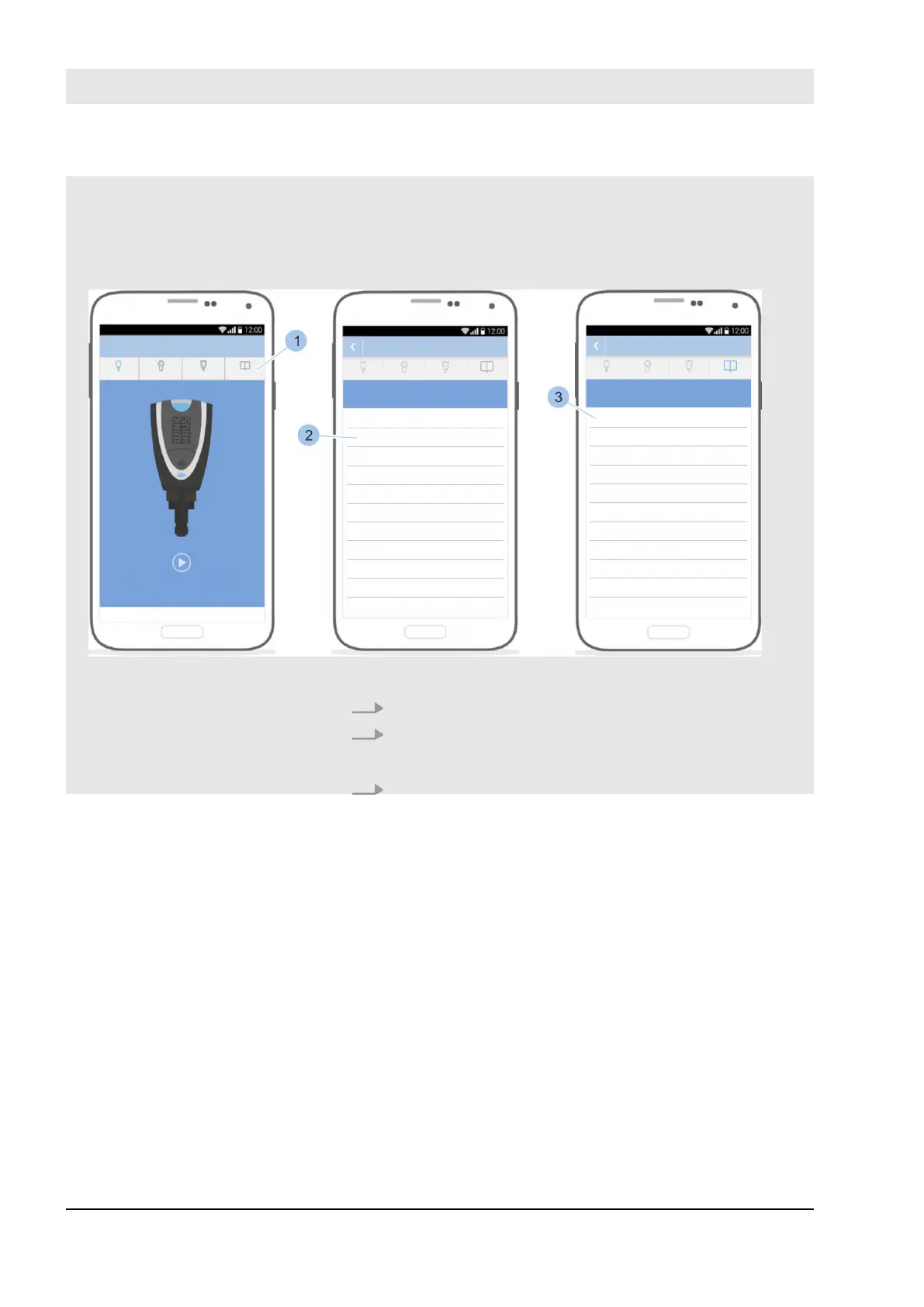
Fig. 1: Open instructions
1. Touch the Instructions menu (1) on the main menu.
2. Select the Installation chapter (2).
ð
This then displays the sub-sections.
3. Select Instructions (3).
Example of step-by-step
instructions: Incorporate cyl-
inder
Supplemental directives
23.03.2020blueCompact electronic locking system8



 To Next Page