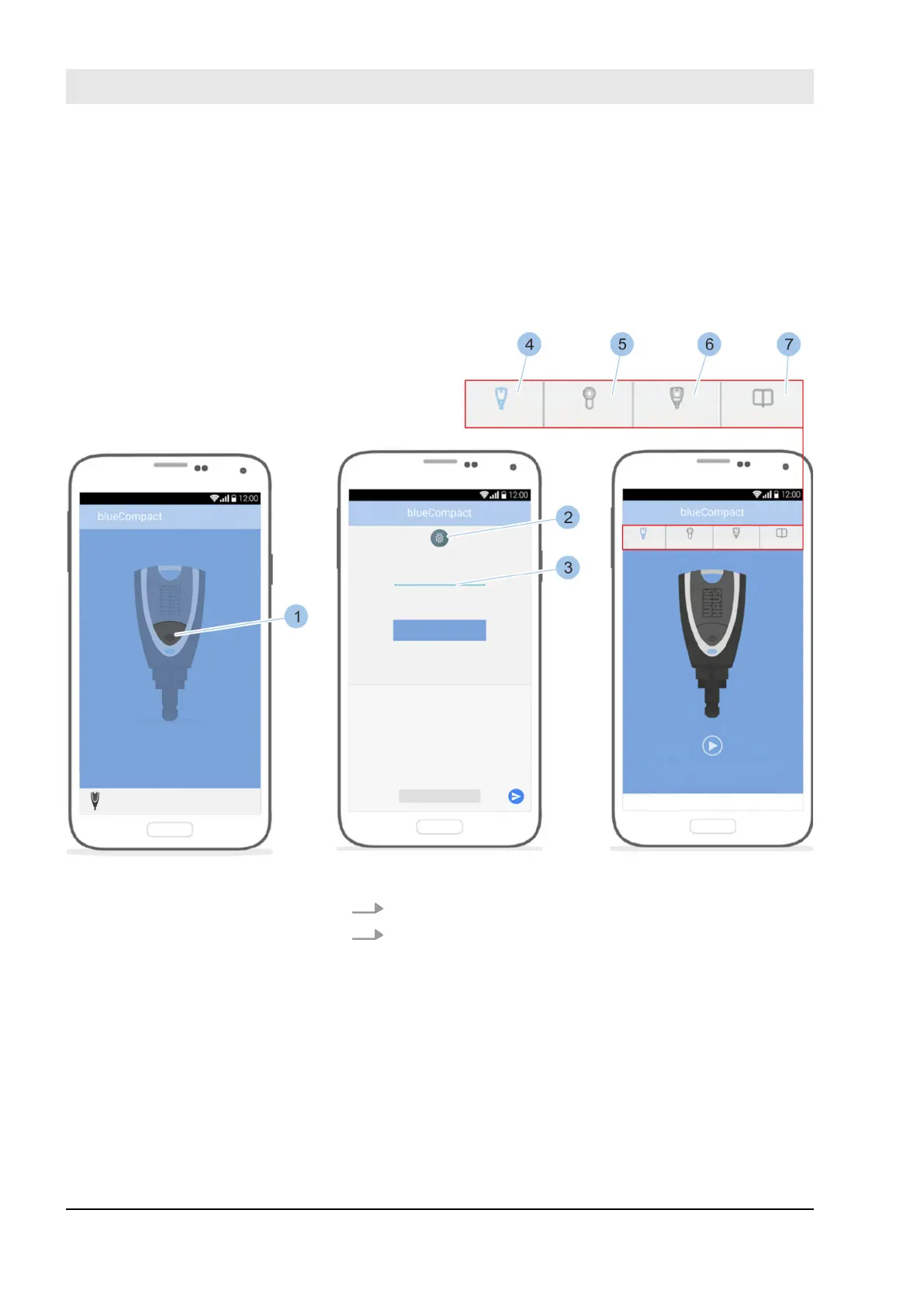
Further requirements for logging in with fingerprint:
n The smartphone has a fingerprint scanner.
n The fingerprint scanner was activated in the Settings
menu on the smartphone and fingerprints have been
saved.
n Log-in must have taken place once with the password.
Fig. 56: Register
1. Launch app.
2. Press button (1).
ð
The Masterkey is activated and connected to the
app.
Register Masterkey
Manage locking system
23.03.2020blueCompact electronic locking system80



 To Next Page