Precondition:
n User is in the Key menu.
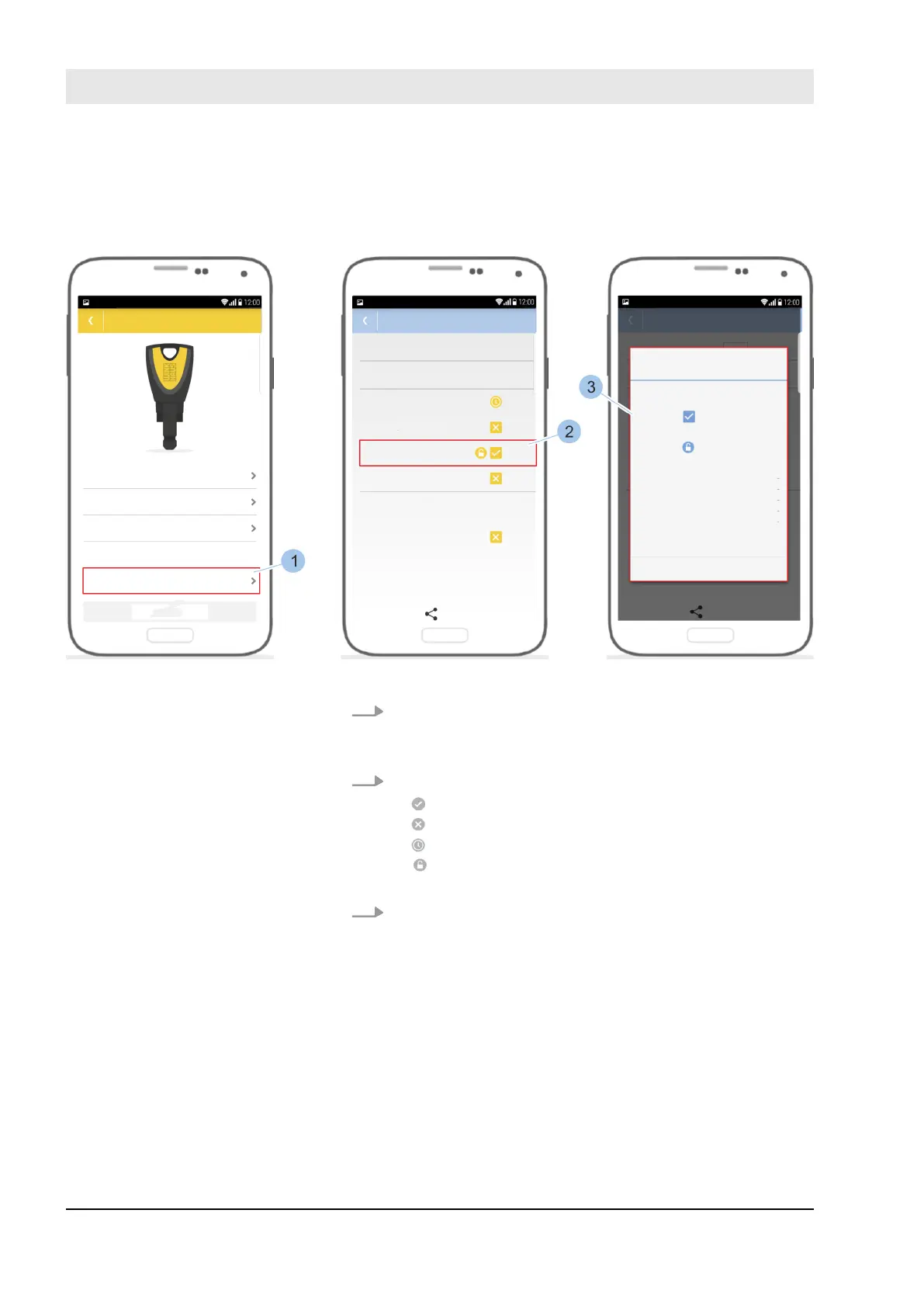
Fig. 60: Add to locking rights
1. Touch Authorisation overview (1).
ð
The locking rights of the key for the cylinders and
readers present in the system are shown.
2. The following locking rights can be selected:
n : The key is fully authorised.
n : The key is not authorised to lock.
n
: The key is authorised via a time profile.
n : The key is authorised to activate and deactivate
the permanent release on the reader.
3. Tap on a cylinder or reader name (2).
ð
The authorisation details (3) are shown.
Show locking rights
Manage locking system
23.03.2020blueCompact electronic locking system84



 To Next Page