R01.i RT System 2 v2.3 Deployment Guide 137
© 2010-2014 Wireless Seismic, Inc. All rights reserved.
6. Demobilization
Disassemble the WRU
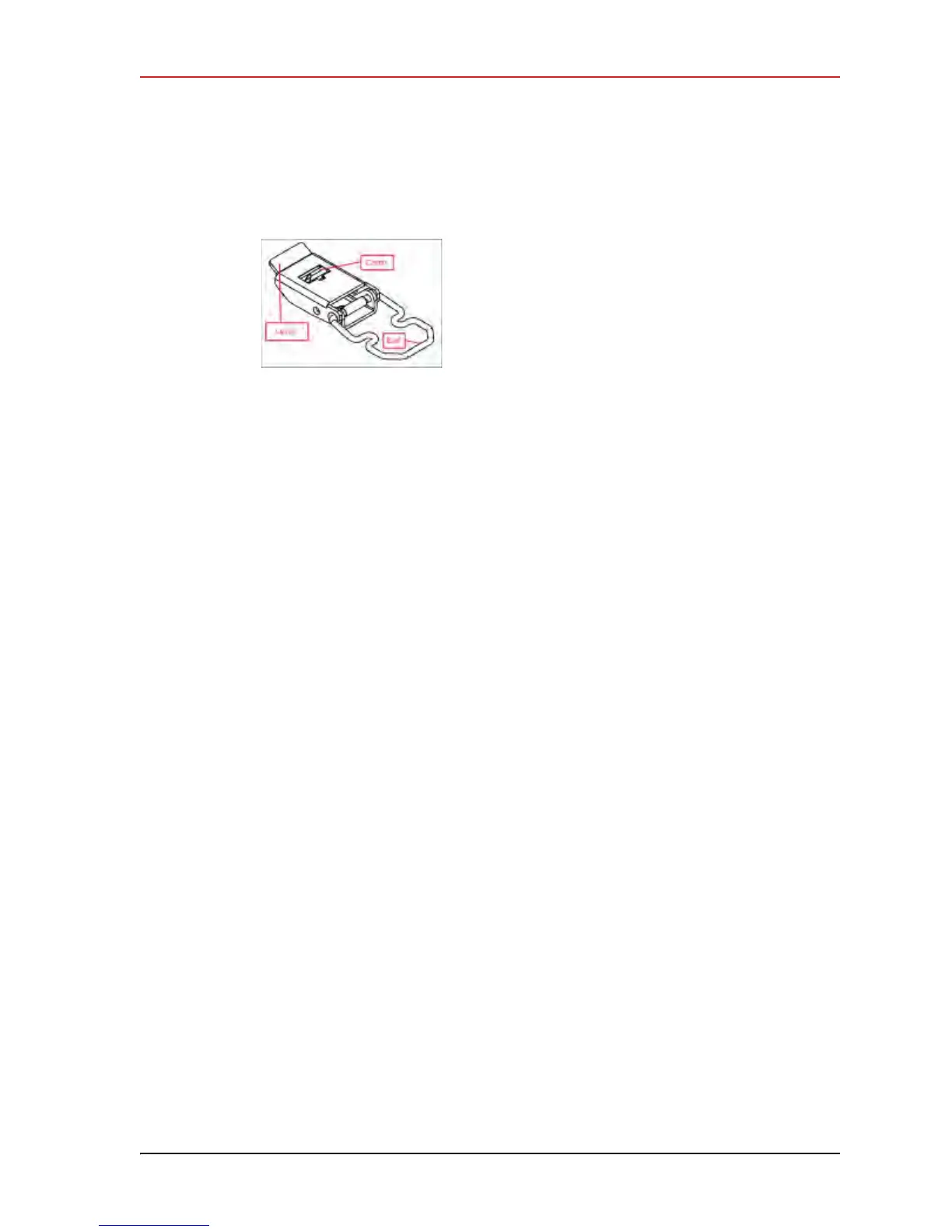
Ɣ Continue to lift the lever using the bail to push the battery out of the connector.
5 It is not necessary to remove the anchor plate. The WRU will stack with the anchor plate
attached.
6 Secure the equipment in the transport vehicle.
Figure 6–3 Removing the
Battery



 To Next Page