R01.i RT System 2 v2.3 Deployment Guide 75
© 2010-2014 Wireless Seismic, Inc. All rights reserved.
4. Point-to-Point Backhaul
Preparation
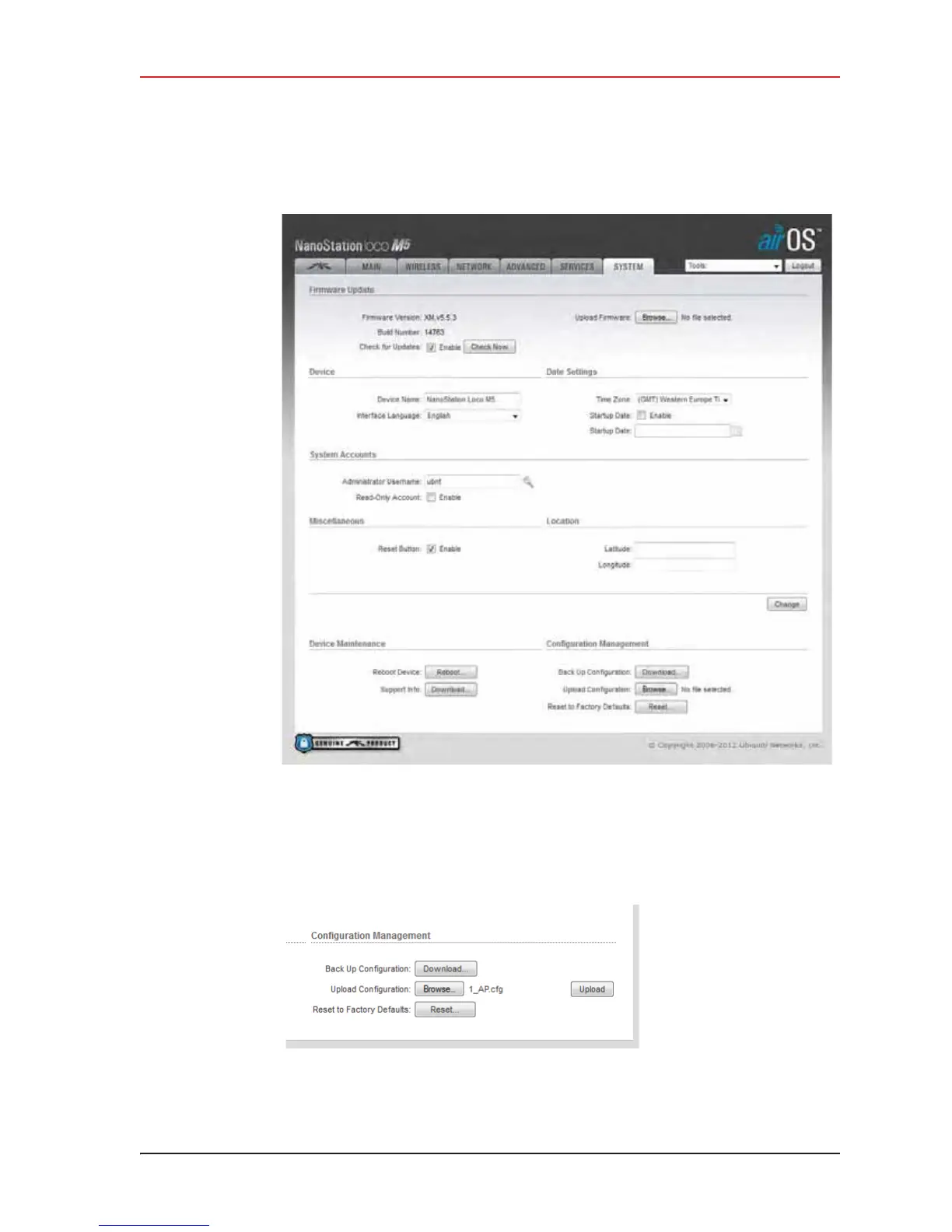
10 In the Configuration Management
ĺ Upload Configuration area, click Browse.
Browse to the configuration file (for example
1-AP.cfg), and then click Upload.
Figure 4–11 Ubiquiti airOS Window, System Tab
Figure 4–12 Ubiquiti, Upload Configuration File



 To Next Page