R01.i RT System 2 v2.3 Deployment Guide 17
© 2010-2014 Wireless Seismic, Inc. All rights reserved.
2. Layout
Laying Out the Equipment
4 Optional: Attach the anchor plate. See “WRU Anchor Plate” on page 22 for instructions.
5 Attach the geophone to the WRU.
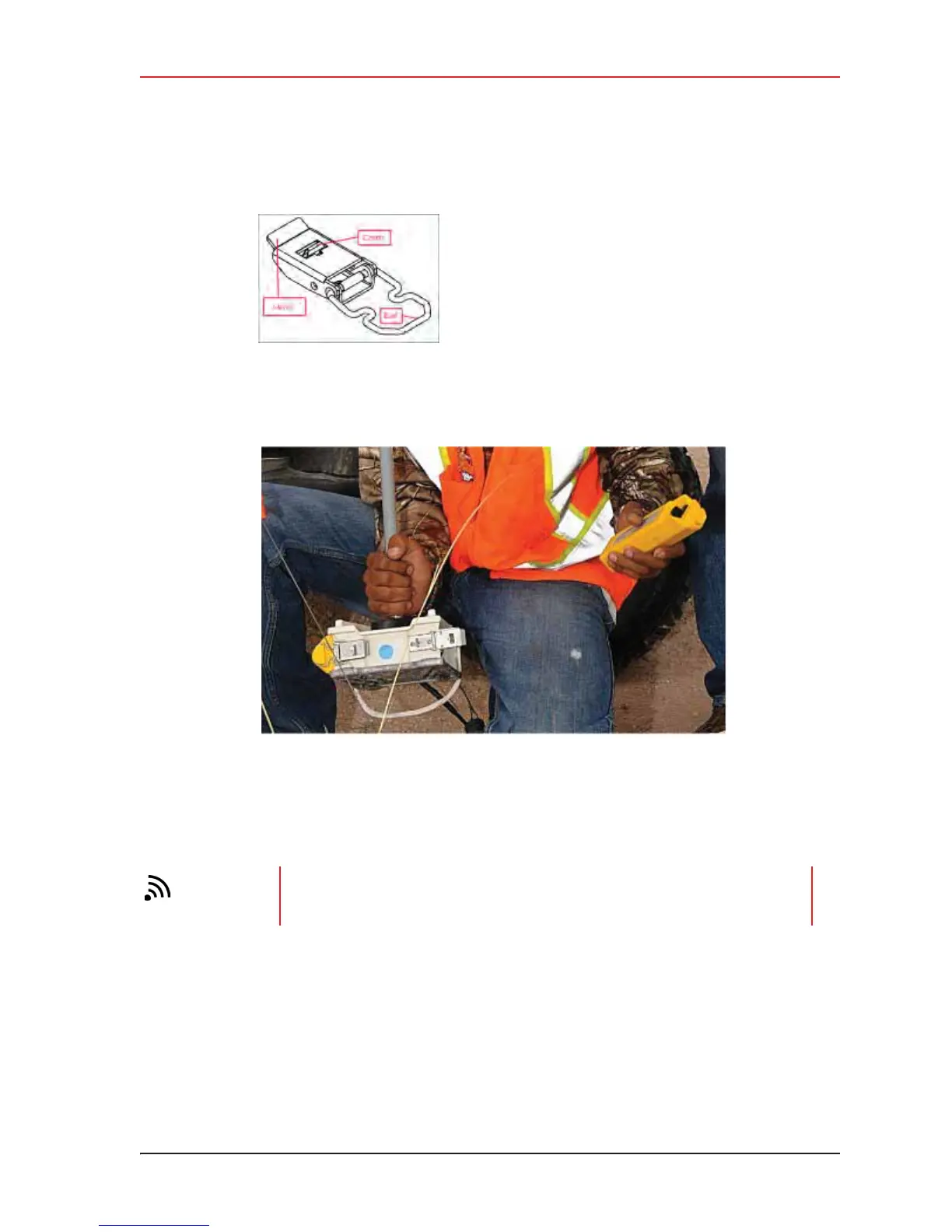
Figure 2–5 Battery Latch
Figure 2–6 Installing the Battery
TIP
To record three components of seismic data with the multiple-channel WRU,
connect three separate arrays of one-component geophones to the same WRU,
or connect a multiple-component geophone to the WRU



 To Next Page