122 RT System 2 v2.3 Deployment Guide R01.i
© 2010-2014 Wireless Seismic, Inc. All rights reserved.
5. Point-to-Multipoint Backhaul
Final Communication Test
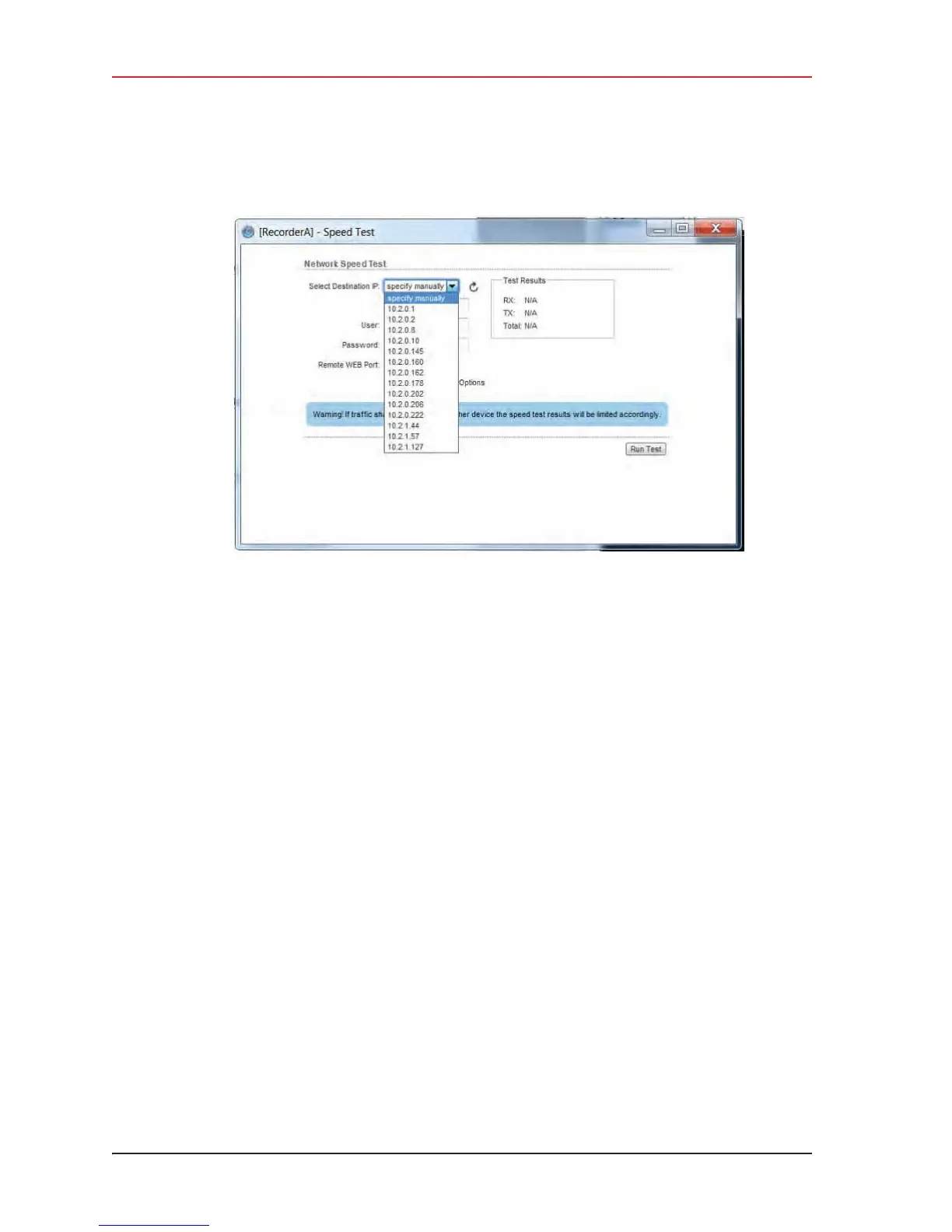
b Type ubnt in the User text box.
c Type
ubnt in the Password text box.
d Type
80 in the Remote WEB Port text box.
e The default test Direction is duplex; the test is performed for both transmit and
receive. If you want to run the test in only one direction, perform the following steps:
1) Select the Show Advanced Options check box.
2) Select transmit or receive.
f Click Run Test.
g If the following error is displayed, type 443 in the Remote WEB Port text box and
click Run Test.
Error: Invalid remote port or web server is not running.
h Good Test Results are as follows:
Ź RX (receive) only = 70+ Mbps
Ź TX (transmit) only = 70+ Mbps
Ź Total (duplex) = 90+ Mbps
– RX = 40+ Mbps
– TX = 40+ Mbps
7 Click another line segment radio IP address in the Select Destination IP list, click Run
Test, and then check results. Repeat for all line station radios.
8 If Speed Test results are low, perform the following steps for a Bullet radio. (Go to step
9 on page 124):
a Log in to the line station radio that displayed low Speed Test results.
b Click the Status tab and verify the following values:
Ź WSI-MAX (AirMax) Quality > 80%. If the value is < 80%, check the following:
Figure 5–20 Speed Test Window



 To Next Page