62 RT System 2 v2.3 Deployment Guide R01.i
© 2010-2014 Wireless Seismic, Inc. All rights reserved.
3. Backhaul
Setting up the Backhaul
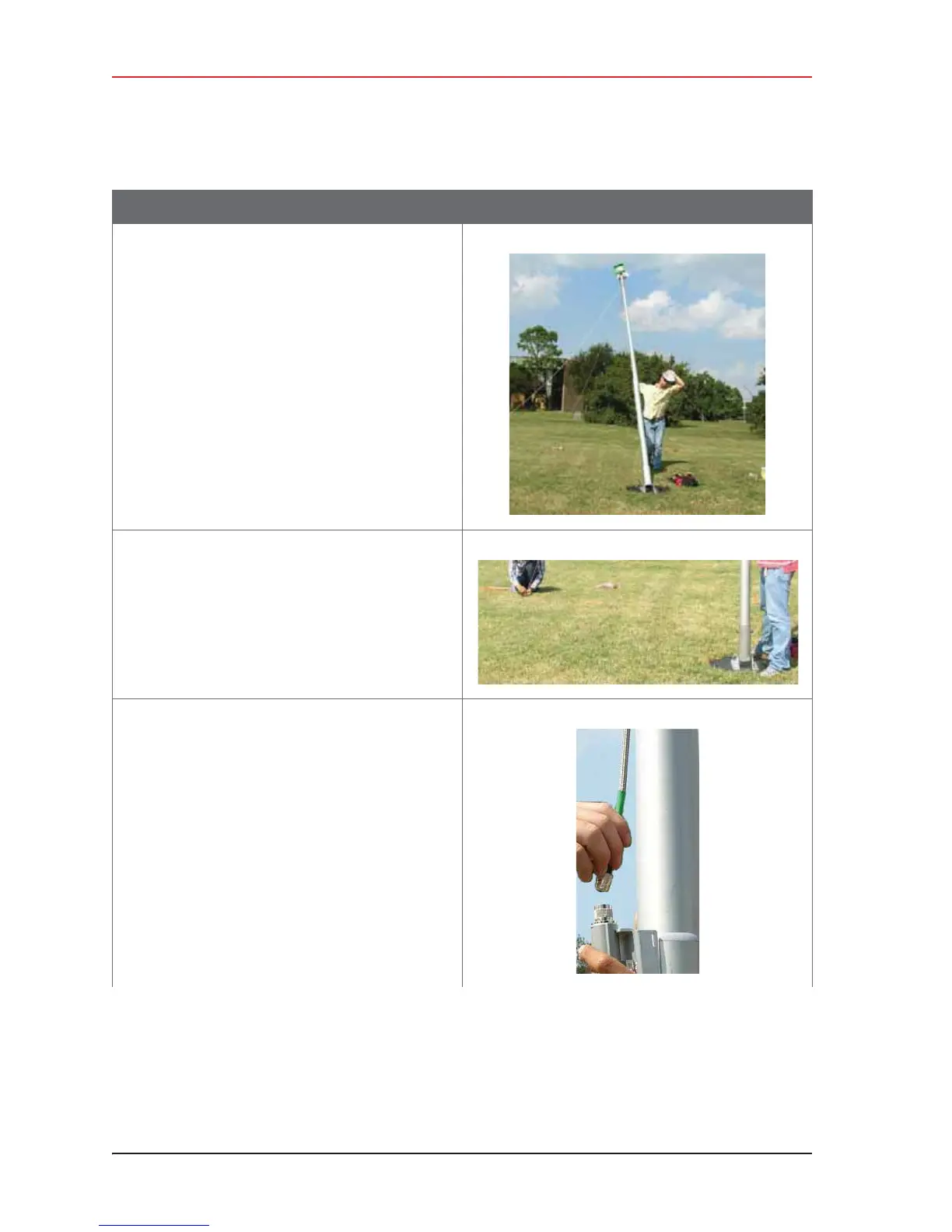
16 Walk the mast to an upright position.
17 While one person holds the mast, a second
person tightens the guy lines evenly. Keep the
mast level/vertical (use the level included with
the kit).
18 If assembling the Bullet radio backhaul:
a Attach the cables from the antennas to the
top of the Bullet radios.
Table 3–10 How to Set Up the Backhaul
Step Image



 To Next Page