XT2640OperatingManual 13July2016 Page52of187
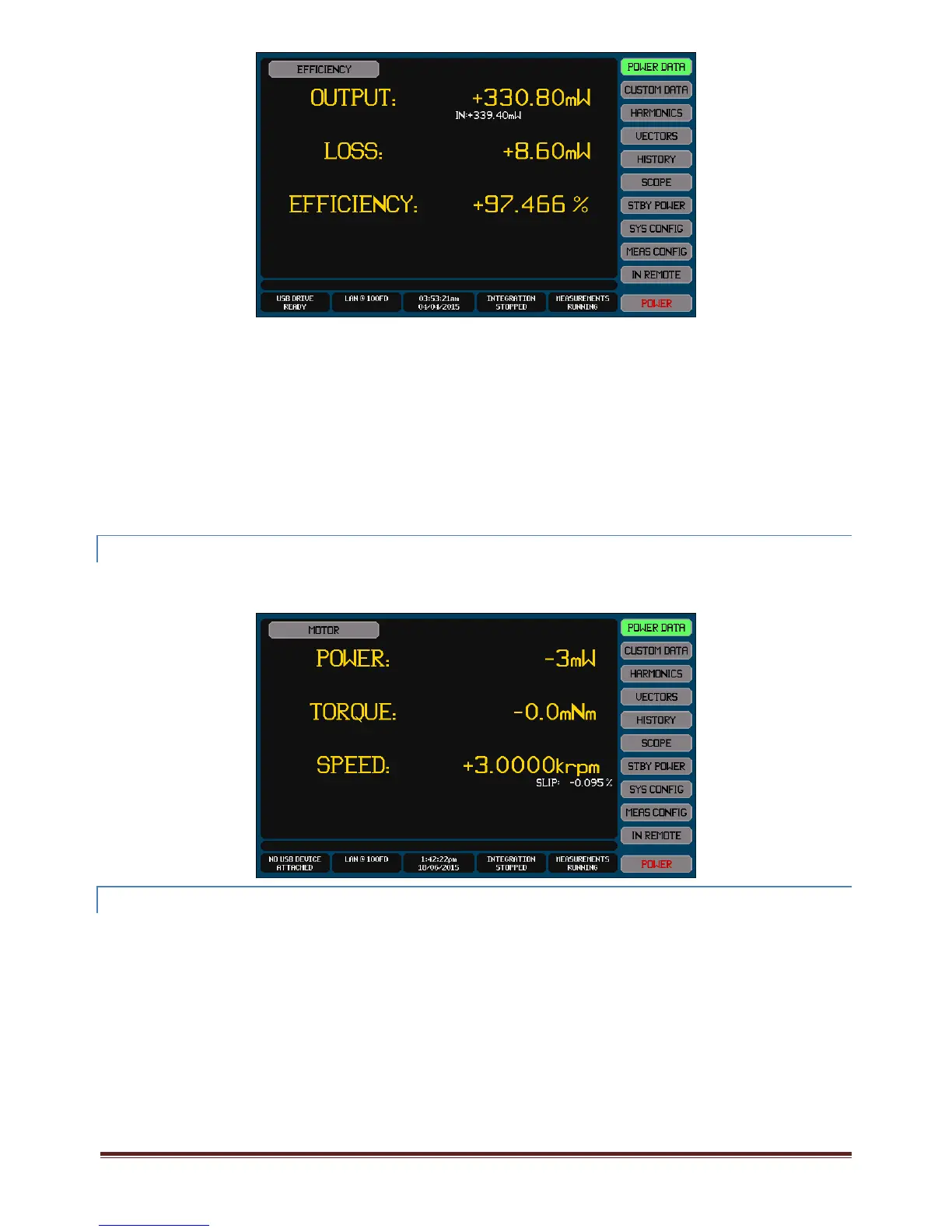
TheWattsfortheOUTgroupisshownastheprimarydatafortheOUTPUTPowerresult.
TheWattsfortheINandMIDDLEgroupsareshownassecondarydataundertheOUTPUTPowerresult.
TheIN:OUTpowerlossisshownastheprimarydatafortheLOSSresult.
TheIN:MIDDLEandMIDDLE:OUTpowerlossisshownassecondarydataundertheLOSSresult.
TheIN:OUTefficiencyisshownastheprimarydatafortheEFFICIENCYresult.
TheIN:MIDDLEandMIDDLE:OUTefficiencyisshownassecondarydataundertheEFFICIENCYresult.
EachdataisonlyshownifVPAsareconfiguredintherelevantgroupsforthatdata.
Note:
IftheXT2640isconfiguredaspartofamulti‐unitgroupthentheresultingIN,MID,OUTpowertotals,powerlossand
efficiencyresultswillincludethetotalIN,MIDandOUTpowermeasurementsfromallXT2640swithinthatmulti‐unit
group.
VIEWINGMECHANICALMEASUREMENTRESULTS
Theresultsformechanicalpower,torque,speedandmotorslipcanbeselectedonthePOWERDATAscreenbypressingtheSource
SelectbuttonandthenselectingMOTOR.ThisselectionisonlyavailableifanMTchannelisinstalledintheCH4positionandatleast
torqueorspeedisconfiguredtobemeasured.
EXPORTINGORRECORDING MEASUREMENTS
Themethodsforperformingthisarefullydescribedinsection21.
Measurementscanbeexportedtoa.CSVformattextualfileonanexternalUSBdriveattachedtothefrontpanelUSBport.Thisfile
containsallmeasurements(includingharmonics)forallchannelsandallVPAs.
Briefly,thisisperformedby–
1.
InsertthedriveintothefrontpanelUSBportandwaitforittobeREADY.
2.
PresstheDRIVEINFOareaofthescreen,thescreenshowsthefileexport/importscreen.
3.
PresstheMEASUREMENTSbutton.Thescreenchangestoallowingyoutoenterafilename.
4.
Enterthedesiredfilename(theextensionisautomaticallyprovided).
5.
Ifthefilealreadyexiststhenyouarepromptedtorespondifyouwishtooverwriteitornot.
6.
Thefileisthenwritten.
AlternativelyyoucanmakearecordofanymeasurementscreenbysavinganimageofittoagraphicfileonanexternalUSBdrive
attachedtothefrontpanelUSBport



 To Next Page