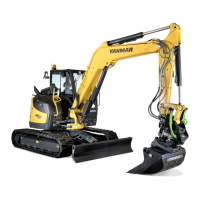
B95W
Description
05_Beschreibung_en.fm - V1.0 - 1.8.17
101 / 306
5
11
Display
brightness
Activate via menu display
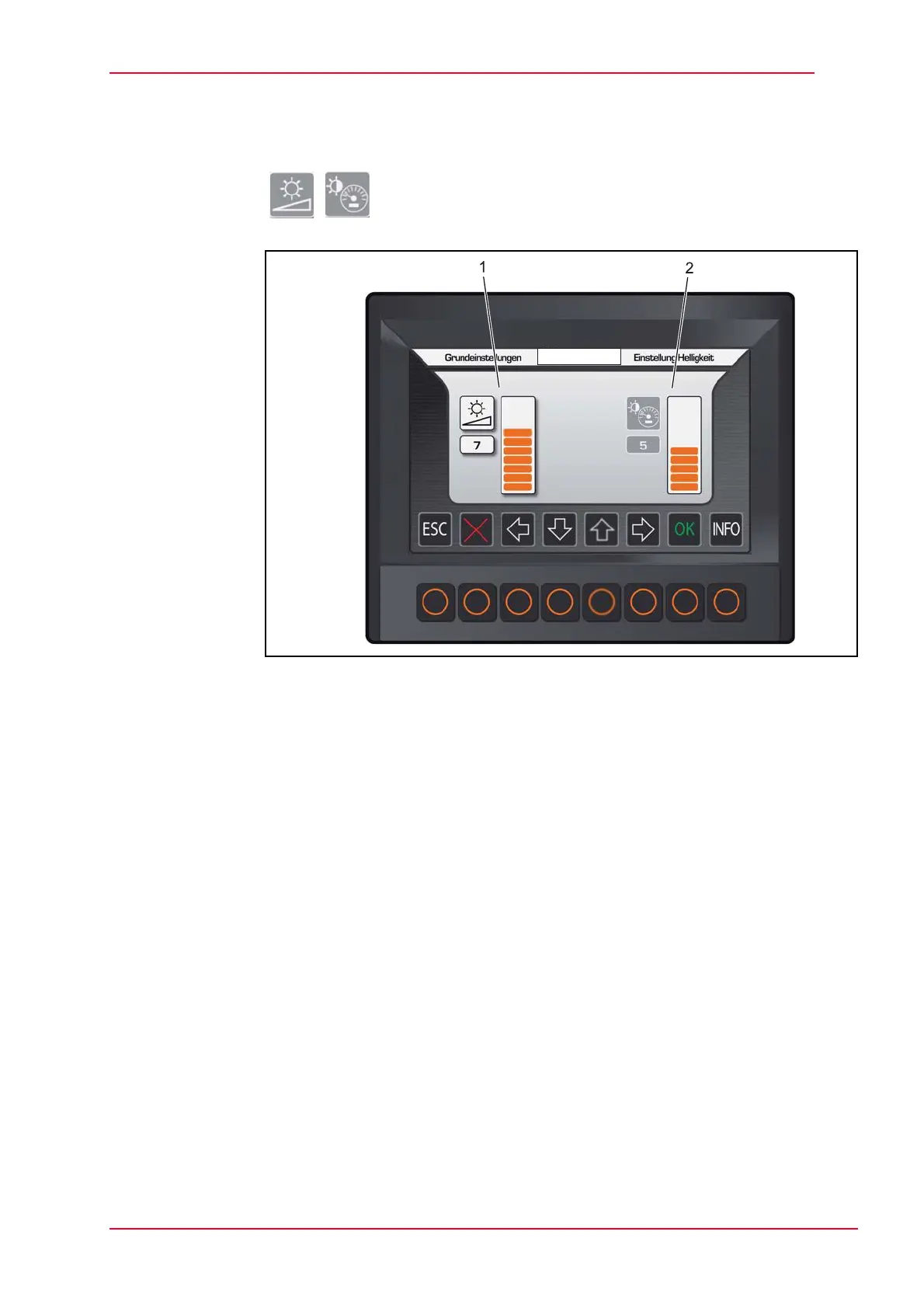
Fig. 5-36 Set brightness
1 Display brightness
2 Menu - set day or night
First select the field you would like to change with the cursor and then use the
‘up’ and ‘down’ arrows to change the value, which changes the bar chart,
confirm by selecting OK.
Brightness • Set display brightness (1)
Alternative
day/night
• When the sidelights are turned on (terminal 58), the brightness of the display
and menu buttons is reduced by around 30%.
• You can also set the brightness and contrast manually in the ‘day/night’
menu (2).
Here, you can change the display brightness, which is affected by daylight
(dimming).


 To Next Page