B95W
Description
102 / 306
5
05_Beschreibung_en.fm - V1.0 - 1.8.17
11
Activate/
deactivate the
immobilizer
after
authorizing
(optional)
Activate via menu display
Change owner
PIN after
authorizing
Once activated by menu display:
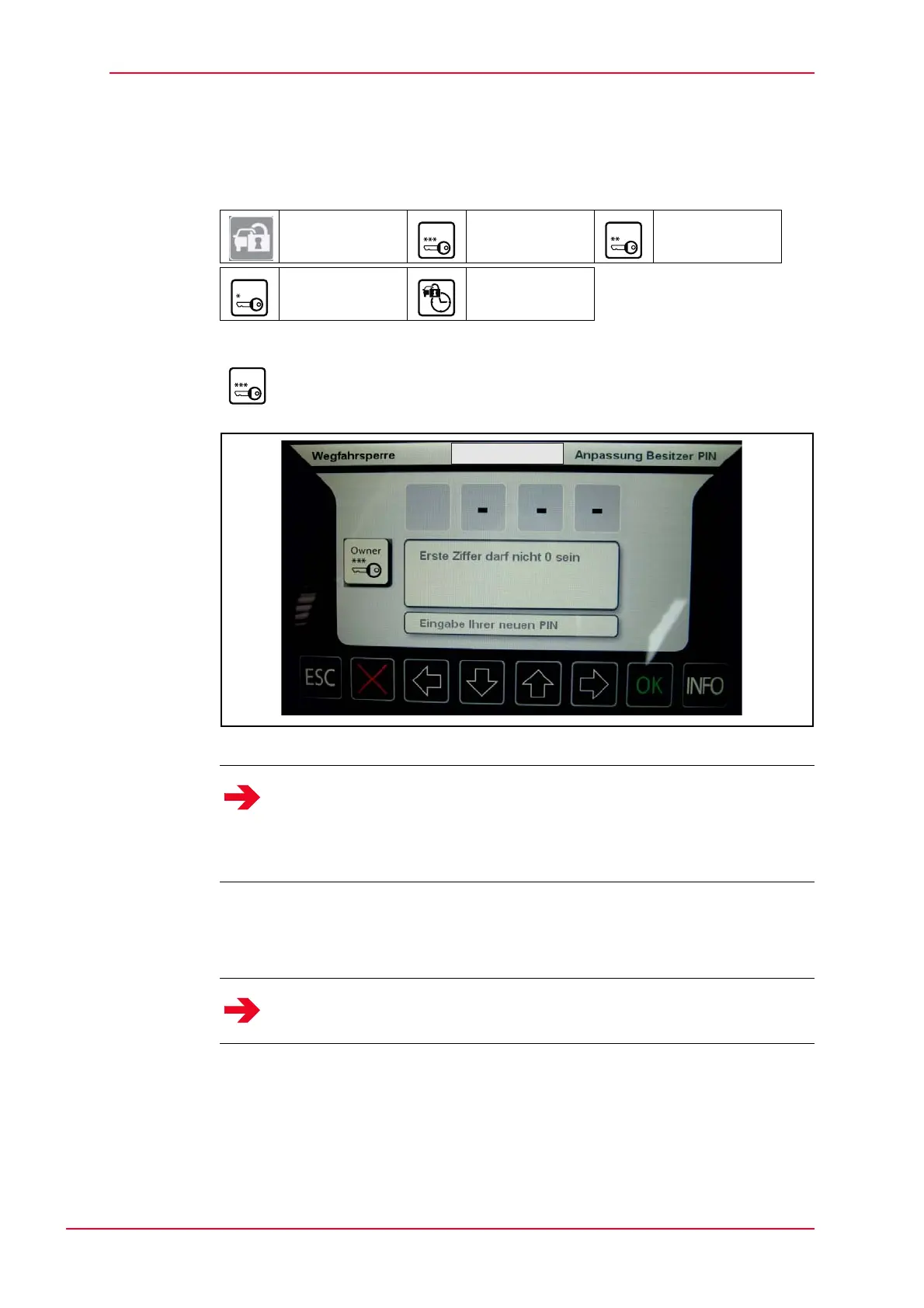
Fig. 5-37 Change owner PIN after authorizing
After pressing OK, the owner PIN is requested in a submenu.
If the correct PIN has been input, the user can change the owner PIN.
After pressing OK the new PIN is checked for compliance and either accepted
or rejected.
J Same as authorization process.
Immobilizer Owner Driver
Carrier Activation time
Owner
Driver
Notice
The owner PIN has the highest access clearance. This lets you manage the
immobilizer.
The owner can activate/deactivate the immobilizer and also change the
driver or transport PINs.
Notice
The first digit may not be 0 (zero).
Owner



 To Next Page