B95W
Operation
07_Bedienung_en.fm - V1.0 - 1.8.17
249 / 306
7
26
Using the grab
(swing bucket
etc.)
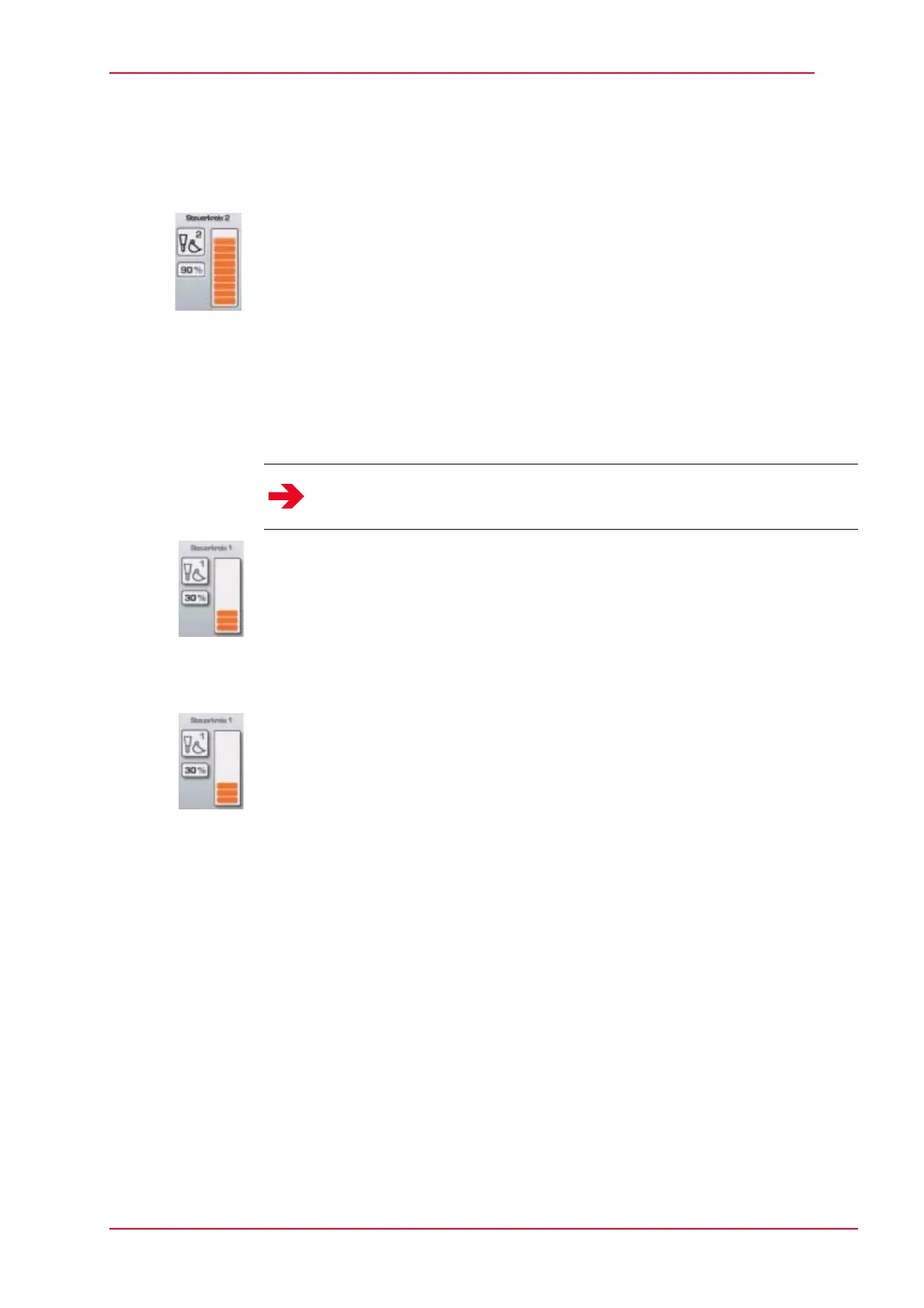
Set required oil volume for control circuit 2 or 3 on the display.
J See chapter 5.3.4 “Display”.
Activate the auxiliary control circuit via the dial (4 or 6) on the joystick.
Continuous operation - auxiliary control circuit 2 and 3
Switch on continuous operation: Move the dial (4 or 6) integrated into the right joystick
to the right or left and hold it there, then press the front button on the joystick (1).
Deactivating continuous operation: Press the front button on the joystick (9-1) again
or move the dial (4 or 6) fully to right or left.
Operating the
hammer
Set max. available oil volume for control circuit 2 or 3 on the display.
J See chapter 5.3.4 “Display”.
Make fine adjustments to the hammer using the dial on the joystick (4 or 6).
Using the grab
(swing bucket
etc.)
Set required oil volume for control circuit 2 or 3 on the display.
J See chapter 5.3.4 “Display”.
Activate the auxiliary control circuit via the dial (4 or 6) on the joystick.
Notice
The mounting and operating instructions of the hydraulic rock breaker
manufacturer must be observed.


 To Next Page