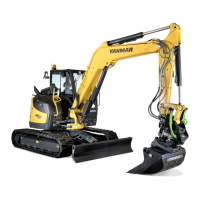
B95W
Description
88 / 306
5
05_Beschreibung_en.fm - V1.0 - 1.8.17
11
Submenu,
machine
adjustments
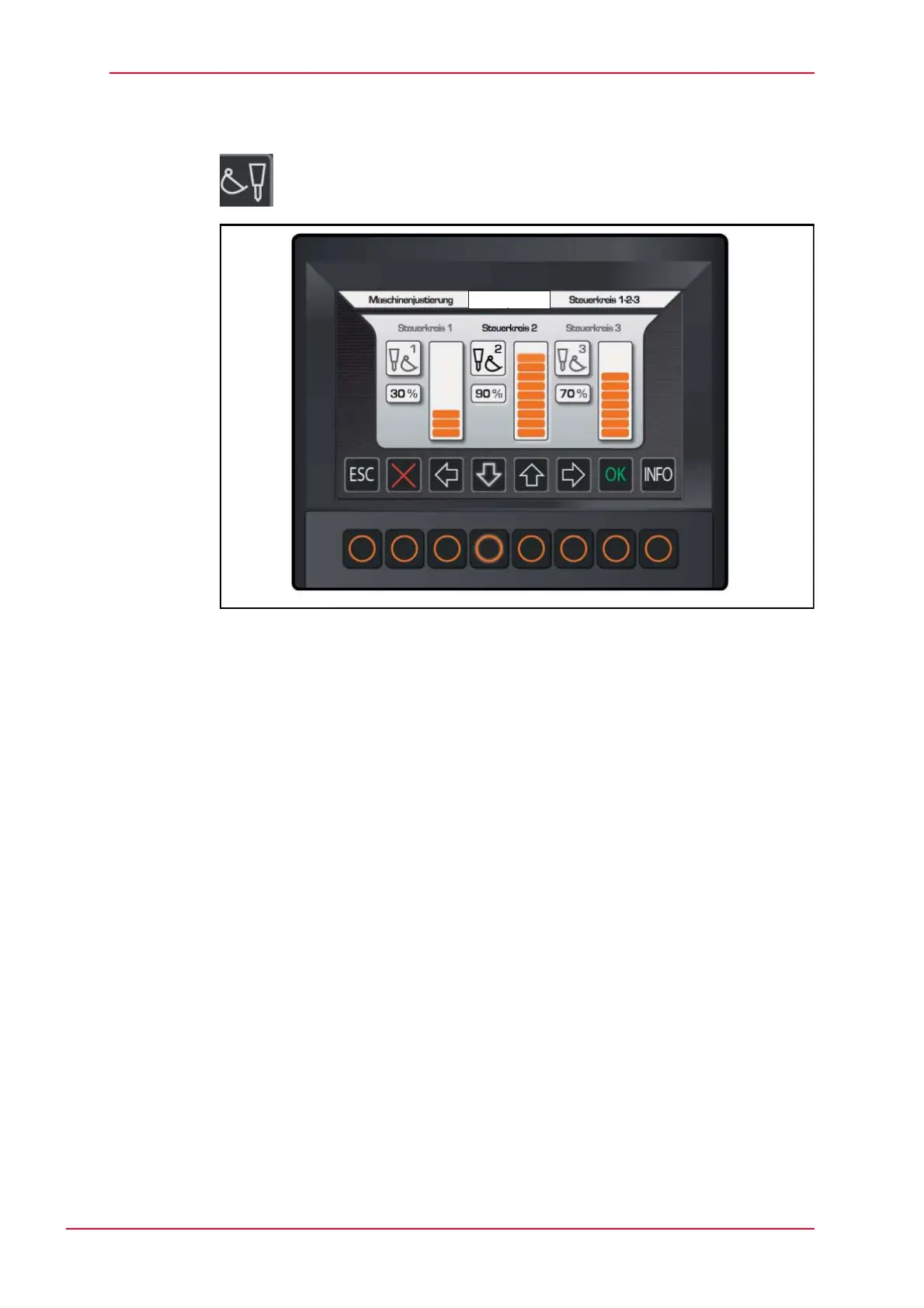
Activate by selecting menu
Fig. 5-23 Submenu, machine adjustments
• Adjustment 1 = set number of liters via bar chart
• Adjustment 2 = set number of liters via bar chart
• Adjustment 3 = set number of liters via bar chart
How to set the liter quantity for individual control circuits:
Select the desired control circuit with the cursor.
Change the number of liters by clicking on the up or down arrows, which
changes the size of the bar in the chart.


 To Next Page