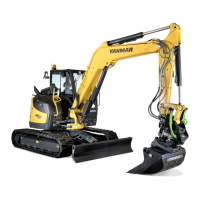
B95W
Description
05_Beschreibung_en.fm - V1.0 - 1.8.17
89 / 306
5
11
Submenu,
fan control
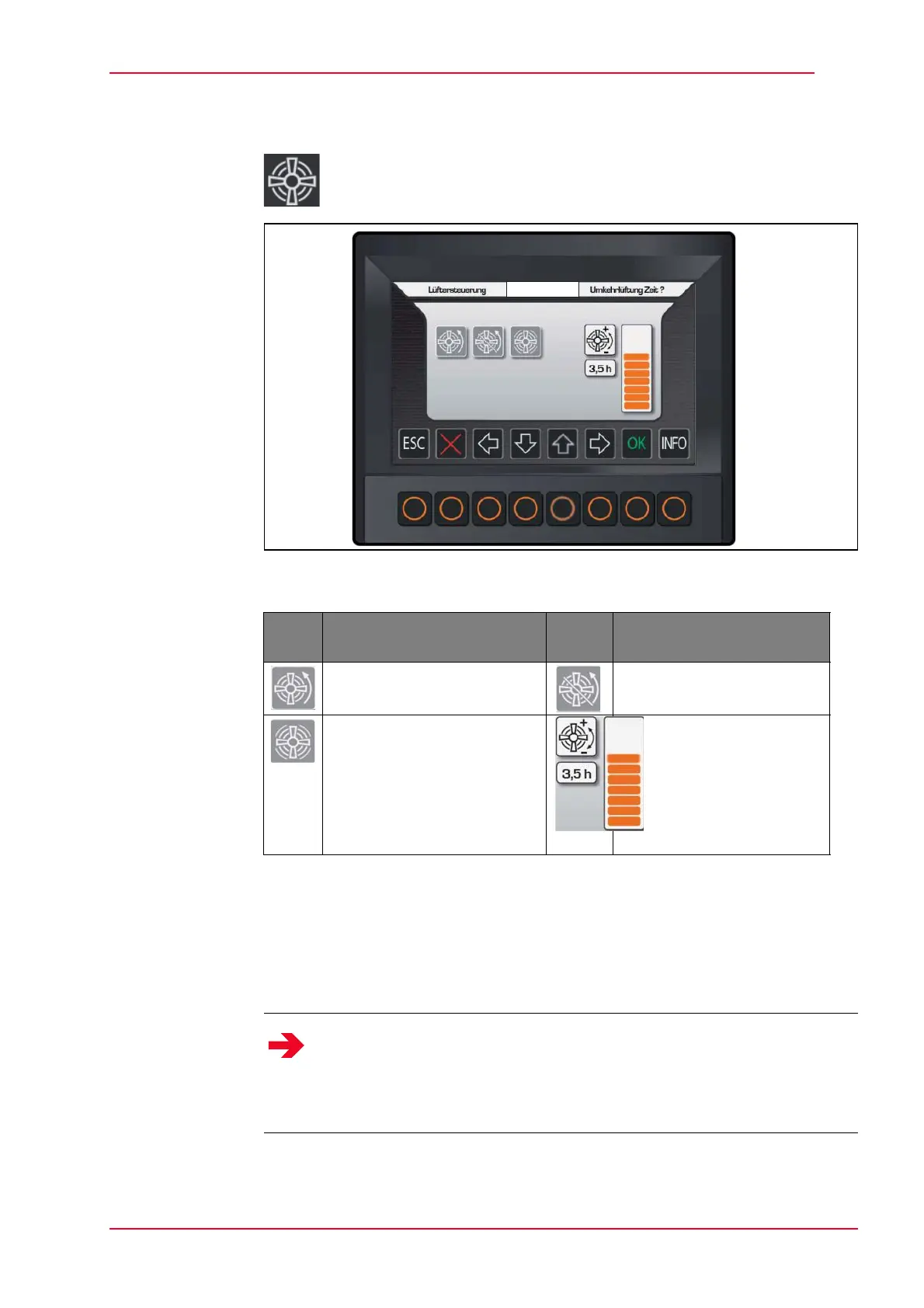
Activate by selecting menu
Fig. 5-24 Submenu, fan control
Tab. 5-11 Fan control pictograms
How to set the cycle time for the reversible fan:
Select the ‘cycle time’ icon with the cursor.
Set the desired time by clicking on the up or down arrows, which changes the
size of the bar in the chart
Sym-
bol
Description Sym-
bol
Description
Activation reversible fan Deactivation reversible fan
Fan is turning at maximum
speed
Reversible fan cycle
time
Notice
The cycle time for the reversible fan can be set in increments of 0.5 within a
range from 0.5 to 5 hours.
When delivered, the reversible fan is switched on once an hour for the
purpose of cleaning.
The reversible fan is used to blow leaves etc. from the air intake.


 To Next Page