Operating the XtraDrive Using XtraWare
2. Select the CSV file in which the array is saved.
3. Click Open.
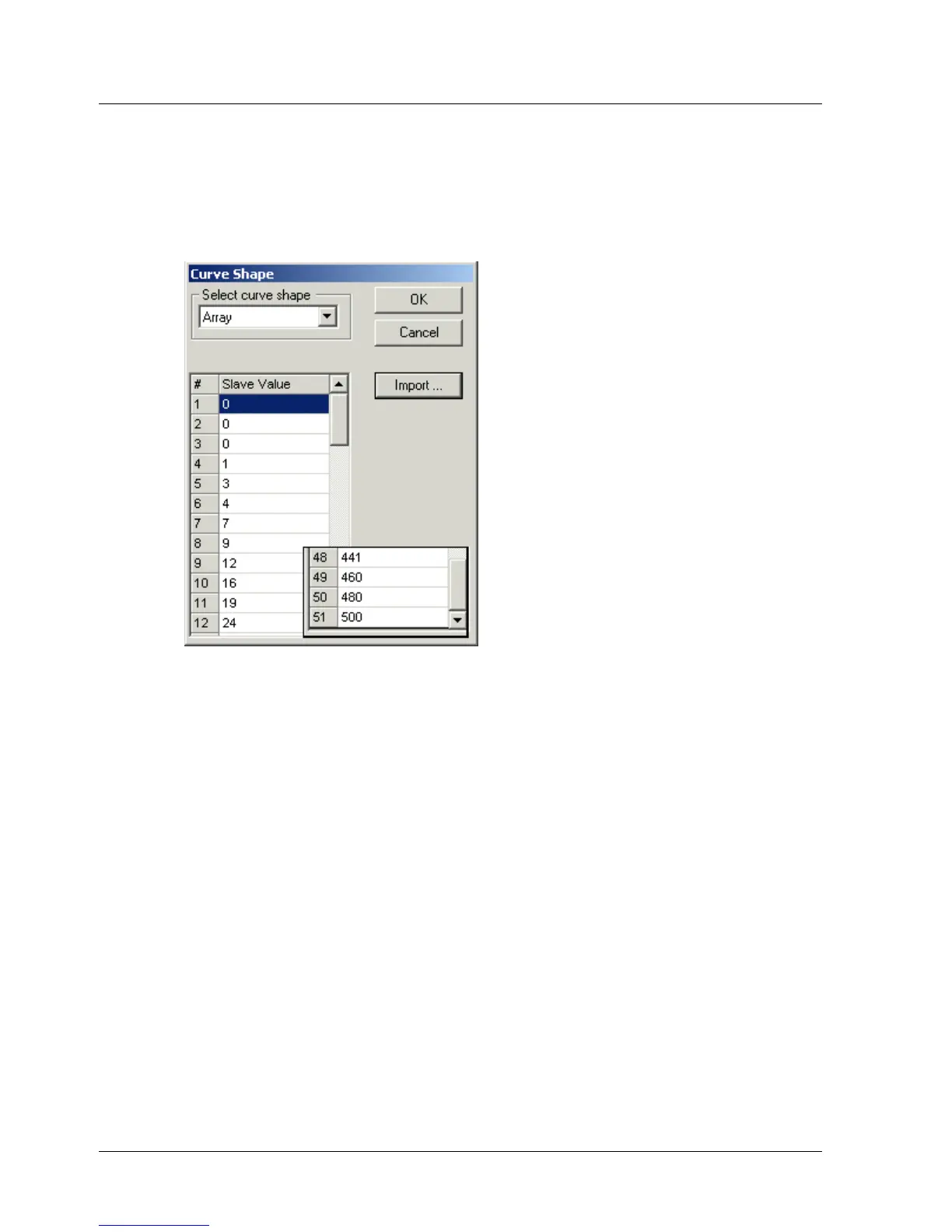
The Curve Shape window is redisplayed, and the array table is
completed with the values specified in the imported file. Note that only
the integer part of each value will be imported. For example, 1.79 will
be imported as 1.
Figure 39: Example of Curve Shape Menu with Completed Array Table
4. Click OK.
The Curve Shape window is closed. Array will be displayed in the Curve
Shape column of the Position Setting table.
4.9.5.7. Saving A Profile
After a profile has been created, it must be saved.
¾ To save a profile:
1. Click Save in the Cam Profile File area.
The Save Cam Profile dialog box is displayed.
2. Enter a name for the profile file in the File name field, select a folder in
which to save the file, and click Save. The file is saved with an .XDP
extension.
56 XtraWare User Manual



 To Next Page