ZCube-21 User Guide
DOC-USR-0253-01
______________________________________________________________________________________
Z3 Technology, LLC ♦ 100 N 8
th
ST, STE 250 ♦ Lincoln, NE 68508-1369 USA ♦ +1.402.323.0702
5.2.2 Run VLC to View RTP Stream
An SDP file is needed to view an RTP stream from the ZCube-21 in the VLC media player. If you have not
yet downloaded these files to your computer, you can find them at Z3Cam-4K.Z3technology.com.
Note: Verify your PC is set up to handle decode of H.265 content at 4K resolutions. See Section 8.1, “PC
Configuration for 4K HEVC/H.265 Decode”, for more information.
(1) Open the VLC media player on your PC.
(2) Select the Media menu.
(3) Select Open File.
(4) Find and select the SDP file corresponding to the video codec you selected previously.
a. H265(HEVC) video: use the SDP file entitled “z3-h265-he4k-dck.sdp”
b. H264(AVC) video: use the SDP file entitled “z3-h264-he4k-dck.sdp”
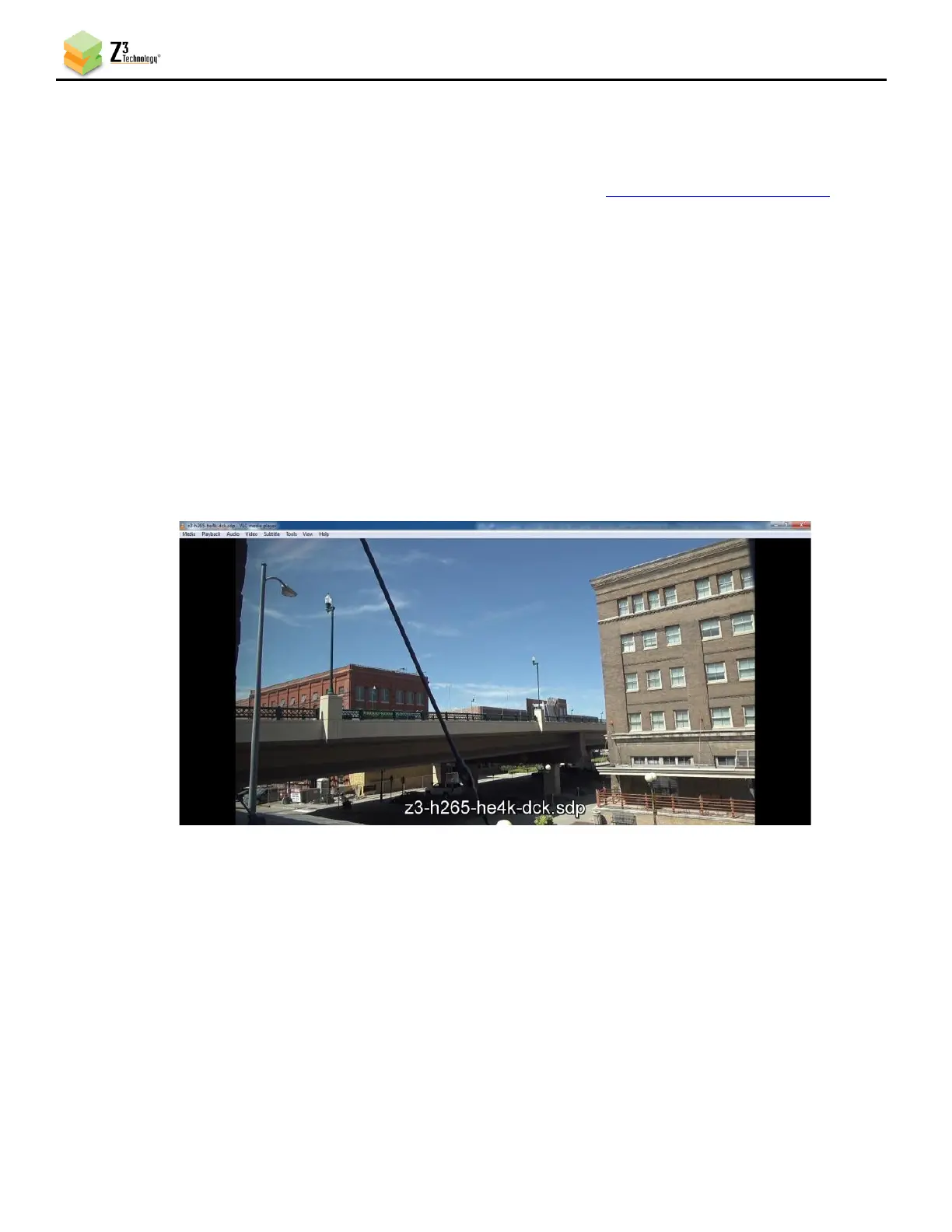
(5) Press Enter or click Open. You will see your camera’s video streaming to VLC.



 To Next Page