ZCube-21 User Guide
DOC-USR-0253-01
______________________________________________________________________________________
Z3 Technology, LLC ♦ 100 N 8
th
ST, STE 250 ♦ Lincoln, NE 68508-1369 USA ♦ +1.402.323.0702
5.4.4 VLC Media Player Latency
If streaming to the VLC media player, latency can be reduced on the decode side by adjusting the
network caching value. By default, this is set to 1000ms. You can lower this to as low as 200ms. To
do this, go to the following:
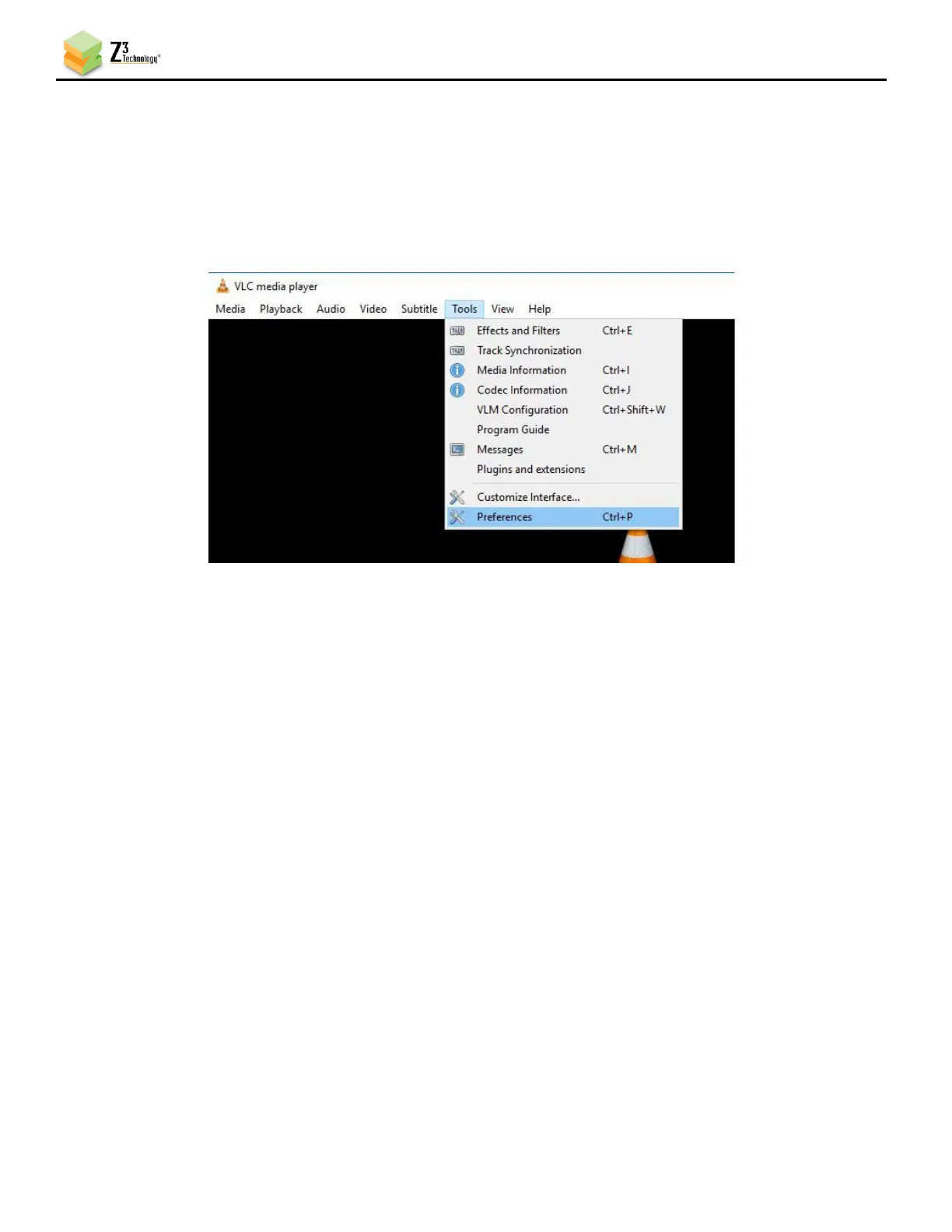
(1) Click Tools on the main menu and select “Preferences” from the dropdown.
Figure 22 VLC Media Player Tools Menu
(2) In the Preferences window that appears, change Show settings from “Simple” to “All”. Select
interface from the menu on the left, and scroll to the bottom on the right side of the window to
find the Network Caching (ms) value.



 To Next Page