ZCube-21 User Guide
DOC-USR-0253-01
______________________________________________________________________________________
Z3 Technology, LLC ♦ 100 N 8
th
ST, STE 250 ♦ Lincoln, NE 68508-1369 USA ♦ +1.402.323.0702
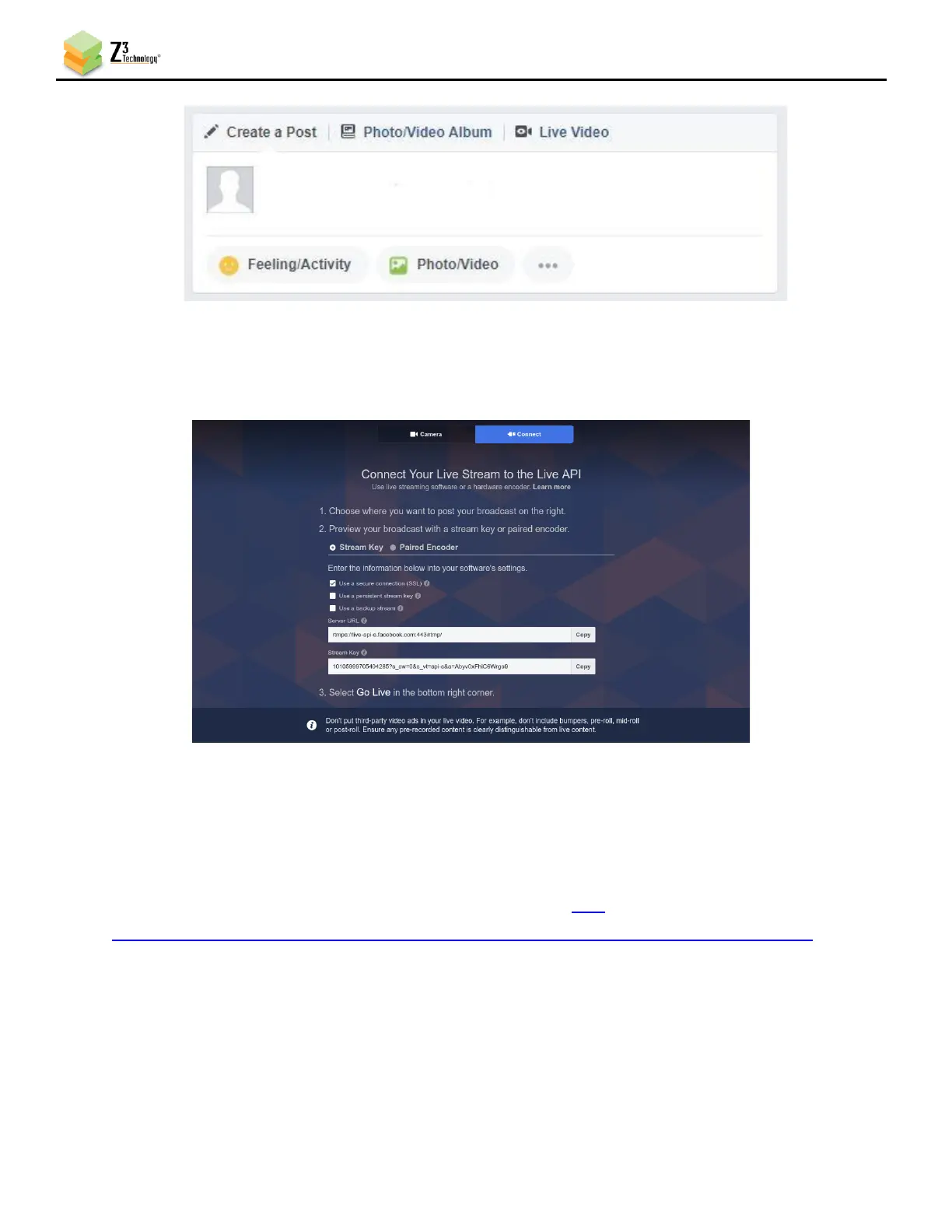
Figure 19 Facebook “Create Post” dialog box
(3) At the top of the new dialog box that appears, select Connect. Take note of the Server
URL and Stream Key for your session displayed on the left.
Figure 20 Facebook Live Streaming Dialog
(4) Return to the ZCube-21 web interface and select the “Ch1” tab. Click “Stop.” Ensure the “Output
Format” is set to “RTMPS.”
(5) Enter the Server URL minus the protocol header and stream Key as a continuous string in the
Dest Address field. In our example, the full address reads “live-
api.facebook.com:443/rtmp/10105999705404285?s_sw=0&s_vt=api-s&a=Abyv0xFhiC6Wrgo9”.
Authentication should remain disabled.



 To Next Page