Section D Graphic Display
D-26
D 5.3 Moving and sizing of dynamic objects
On selecting a dynamic graphic object, a frame appears surrounding it. Just as in the case of
static graphic objects, the dynamic object can be changed in size or moved about.
D 5.4 General parameters for dynamic graphic objects
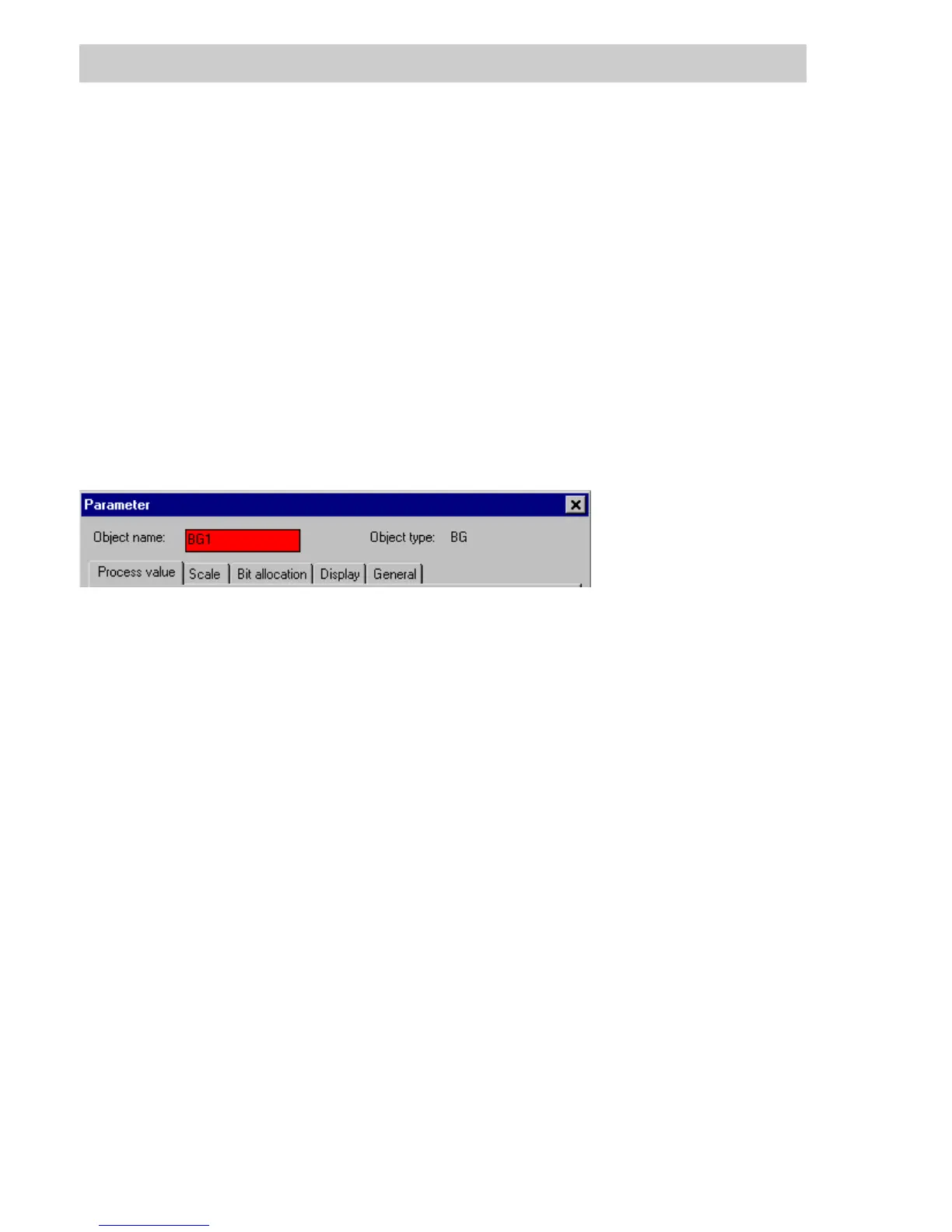
Six tabs are provided in the parameter dialog for the dynamic graphic objects bar graph, fill area,
alphanumeric display, selection field, graphic symbol and self-animated object; they are
described here for all objects. The parameter dialogs for the graphic objects trend window and
button, button field, and radio button field are described in their own sections.
The general section of the dialog shows both the object name and the object type.
Object name Shows the name of the dynamic graphic object.
Type Shows the type of graphic object
BG = Bar graph,FA=Fill area,
AD = Alphanumeric display, SA = Self-animated object,
GS = Graphic symbol, CUO = Trend window.
SEL = Selection field,BUT=Button,
BTF = Button field, BTR = Radio button,
Process value tab
Details of the process variables that are to be displayed with this graphic object.
Definition of the display of this object in the graphic editor.
Scaling tab
The area to be displayed is defined for an animation with an analog value. The limits are
specified either by constants or by other process variables.
For bar graphs and fill areas, the fill direction and position of the reference line are defined.
tu0560us.bmp



 To Next Page