Section B Messages and Hints
B-22
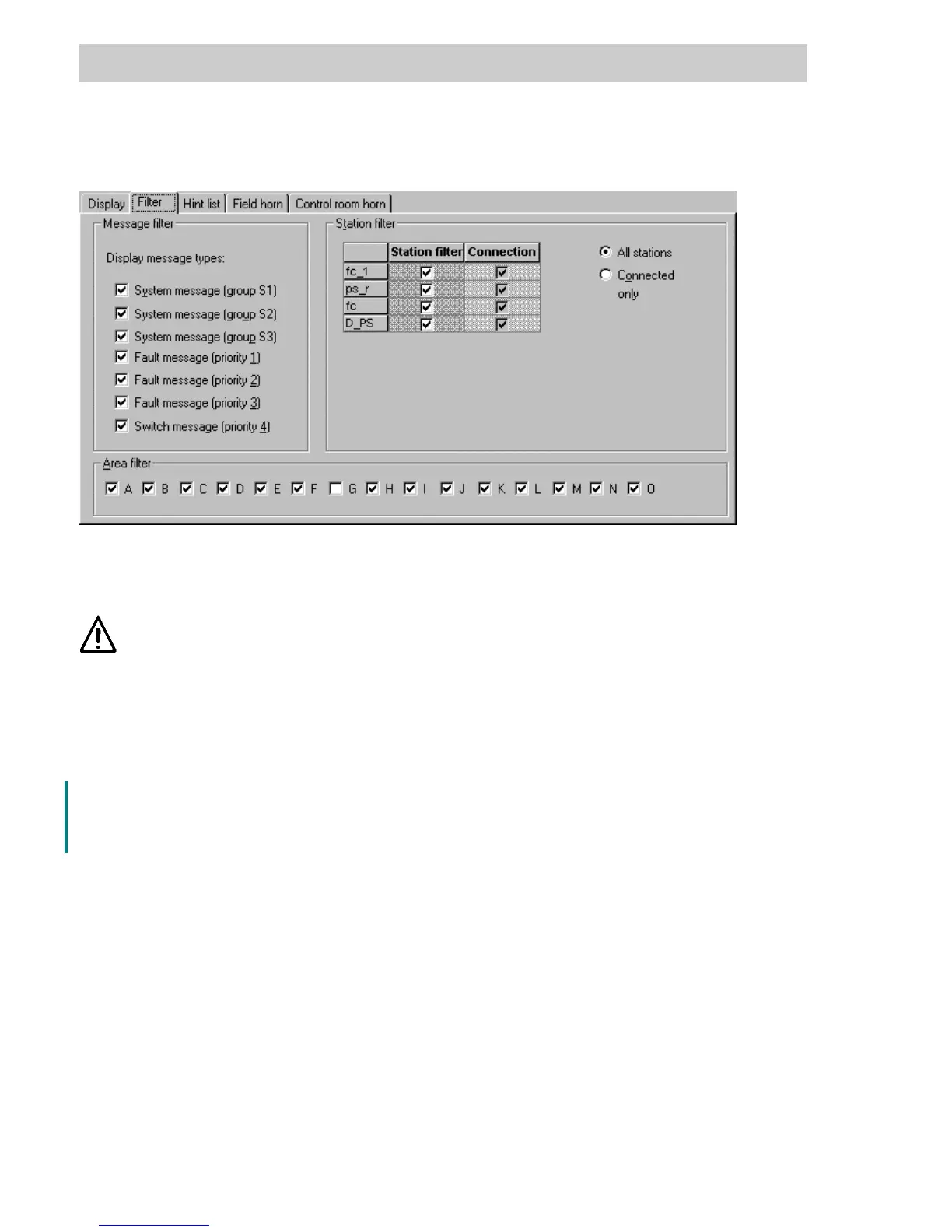
B 5.2 Tab Filter
The filters set here determine the way in which the message line, message list and hint list are
displayed.
The message filter settings are default settings which are taken over
loading the control station. They can be modified by the user for message
and hint list but only to make them more restrictive. This means that fur-
ther filter settings can be added but ones which have already been con-
figured cannot be turned off.
Station filter Only messages from the selected process stations will be displayed.
All All configured resources will be shown in the adjacent list.
Connected Only those resources to which a connection has been configured will be
displayed in the adjacent list.
Message filter Determines which messages appear in the message list. Settings can be
configured for the system message groups, priority levels and plant areas.
Area filter Determines from which areas messages will be displayed.
ts0501us.bmp
Gross Automation, 1725 South Johnson Road, New Berlin, WI 53146, www.ssacsales.com, 800-349-5827



 To Next Page