Section D Graphic Display
D-30
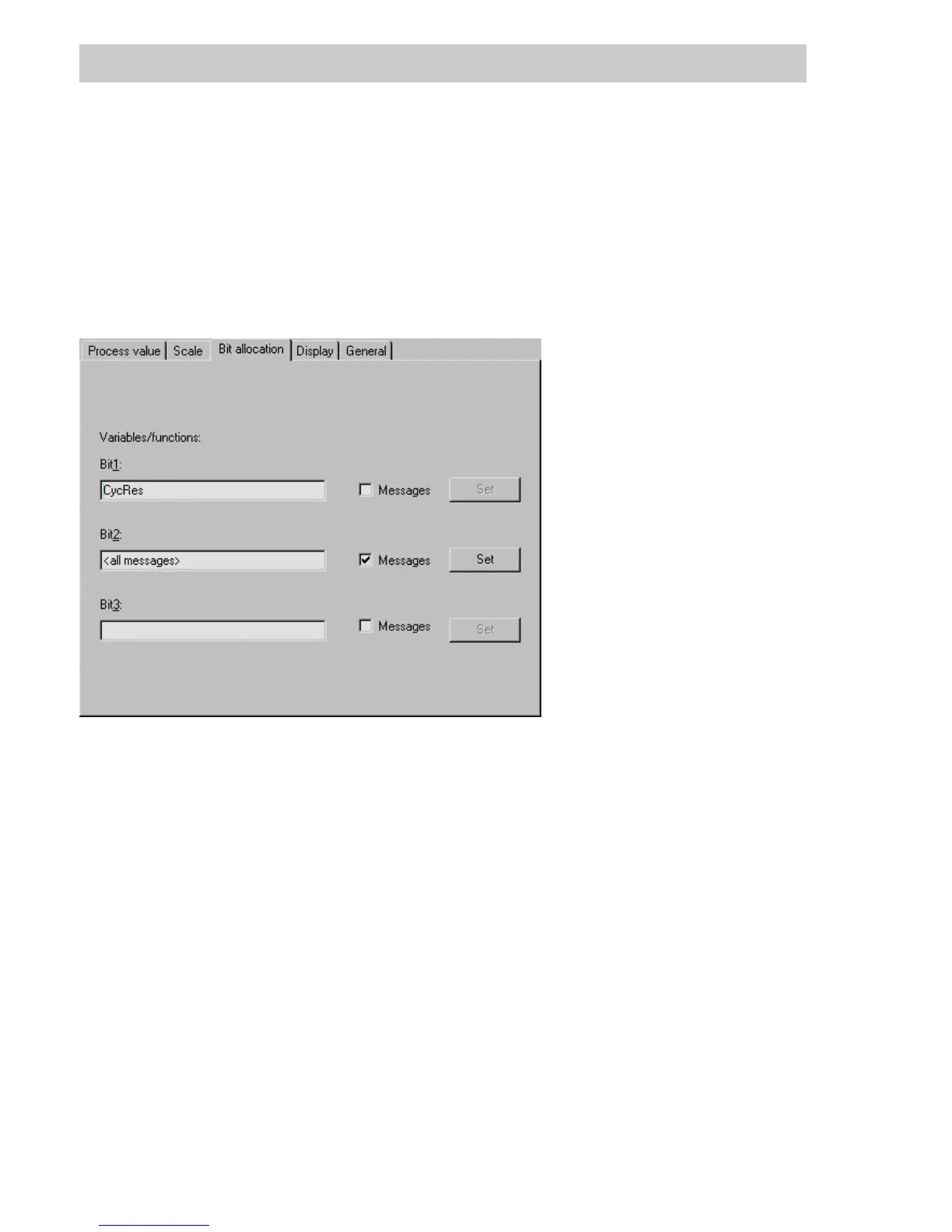
D 5.7 Bit allocation tab
Dynamic objects of type bar graph, alphanumeric display, fill area and graphic symbol may
have up to 3 dynamic process states assigned to them. These binary values are linked in
DigiVis bit-wise, so that the object can be displayed in up to 8 states.
There are two options for defining a binary process state:
• any process value whose data type is BOOL
• existing messages
Variable/Function
Bit1, Bit2, Bit3: Either a process variable or a set of message points with a select function
can be assigned to each of three bit variables. The number of bit
variables specified will determine the number of graphic object states that
need to be specified.
1 Bit-Variable = 2 states of the dynamic object have to be specified.
2 Bit-Variables = 4 states of the dynamic object have to be specified.
3 Bit-Variables = 8 states of the dynamic object have to be specified.
Data input field: Depends on the state of the Messages check box:
The binary process state is defined by a variable of type BOOL.
Enter the name of a BOOL variable, or select one from the list (call up the
listbypressingtheF2key)
or
The binary process state is defined by a set of message points.
The F2 key calls up a dialog for selecting a message function.
tu0902us.bmp
Gross Automation, 1725 South Johnson Road, New Berlin, WI 53146, www.ssacsales.com, 800-349-5827



 To Next Page