Section D Graphic Display
D-47
D 5.15 Bar graph
→Animate → Bar graph
→A mouse-click fixes the position of the top left-hand corner; by moving the mouse, the
size of the bar graph can be adjusted. Another click of the mouse at this point
concludes the construction of the bar graph,
→Enter data in the parameter mask,
→Display the bar graph without construction frame.
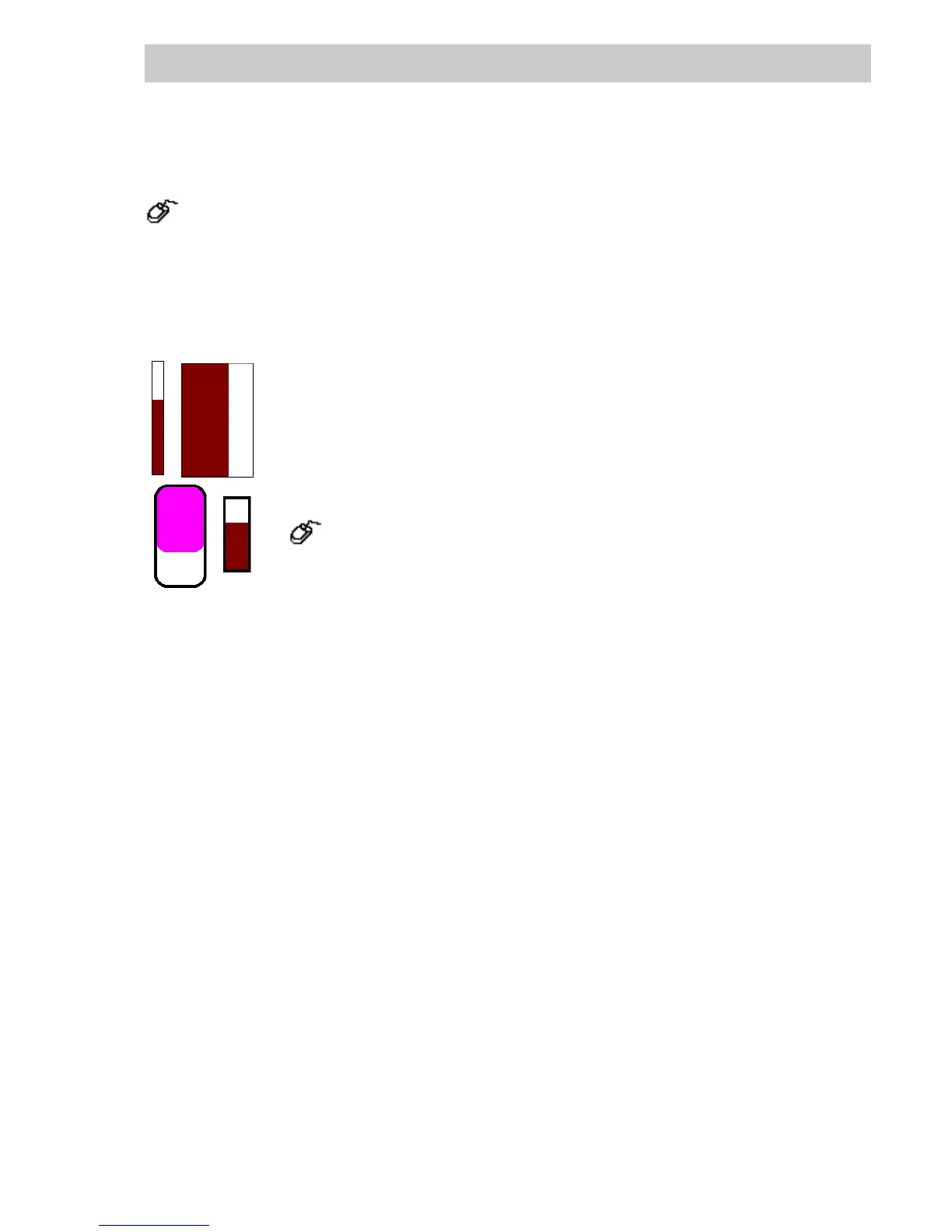
A current process value can be displayed as a rectangular column. The
minimum and maximum values of the column can be given as constants or
as other process values. The column can be filled vertically or horizontally.
The reference line of the bar graph is given in percent; it defines the value 0
in the bargraph draw area.
The line style, line width, pattern and colors for the background are defined
with:
→Change
→
Line attributes/Area attributes or via the toolbox with the
L
INE or AREA Buttons,.
The color settings for the border and the areas are made in the color table
parameter windows (see page D-13, Color selection). The colors can be
made to change as a function of binary variables and/or messages.
A bar graph is configured using the parameters on the Process value, Scaling, Bit allocation,
Display and General tabs.
di0528.bmp
Gross Automation, 1725 South Johnson Road, New Berlin, WI 53146, www.ssacsales.com, 800-349-5827



 To Next Page