Section D Graphic Display
D-22
D 4.10 Message type symbol
→Draw → Message type symbol
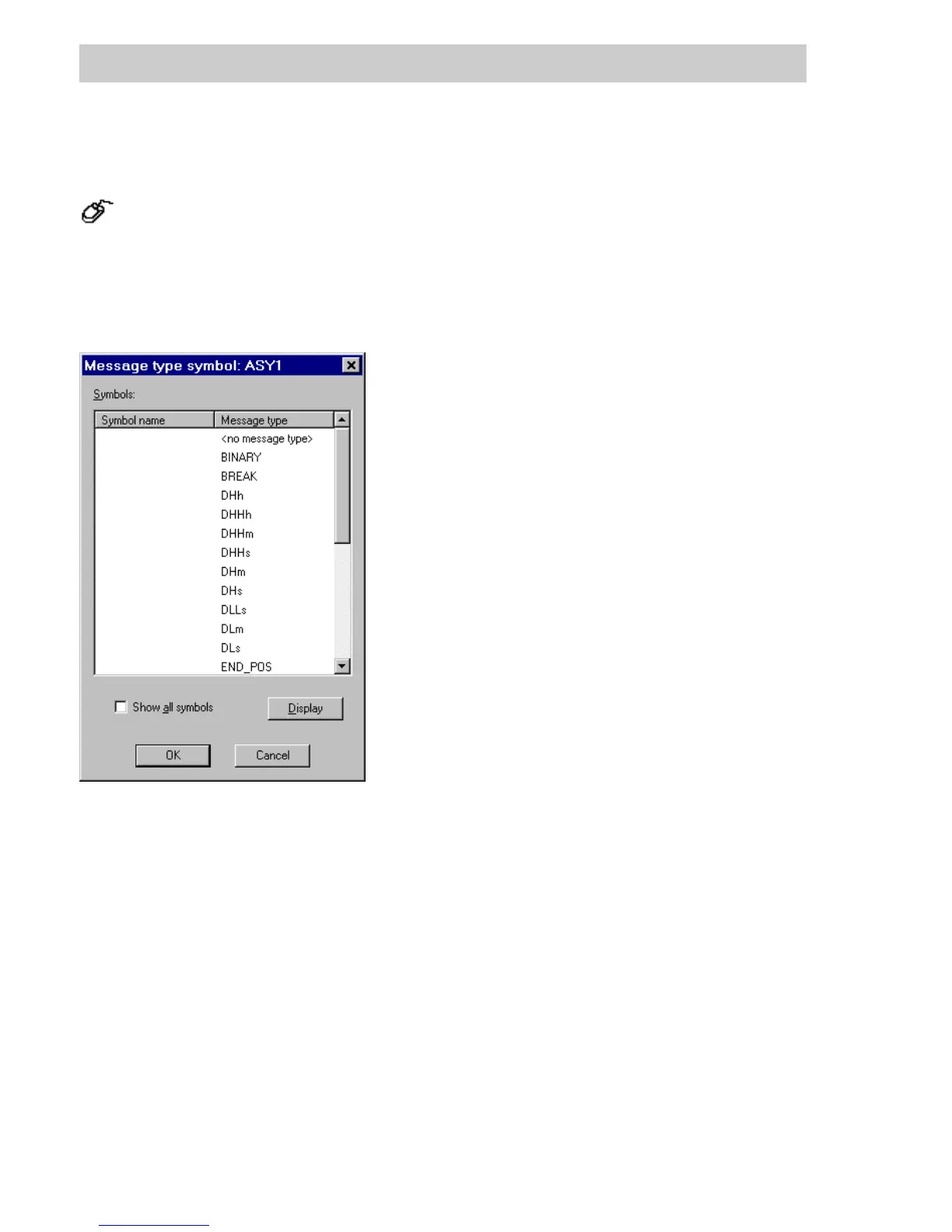
Different static graphic objects can be displayed in DigiVis as a function of a message type.
This graphic object can only be used in conjunction with a graphic symbol that has been
animated on message points. See page D-54, Graphic symbol and page D-30, Bit allocation
tab.
Symbol name List of static graphic object names that have been assigned to a message
type.
Message type List of message types used in function blocks having a faceplate.
For list of message types and their meanings, see Engineering Manual,
Operator Station, Logs, Message types / Limit types.
<no message type> The graphic object assigned here will be displayed when the associated
message does not have a message type, or when the associated
conditions for displaying a message have an empty intersection.
Show all symbols Upon switching to the graphic display, all objects assigned to this
message symbol are displayed.
D
ISPLAY Switch to graphic display in order to assign a static graphic object to the
previously selected message type.
tu0401us.bmp
Gross Automation, 1725 South Johnson Road, New Berlin, WI 53146, www.ssacsales.com, 800-349-5827



 To Next Page