Section D Graphic Display
D-17
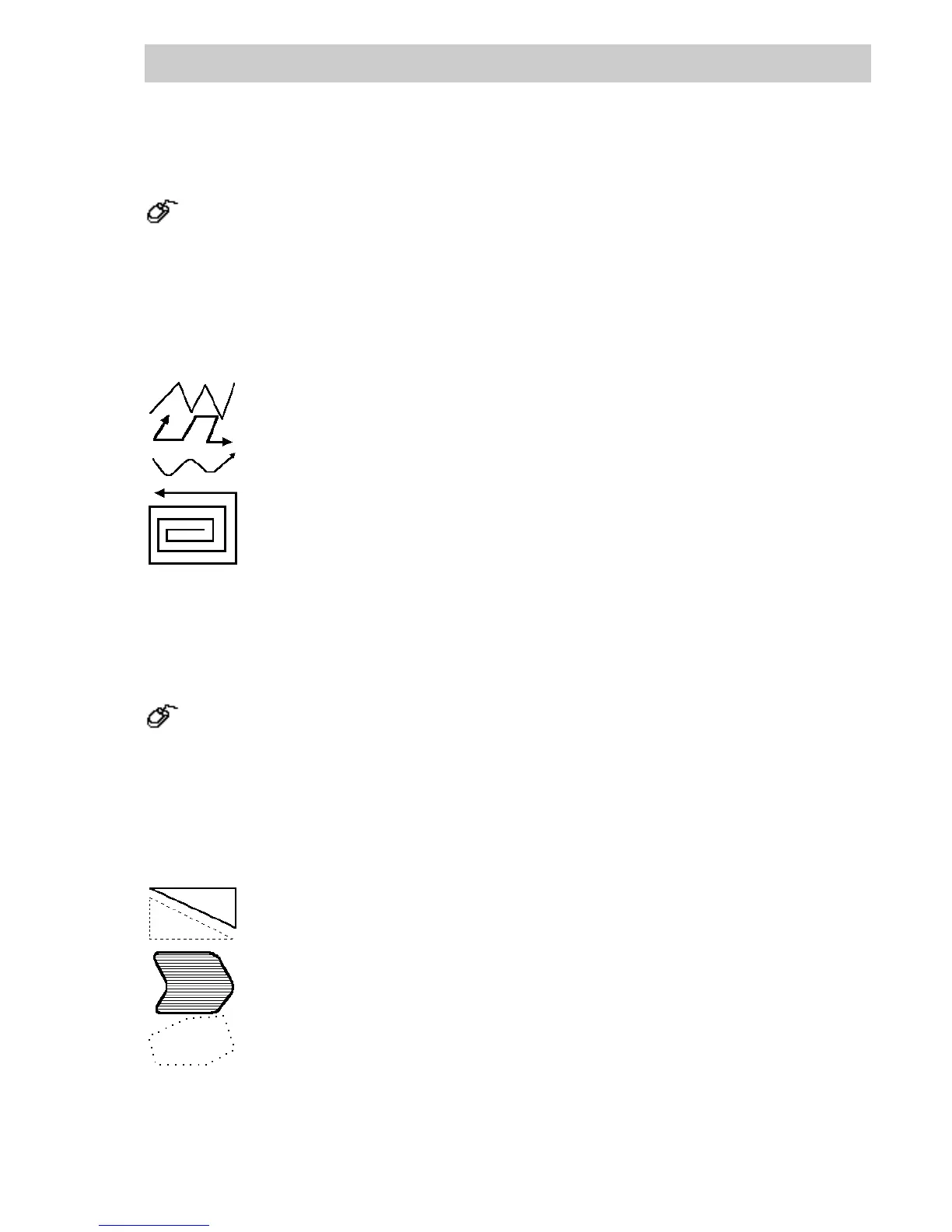
D 4.3 Polyline
→Draw → Polyline
→Mark starting point by clicking mouse, a construction line appears, and its end point
follows the cursor arrow,
→Mark end point of the section by clicking mouse; this point now becomes the starting
point of the next section,
→Mark end point of the next section by clicking mouse,
→Mark end point of the polyline by double-clicking.
A polyline consists of any number of construction points. In each case the points
are connected by lines. By activating the right-hand mouse button, the last end
point is deleted and a new point can be defined.
It is possible to subsequently alter the construction points of existing polylines (see
Change → Points).
Polylines are specified with the attributes line color, line style, line width,
arrow and corner.
D 4.4 Polygon
→Draw → Polygon
→Mark start by clicking mouse, a construction line appears, and its end point follows the
cursor arrow,
→Mark end point of the section by clicking mouse; this point now becomes the starting
point of the next section,
→Mark end point of the next section by clicking mouse, an area is formed,
→Mark end point of the polygon by double-clicking.
A polygon is a closed frame which, like the polyline, can consist of any number of
construction points. The first and the last point of the polygon are always
connected.
By activating the right-hand mouse button, the last point can be deleted and a new
point can be defined.
It is possible to subsequently alter the construction points of existing polygons (see
Change → Points).
Polygons are specified with the attributes line color, line style, line width,
corner, foreground color and background color and fill pattern.
di0508.bmp
di0509.bmp



 To Next Page