Section C Standard Displays
C-15
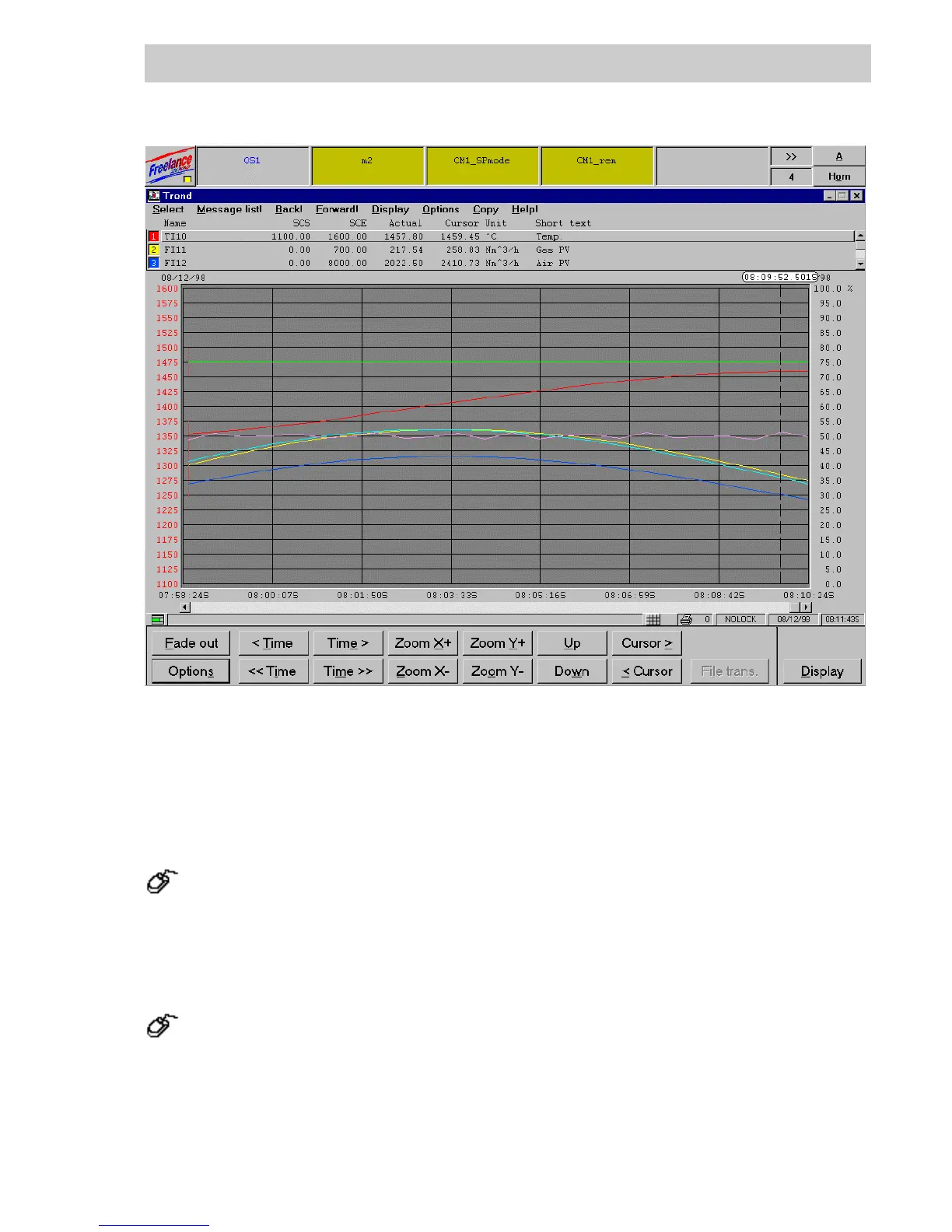
C 4.2 Create a new trend display
A trend display is called and edited in the project tree beneath a resource operator station; for a
detailed description see Engineering Manual, System Configuration, Project Tree.
Project tree menu → Edit → Insert below / above → Trend display
C 4.3 Trend display configuration
In the project tree → Select trend display → Double click left mouse button
The trend display configuration comprises one parameter dialog with five tabs.
tt0410us.bmp
Gross Automation, 1725 South Johnson Road, New Berlin, WI 53146, www.ssacsales.com, 800-349-5827



 To Next Page