Section D Graphic Display
D-28
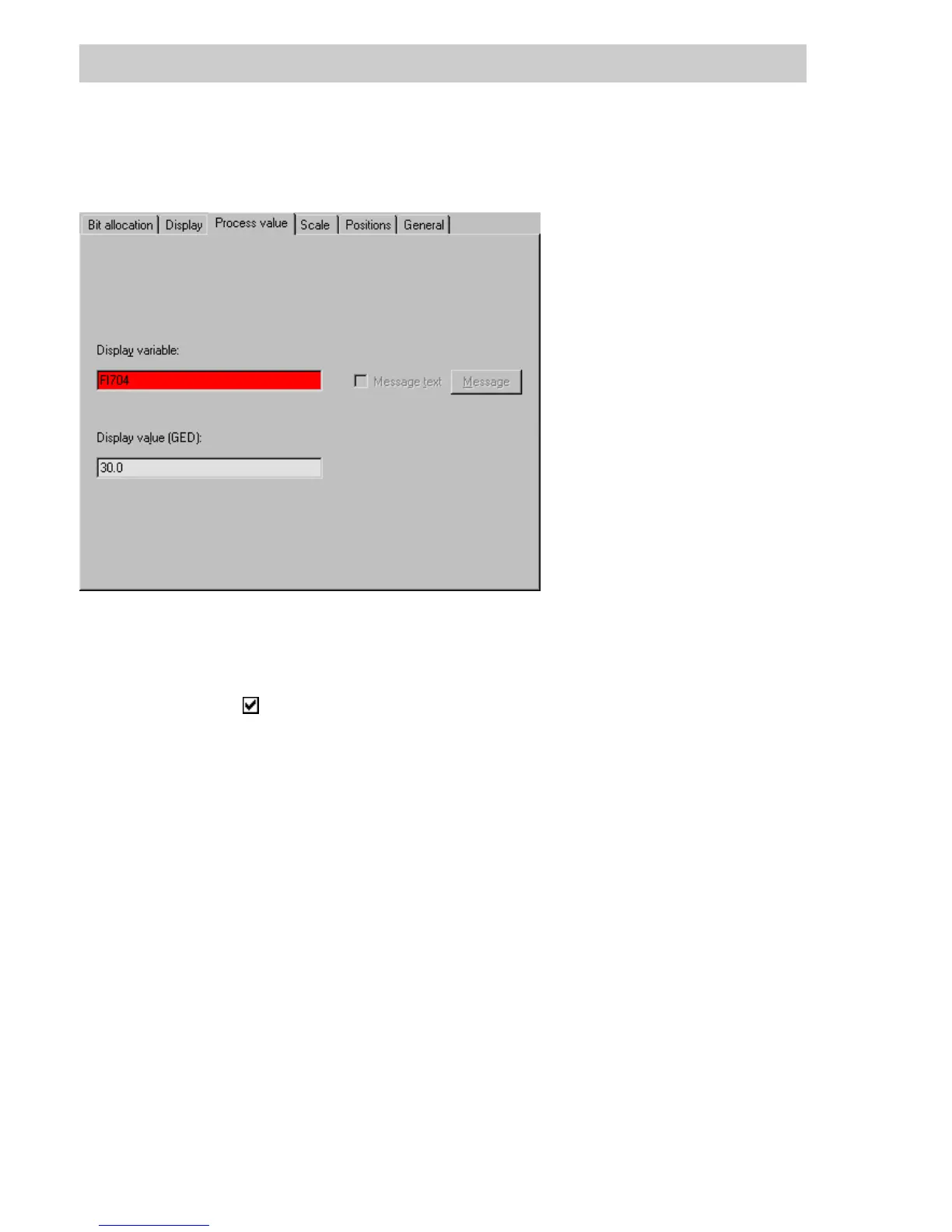
D 5.5 Process value tab
Display variable
Input field Enter the name of a process variable or select from list via F2 key.
Message text In place of a process value, the specified text of a message will be
displayed.
Checking this box will make the M
ESSAGE button available. The input field
will be colored gray and the text <Message text> displayed.
(Only available for alphanumeric display graphic objects.)
M
ESSAGE Choice of the message point, the text of which is to be displayed in the
alphanumeric display.
(Only available with alphanumeric display graphic objects)
Display value (GED) On quitting the parameters mask, the graphic object is displayed on the
screen as it is to appear with the value specified. An arrow in the graphic
object indicates that the scaling has been violated.
tu0900us.bmp
Gross Automation, 1725 South Johnson Road, New Berlin, WI 53146, www.ssacsales.com, 800-349-5827



 To Next Page