Section E Logs
E-21
E 4 Operation Log Configuration
E 4.1 General tab - Operation log
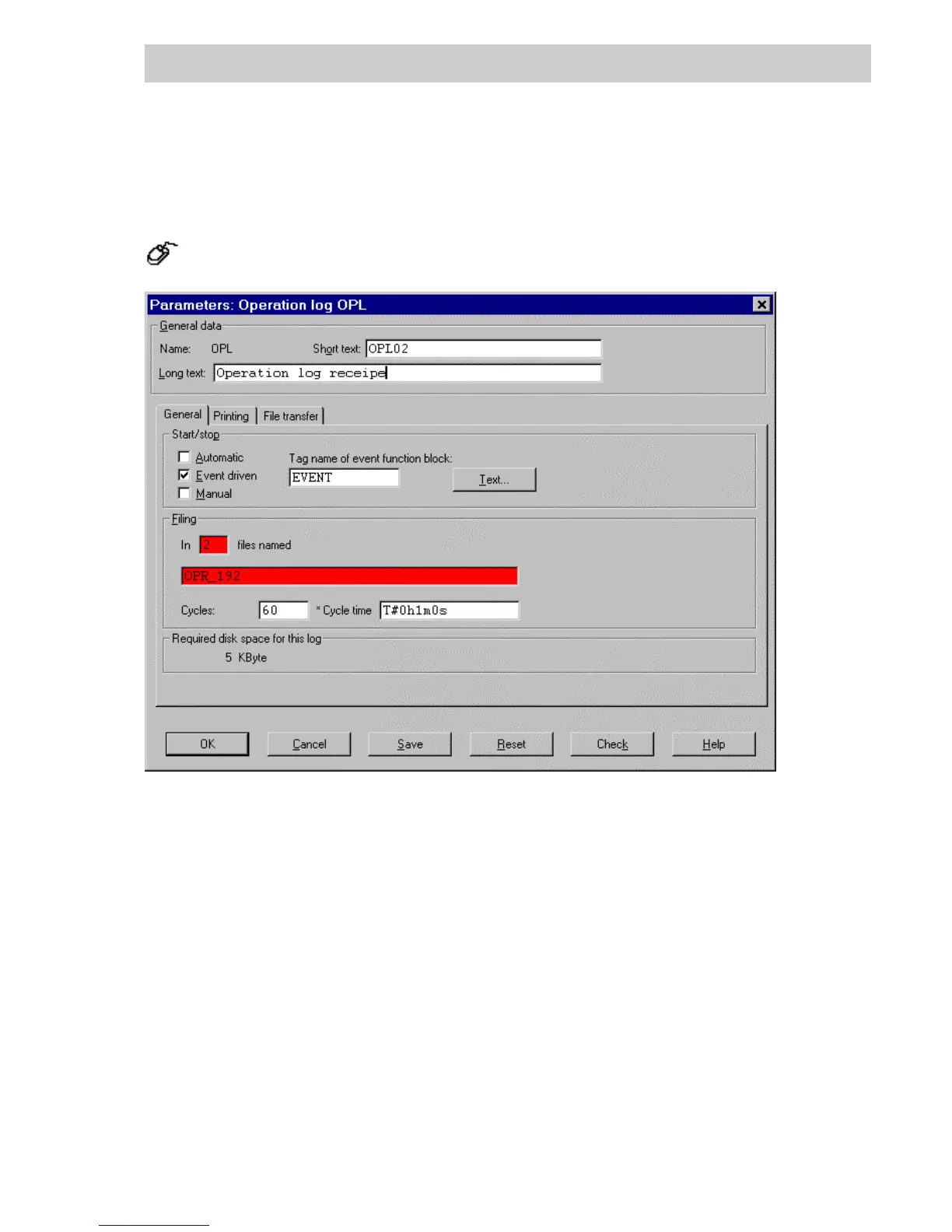
In the project tree → Select operation log → Double click left mouse button
General data
Name The name of the signal sequence log. The name has been fixed in the proj-
ect tree and cannot be changed here.
Short text A Short text can be assigned to the signal sequence log. Up to 12 charac-
ters can be entered.
Long text A Long text can be assigned to the signal sequence log. Up to 30 charac-
ters can be entered.
The short and long texts can be output with the project documentation.
Thesetextscanalsobeconfigured for the header and footer of the
printed log.
T
EXT... Configuration operation log text, see page E-23.
di1325uk.bmp
Gross Automation, 1725 South Johnson Road, New Berlin, WI 53146, www.ssacsales.com, 800-349-5827



 To Next Page