Section D Graphic Display
D-11
D 3 Basic Settings for the Draw Area
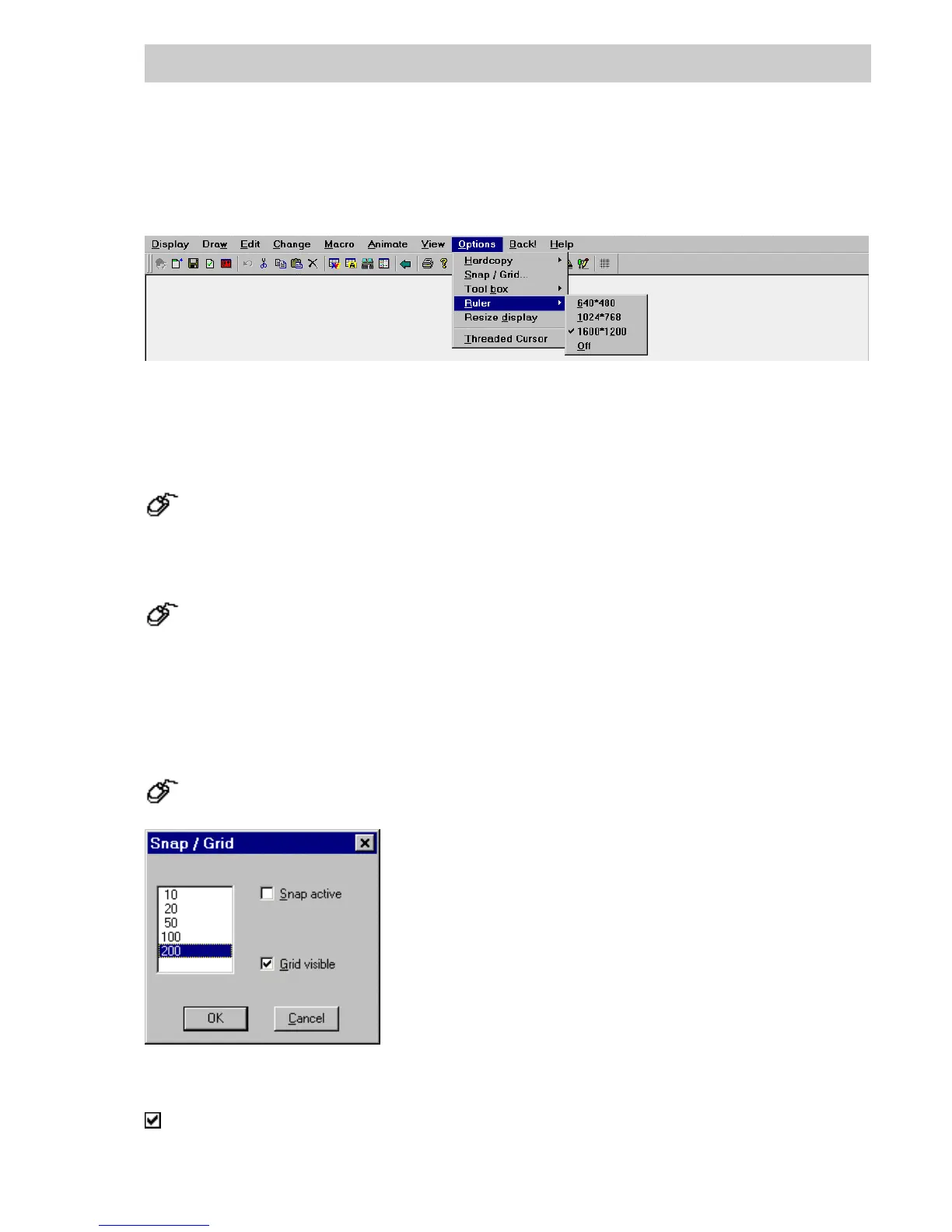
The settings for the draw area are made via the Options menu.
D 3.1 Hardcopy
→Options → Hardcopy → Display only,
→Windows print options mask (install printer if necessary), → OK.
The draw area is output to the printer.
→Options → Hardcopy → Whole screen,
The whole screen is output to the printer.
D3.2 Snap/Grid
→
Options → Snap/Grid.
Grid size from 10 to 200.
Snap active, or grid visible, respectively.
di0543uk.bmp
tu0302us.bmp
Gross Automation, 1725 South Johnson Road, New Berlin, WI 53146, www.ssacsales.com, 800-349-5827



 To Next Page