Section E Logs
E-16
E 3 Disturbance Course Log Configuration
E 3.1 General tab - Disturbance course log
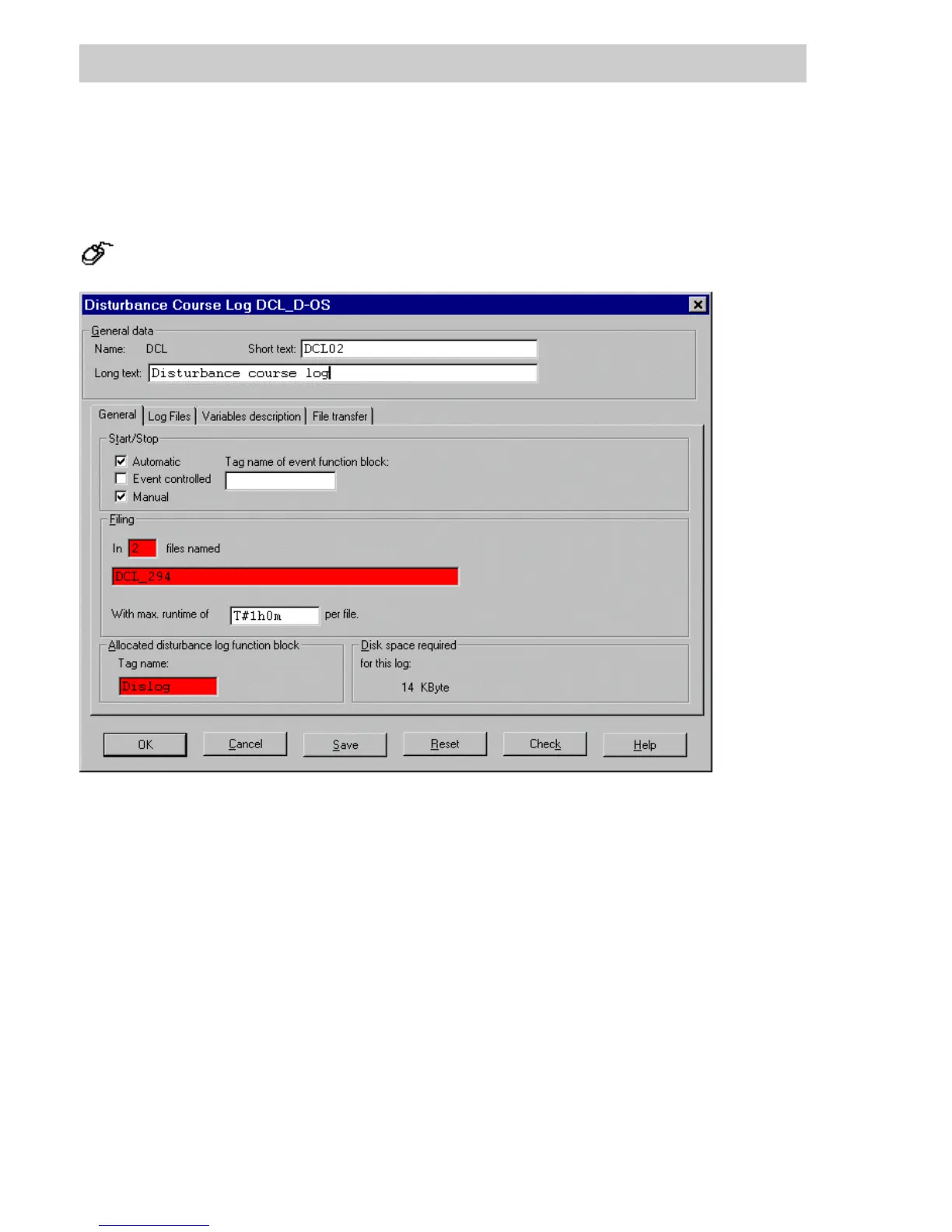
In the project tree → Select disturbance course log → Double click left mouse button
General data
Name The Name of the signal sequence log. The name has been fixed in the
project tree and cannot be changed here.
Short text A Short text can be assigned to the signal sequence log. Up to 12 charac-
ters can be entered.
Long text A Long text can be assigned to the signal sequence log. Up to 30 charac-
ters can be entered.
The short and long texts are output with the project documentation. In addi-
tion these texts can be configured for the header and footer of the printed
log.
di1323uk.bmp
Gross Automation, 1725 South Johnson Road, New Berlin, WI 53146, www.ssacsales.com, 800-349-5827



 To Next Page