Section D Graphic Display
D-90
D 8 Display Options for Graphics in the Draw Area
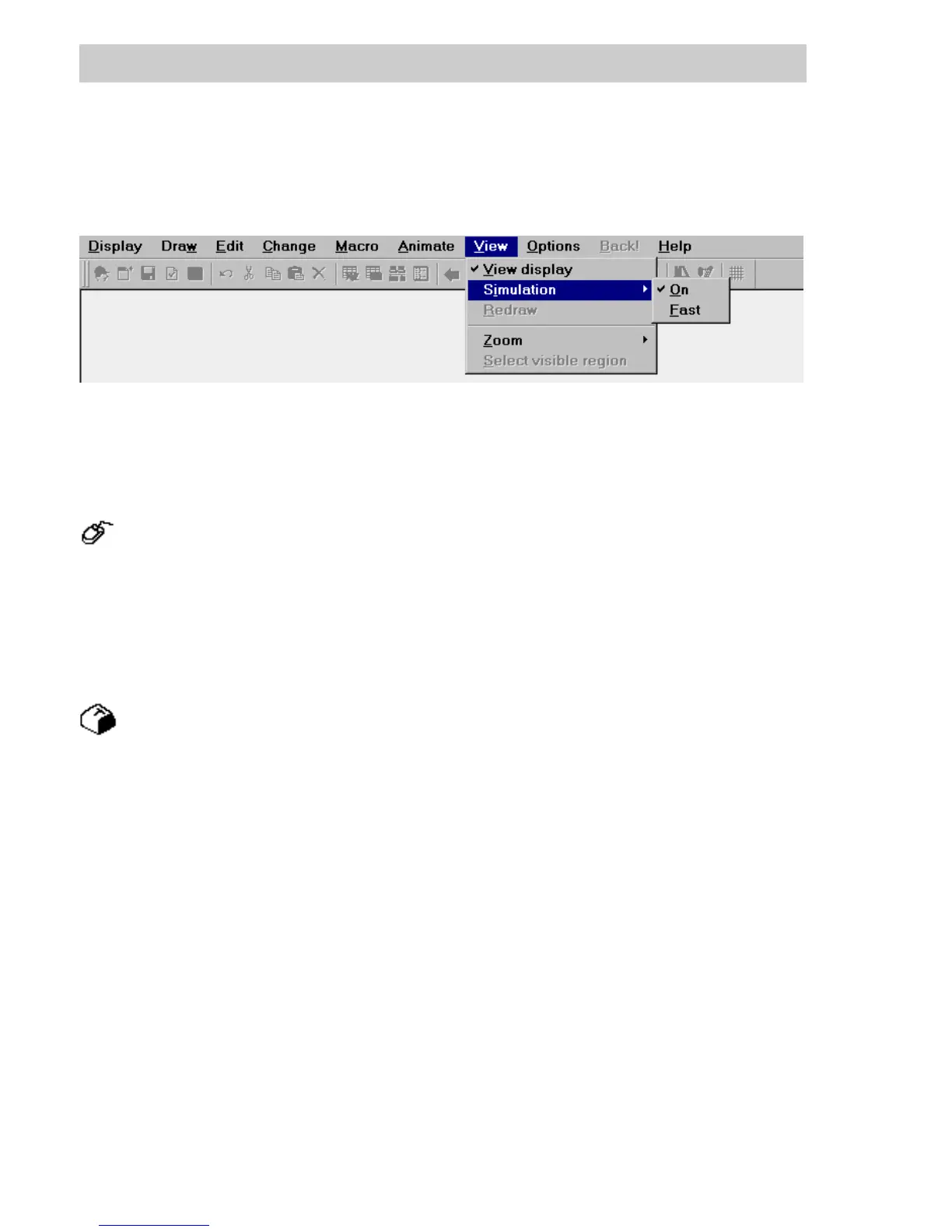
Under the View menu are the various options relating to viewing graphics on the screen.
D8.1 View
→View → View display,
→Displays the graphic with no grid, no toolbox and no frame. Most of the menu choices
are disabled.
To return for further editing,
→View → View display,
→Display the graphic and enable the menus prior to quitting; or click mouse within the
draw area.
→SPACEBAR (causes immediate changeover).
View allows the graphic currently being created to be viewed at zoom level 1 (full display) and
without the distraction of the editing tools (snap, frame, toolbox). In this state most of the menu
functions are disabled. Selection from menu or pressing the S
PACEBAR once returns to a state in
which editing can be performed.
di0538uk.bmp
Gross Automation, 1725 South Johnson Road, New Berlin, WI 53146, www.ssacsales.com, 800-349-5827



 To Next Page