Section D Graphic Display
D-8
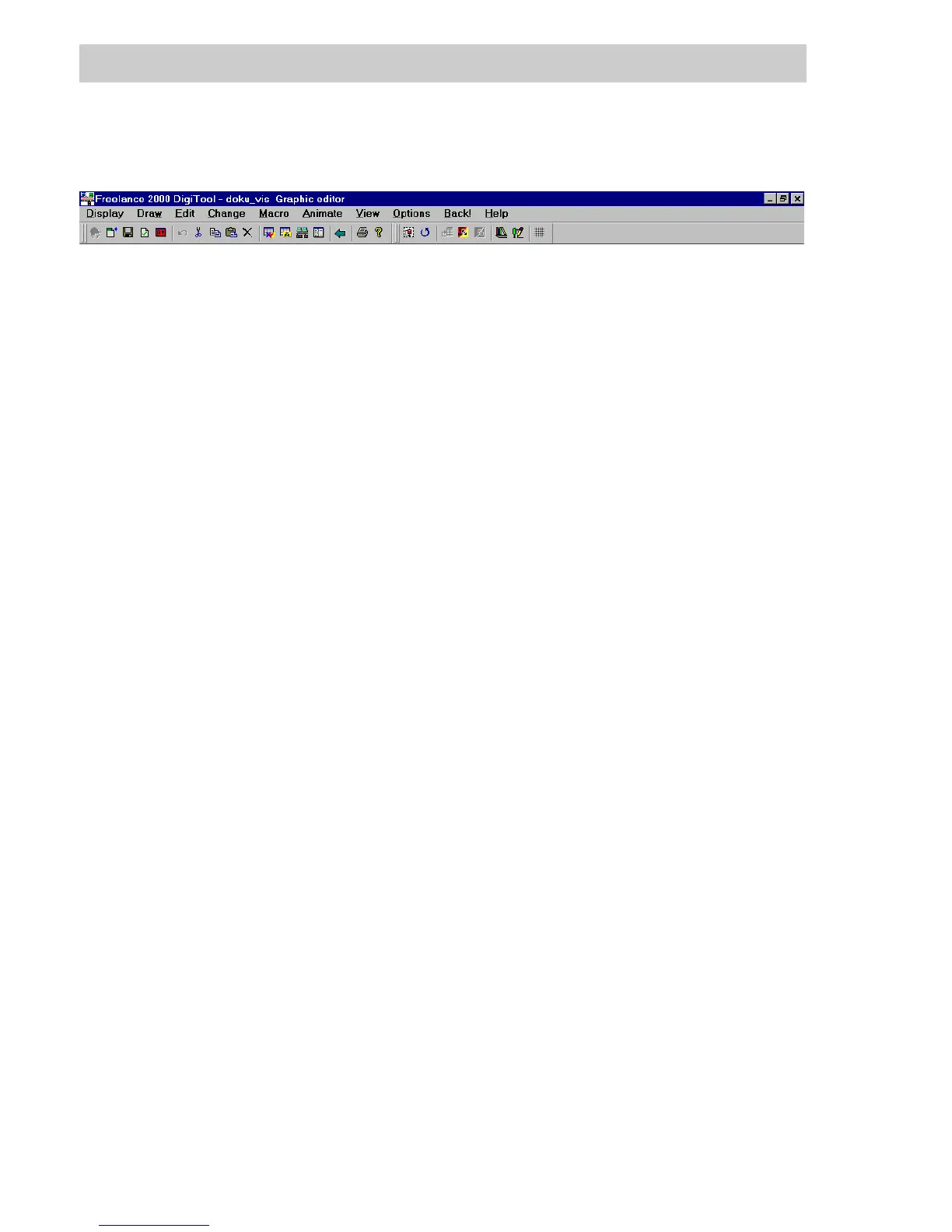
D 2.2 Menu overview
Display Saves the graphic display,
Performs plausibility check of the graphic display,
Exports and imports graphic displays,
Exits the graphic editor, returning to the project tree.
Draw Creates static graphic objects such as lines, rectangles, text etc.,
Inserts bitmaps.
Edit Undoes or repeats last action,
Groups graphic objects to form new objects, or ungroups them again,
Cuts, pastes, deletes, copies graphic elements,
Mirrors or rotates graphic objects,
Places graphic objects in the foreground or background,
Switches to the graphic pool display.
Change Changes attributes of lines, areas, texts and text contents,
Shifts or deletes points of polygons and polylines,
Assigns names to graphic objects,
Selects the background color for the display.
Macro Loads or saves macro library,
Creates, edits and inserts macros.
Animate Re-edits dynamic objects,
Creates dynamic objects such as bar graphs, fill areas, etc.
View Shows the complete display without editor help markings,
Redraws graphic,
Selects setting of zoom and visible region.
Options Hardcopy,
Adjusts display size,
Sets grid setting, threaded cursor,
and toolbox position.
Back Returns to calling point.
Help Calls up the on-line help system.
di0502uk.bmp



 To Next Page