Section D Graphic Display
D-31
Messages: A set of message points is used to define a binary process state. If the
check box is selected, the S
ET button becomes available, and the text
'<all messages>' is displayed.
S
ET Choose a set of message points from among all existing message points
in the project.
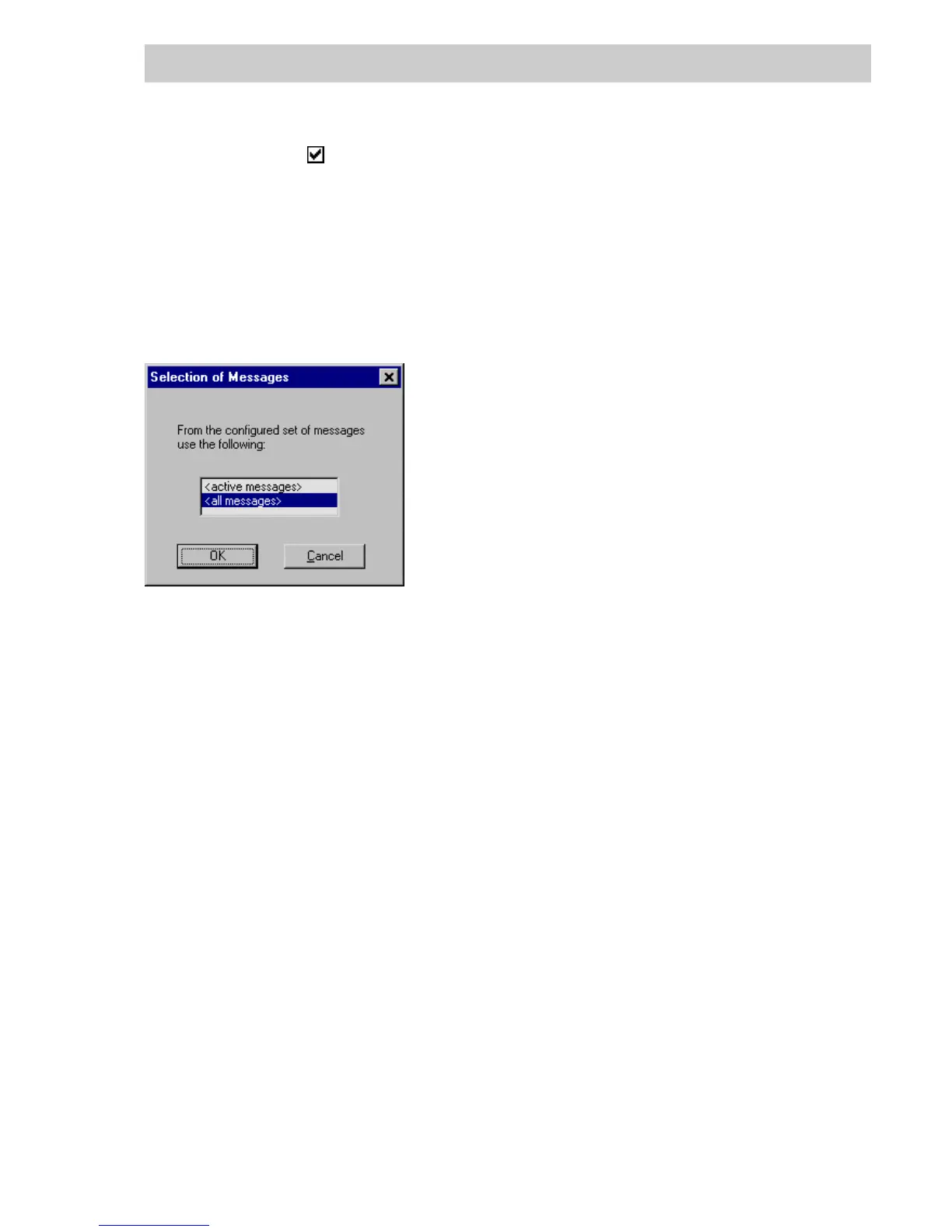
After pressing the F2 key in an input field for a bit variable with messages, an additional dialog
box appears. The choice made there determines which message status will be used for
evaluation.
<active messages> From the set of configured messages, those whose message state is
'active' are evaluated.
<all messages> From the set of configured messages, those whose message state is not
'inactive, acknowledged' are not evaluated, i.e. all active messages and
all the inactive, unacknowledged messages.
tu0503us.bmp
Gross Automation, 1725 South Johnson Road, New Berlin, WI 53146, www.ssacsales.com, 800-349-5827



 To Next Page