Section E Logs
E-28
Variables
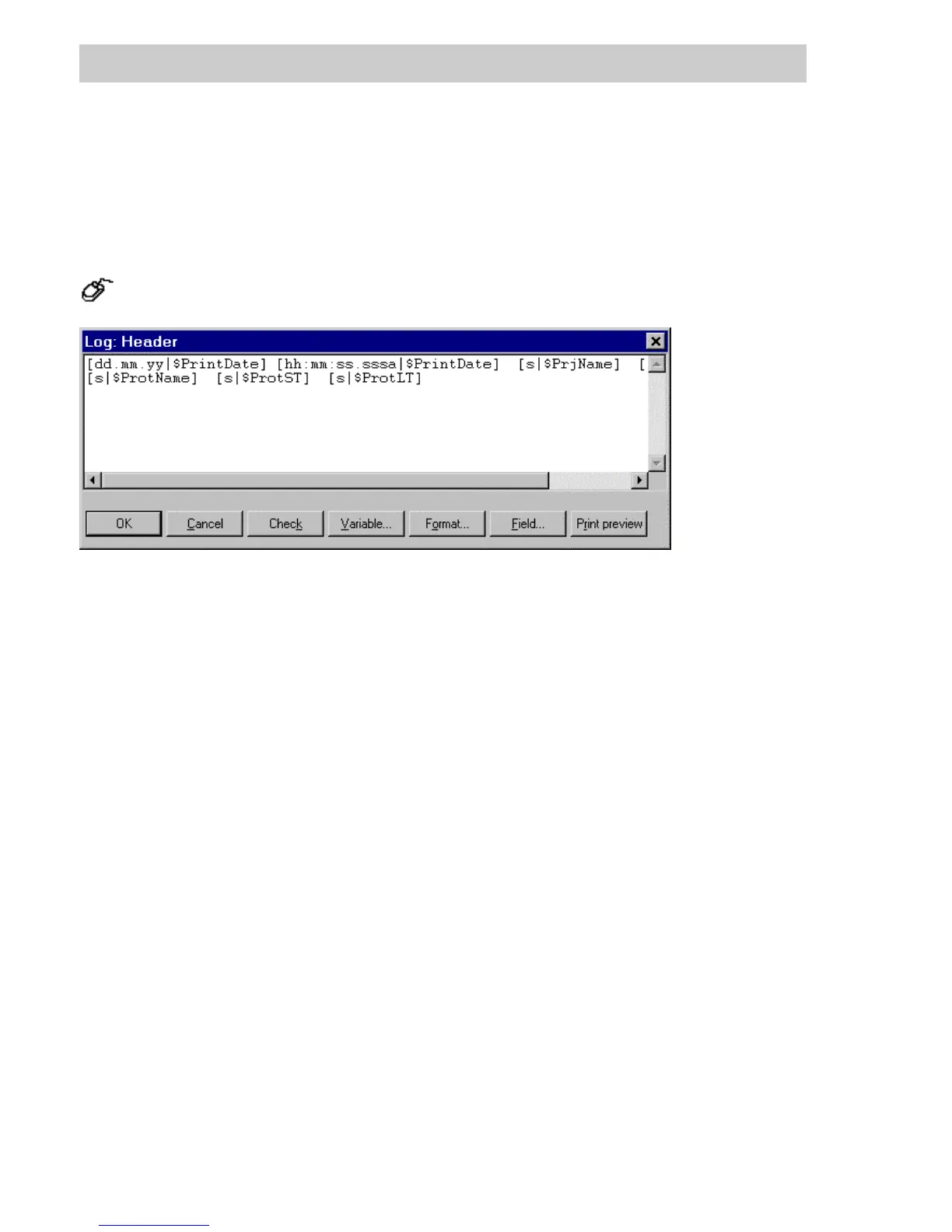
The variables are selected in the same way as when the text of the log becomes dynamic, i.e. a
variable and its output format are specified [format|VarName]. When a log file is started under
DigiVis, the configured variables are read once, converted to the format specified and then en-
tered into the header or footer line.
In the project tree → Select log → HEADER or FOOTER button.
V
ARIABLE Selects a variable (from a list)
F
ORMAT Assigns a format (from a list)
F
IELD Selectsafield(fromalist)
tv001us.bmp
Gross Automation, 1725 South Johnson Road, New Berlin, WI 53146, www.ssacsales.com, 800-349-5827



 To Next Page