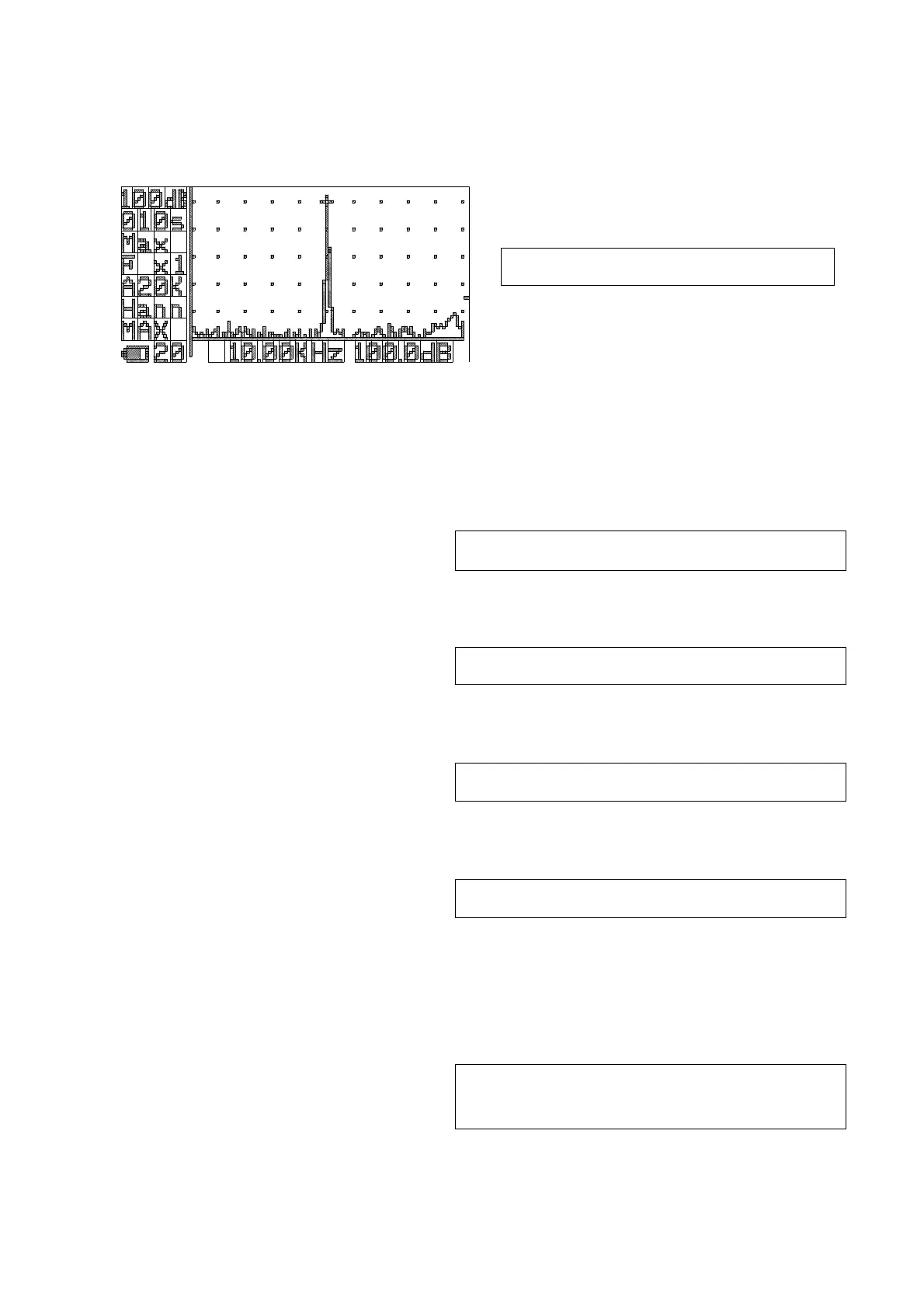
FFT Analysis 【option】
As a condition, it is necessary to recognize the FFT card in advance and then set Remote mode
in Menu.
<FFT screen>
1)Setting confirmation command (Operation to recall the current settings
)
Check the range and frequency weighting characteristics in the same way as in
normal measurement.
Change the setting with command “F” if necessary.
2)Frequency span setting:G
“G0”:transmit → reply:”g”
3)Measurement time setting:H
“H010”:transmit → reply:”h”
4)Window function setting:J
“J0”:transmit → reply:”j”
5)Mode setting:K
“K0”:transmit → reply:”k”
※The “G” to “K” commands return the current value when sending without a data part.
(ex) G:transmit → reply:”g2” ← Case of frequency span sets at 5kHz.
6)Instantaneous value output :N
“N”:transmit → reply:”n”
Remote
※ Not recording to memory card
G0:20kHz, G1:10kHz, G2:5kHz, G3:2kHz
H010 ・ ・ ・ ・~H999:specified in seconds
J0:Hann , J1:Rect
K0:LIN(arithmetic mean) , K1:Max
400 data+All Pass+Over all corresponding to
the frequency span.



 To Next Page