Chap. I - Multi-Diag Scope Basic User’s Manual
Scope_manual_en-v110.docx — 13 —
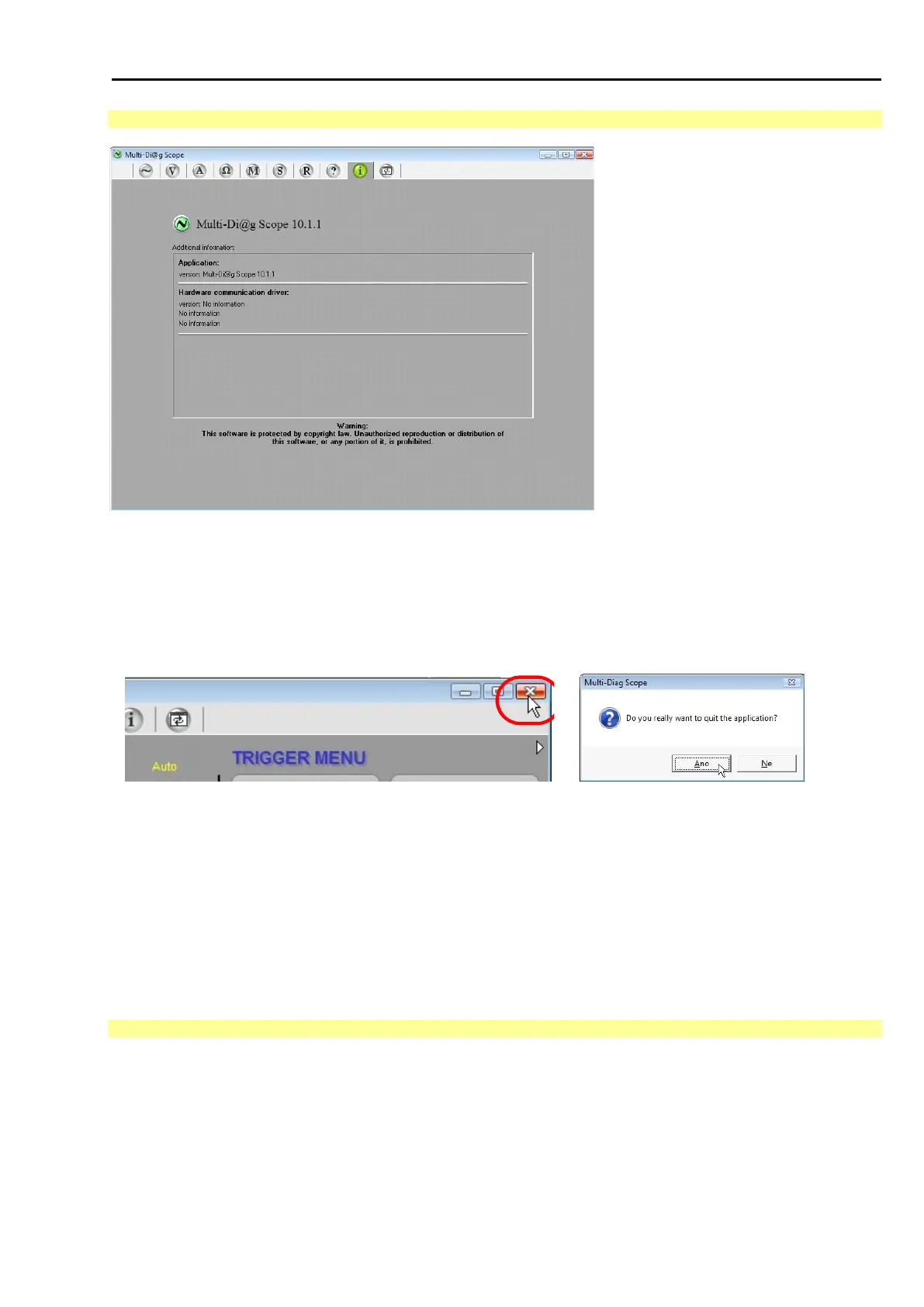
12.2 INFORMATION ABOUT SOFTWARE
Fig. 27 – Information about software version (the picture is for illustration, the right is reserved to change the Fig.)
13. CLOSING THE MULTI-DIAG SCOPE PROGRAM
Press <Esc> on the keyboard (top left) or click the cross in the running Multi-Diag Scope program to close the
program (see Fig. 28)
14. CONTROL OF INDIVIDUAL FUNCTIONS AND SETTING OF OSCILLOSCOPE PARAMETERS
In all its functional modes, Multi-Diag Scope is controlled by means of the mouse cursor and mouse left-button.
In the case of the touch screen it is controlled with the “control pencil” by touching the respective symbol or by it’s
moving on the screen. Hereinafter only the control by means of the mouse is mentioned, however in the case of
the touch screen the mouse is replaced with the “control pencil” and therefore by mentioning the mouse we imply
the “control pencil”.
14.1 CONDITIONS FOR MAXIMIZING THE OSCILLOSCOPE WINDOW + RECOMMENDATION
After the program is started (see Chap. I - 12) the maximized application window (full-screen) is displayed in point
0.0 (top left corner) but only under certain conditions.
The ratio of the sides is determined by the width to height ratio. If the ratio falls within the interval of 0.69 to 0.81,
the application fills the entire screen in the ratio of 4:3. In other cases (outside the interval of 0.69 to 0.81) the 4:3
ratio is forced based on the height or width.
A typical wide-screen ratio is 16:9 (or the width of 16 to the height of 9).



 To Next Page