Chap. IV - Record Analyzer
Scope_manual_en-v110.docx — 82 —
10 - ............... Saving of the current record (e.g. Record_26-9_10h33m.rec). The file name is automatically
generated depending on the current date and time. Yet, it can be renamed before it has been
saved.
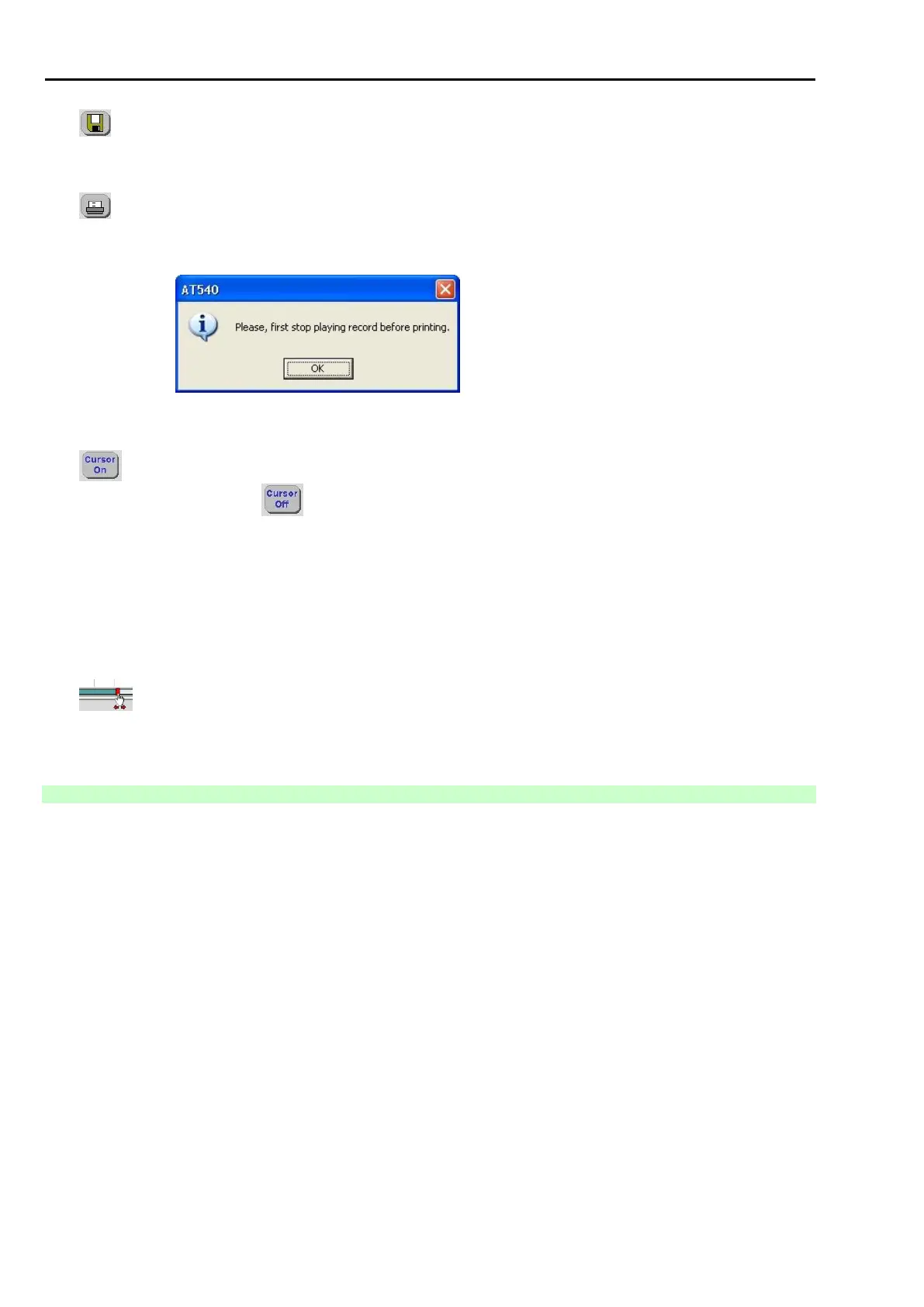
11 - ............... Printing of the currently displayed record.
...................... The record must be stopped before its printing. Otherwise a warning message is displayed -
see Fig. 186.
Fig. 186 – Message when you require the recorded course to be printed, but it is still being played
12 - ............ Button for switching the cursor marks on (see Fig. 184). When you activate this button, it will
change into and in this way the cursors will be switched on (see Pos. 24 and 25, Fig.
187)
13 - Tools ............. Set of buttons for carrying out the so-called Zooming on the recorded courses (change of the
view size depending on the setup of the time basis and input channel sensitivity). The specific
set values are displayed in Pos. 14, Fig. 184.
14 - ...................... Information window displaying specific values corresponding with the setup according to Pos.
13, Fig. 184.
15 - .......... Time axis graphically showing the position of the displayed part of the record within the whole
record. The cursor can be moved by the mouse on the time axis (it extends the possibilities of
Positions 3 and 6, Fig. 184).
2.3.2 SCREEN WITH CURSORS ON
The description is similar to Chap. I - 14.2.8.



 To Next Page