6/7
C 200
Control panel
GB 03292 - Edition 03 - March 12
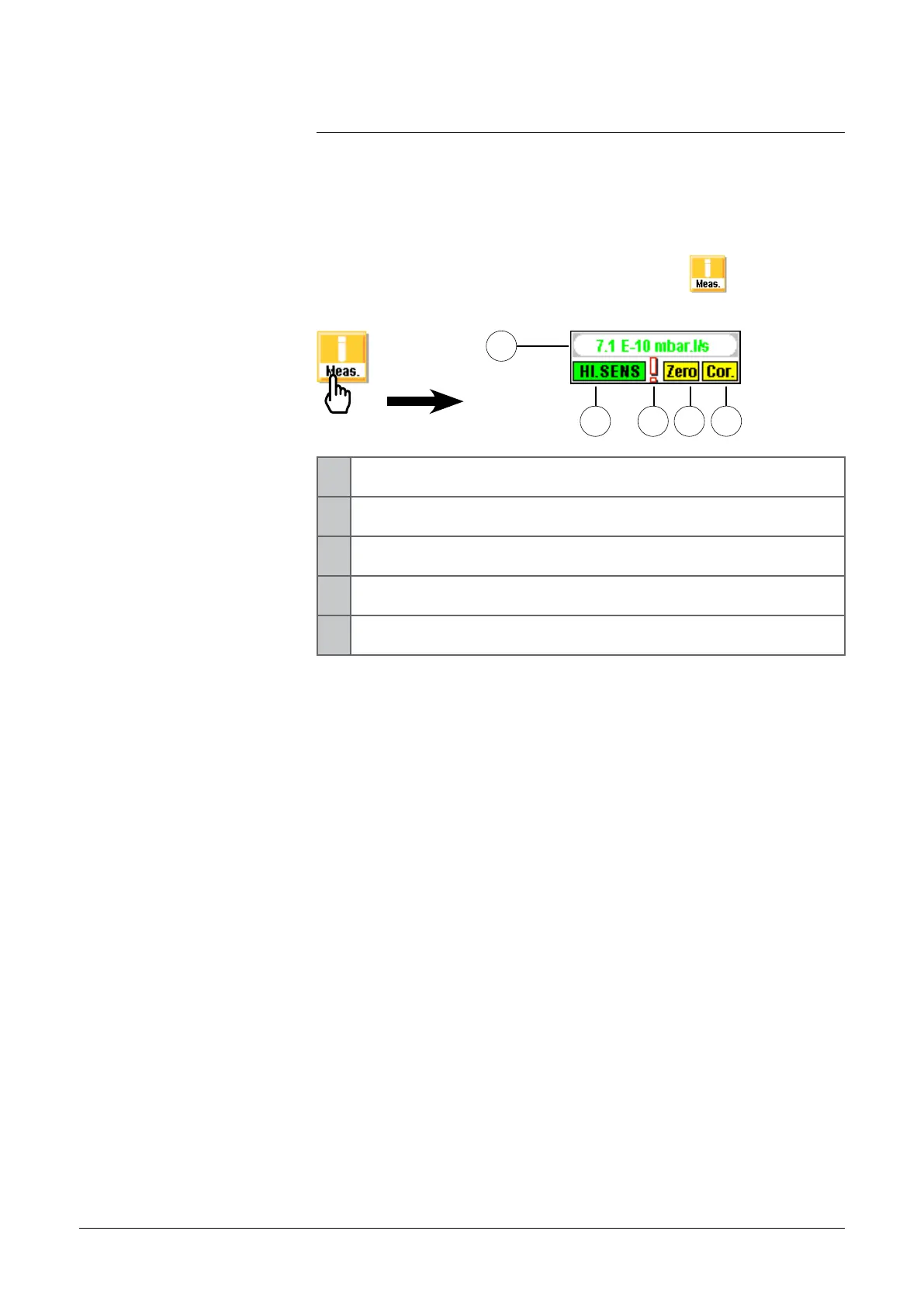
"Measure" display
This window could be display as soon as the key
is displayed.
2
1
3 4
1 He signal digital display (green ≤ reject set point < red)
2 Detector state
3 Default information indicator
4 Zero function activated indicator
5 Signal correction function activated indicator
The operator could move the "measure" window on the touch-
sensitive screen: press on the measure window with the finger and
move this one on the screen.
5
"measure" window
adixen Vacuum Products - ASM 310 Operating instructions



 To Next Page