4/8
C 300
Graphic display
GB 03344 - Edition 04 - March 12
Deletion
Recording
Deletion of the screen in progress.
Recording allows to record measure points in the control panel:
it does not save these points.
(see § "Saving the recording").
The recorded points will be lost if the leak detector is switch off:
if necessary, save the recording them on the SD card.
Change if necessary the recording parameters.
Start a recording
All points displayed on the graph before the recording start will not
be recorded.
Stop recording
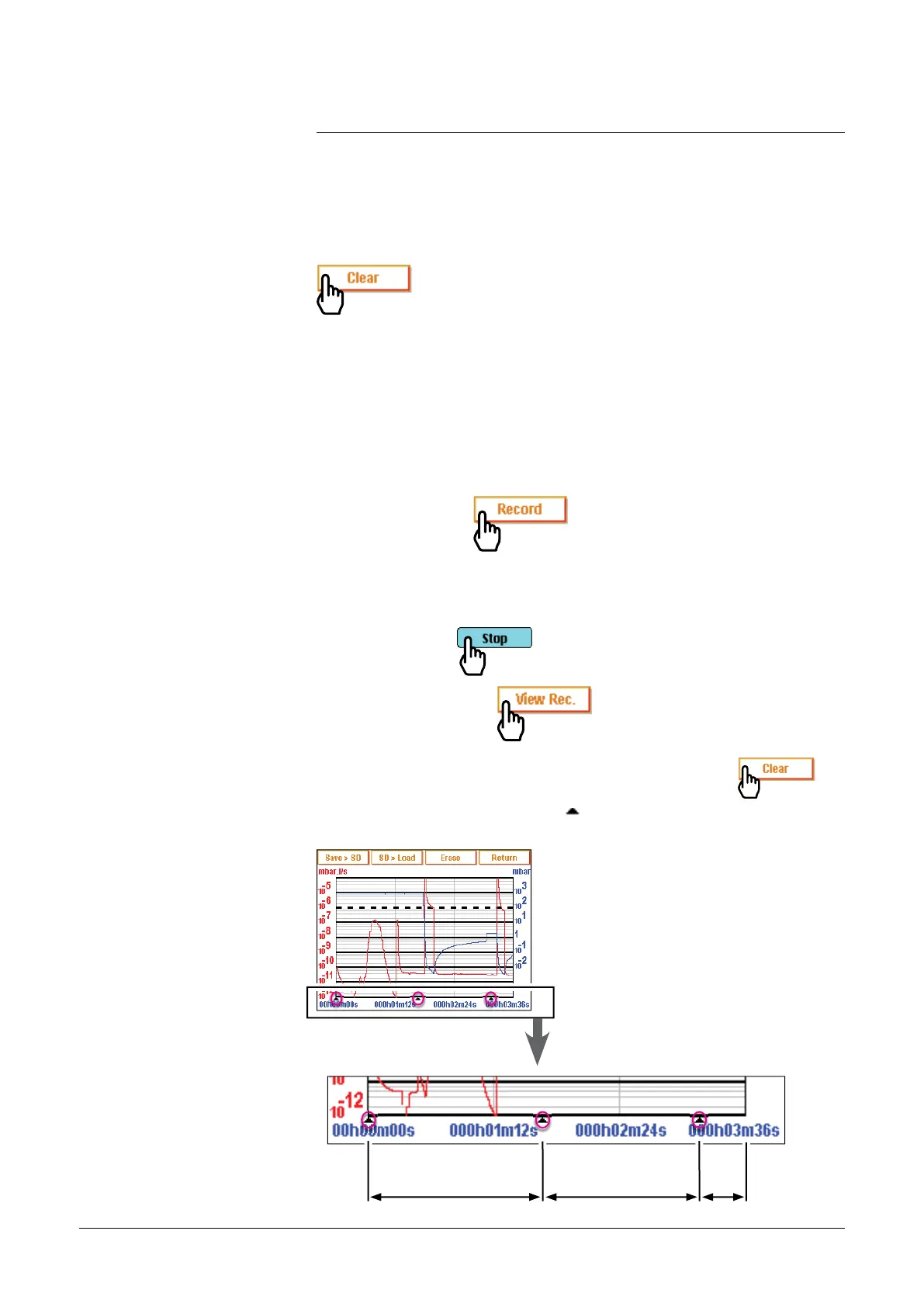
To display recording
If the memory is not delete between 2 recordings, (
),
all the successive recordings are consecutive on
the recorded graph. A cursor
indicates the end of each
recording.
1
st
record 2
nd
record 3
rd
record
adixen Vacuum Products - ASM 310 Operating instructions



 To Next Page