3. Using the Spatial Manager for Android application. This is convenient for field testing or when temporary
RTK corrections are required, for example for performance trials. Download from the Google Play store.
Any of these NTRIP clients can connect to a network RTK service to stream RTK corrections to GNSS
Compass. This requires that the client is connected to the internet, and a valid subscription with a local network
RTK service. Contact Support if you need assistance in setting up for network RTK corrections.
7.9.2 Radio Modem RTK Corrections
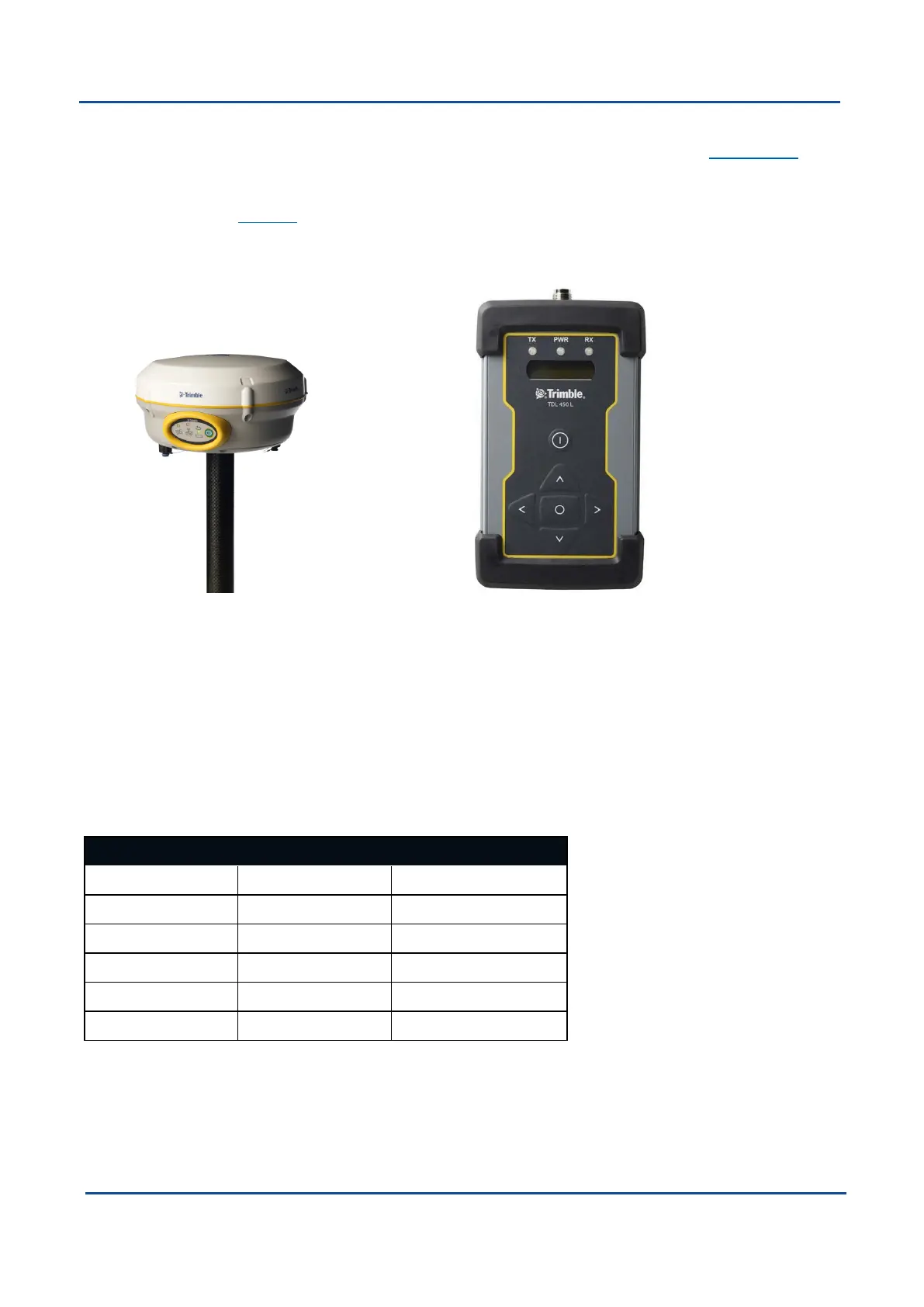
Figure 16: Trimble R4 Base Station
Figure 17: Trimble TDL 450L Radio Modem
Base station radio modem RTK corrections require both a base station and a radio modem receiver. The base
station is set up at a fixed location and transmits corrections to the radio modem receiver that is connected to
the mobile GNSS Compass unit (the “rover”). The radio modem receiver and GNSS Compass unit must remain
within radio range of the base station to receive these corrections. The base station should be located no more
than 50 km from the GNSS Compass, and ideally closer. Advanced Navigation recommends contacting a local
surveying company for assistance setting up a base station.
7.9.3 Supported RTCM Messages
The internal GNSS receiver in GNSS Compass supports receiving the following RTCM v3 messages.
Message Number
1002 1010 1045
1004 1012 MSM4
1005 1019 MSM5
1006 1020 MSM6
1007 1033 MSM7
1008 1044
Table 20: Supported RTCM v3 messages
v2.0 Page 35 04 Nov 2021
GNSS Compass Reference Manual • Using GNSS Compass


 To Next Page