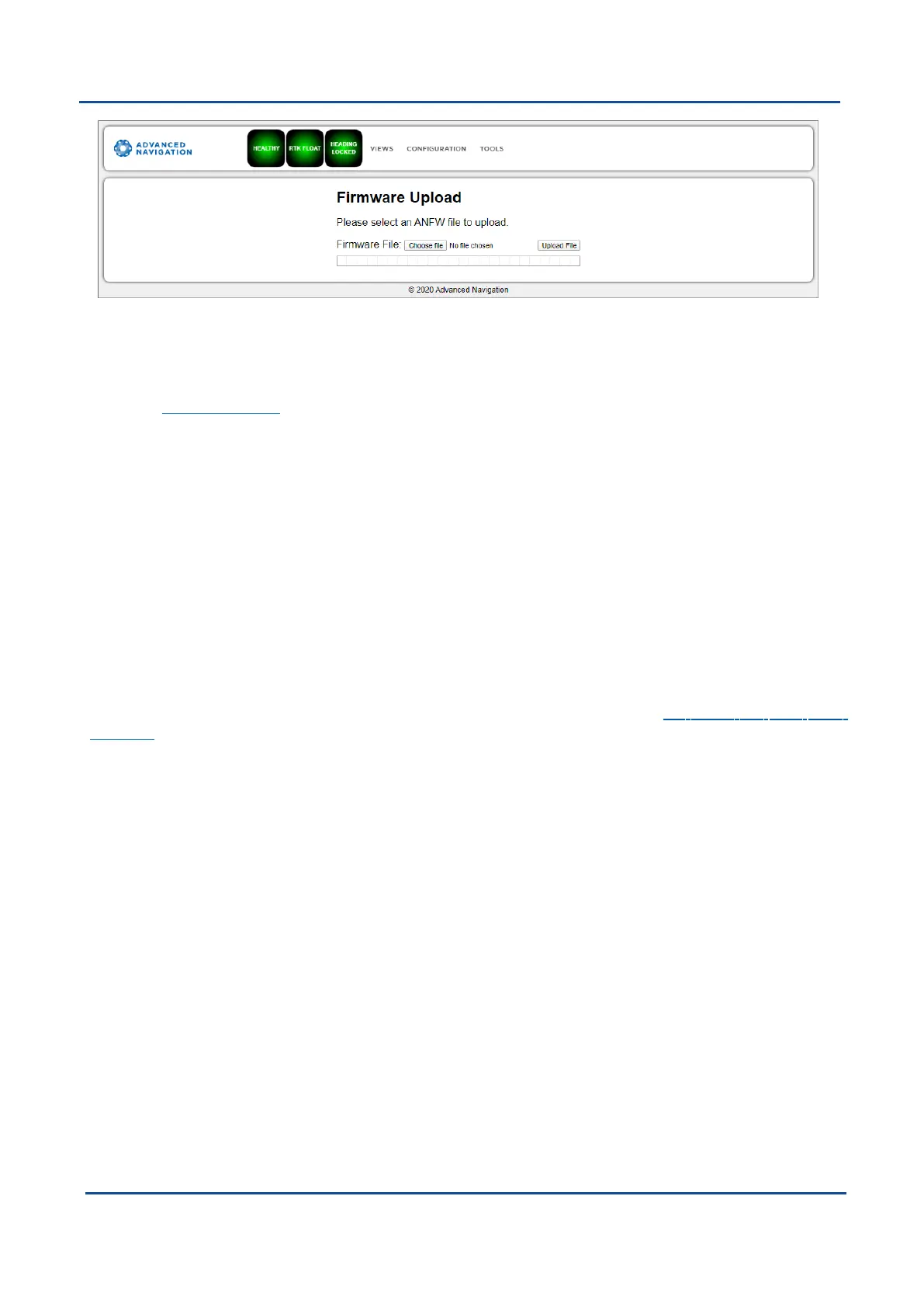
Figure 35: GNSS Compass Web UI Firmware Update Page
GNSS Compass contains firmware which is regularly updated to improve performance and add features.
Advanced Navigation recommends that you upgrade to the latest version whenever available. The firmware
update function is bulletproof. Power loss, file corruption or other issues cannot cause problems with units.
Check the GNSS Compass product page of the Advanced Navigation website periodically for updates.
Follow these steps:
1. Go to the Firmware Update page under the Tools menu.
2. Click Choose File and select the firmware file.
3. Click Upload File.
4. Wait for the system to restart.
8.2 Using GNSS Compass Manager
GNSS Compass Manager is a software tool provided by Advanced Navigation for logging, testing, display and
configuration of GNSS Compass. It is designed to be simple and easy to use. It should run on most Windows,
MacOS and Linux computers.
GNSS Compass Manager contains almost identical functionality to the web UI. This section will only include the
areas that are different or absent from the web UI. Refer to the documentation for 8.1 Using the Web User
Interfaceas required.
v2.0 Page 52 04 Nov 2021
GNSS Compass Reference Manual • Configuring and Monitoring GNSS Compass


 To Next Page