8.1.3 Configuration Menu
These menus contain the set of configuration settings for GNSS Compass.
8.1.3.1 Sensor Ranges
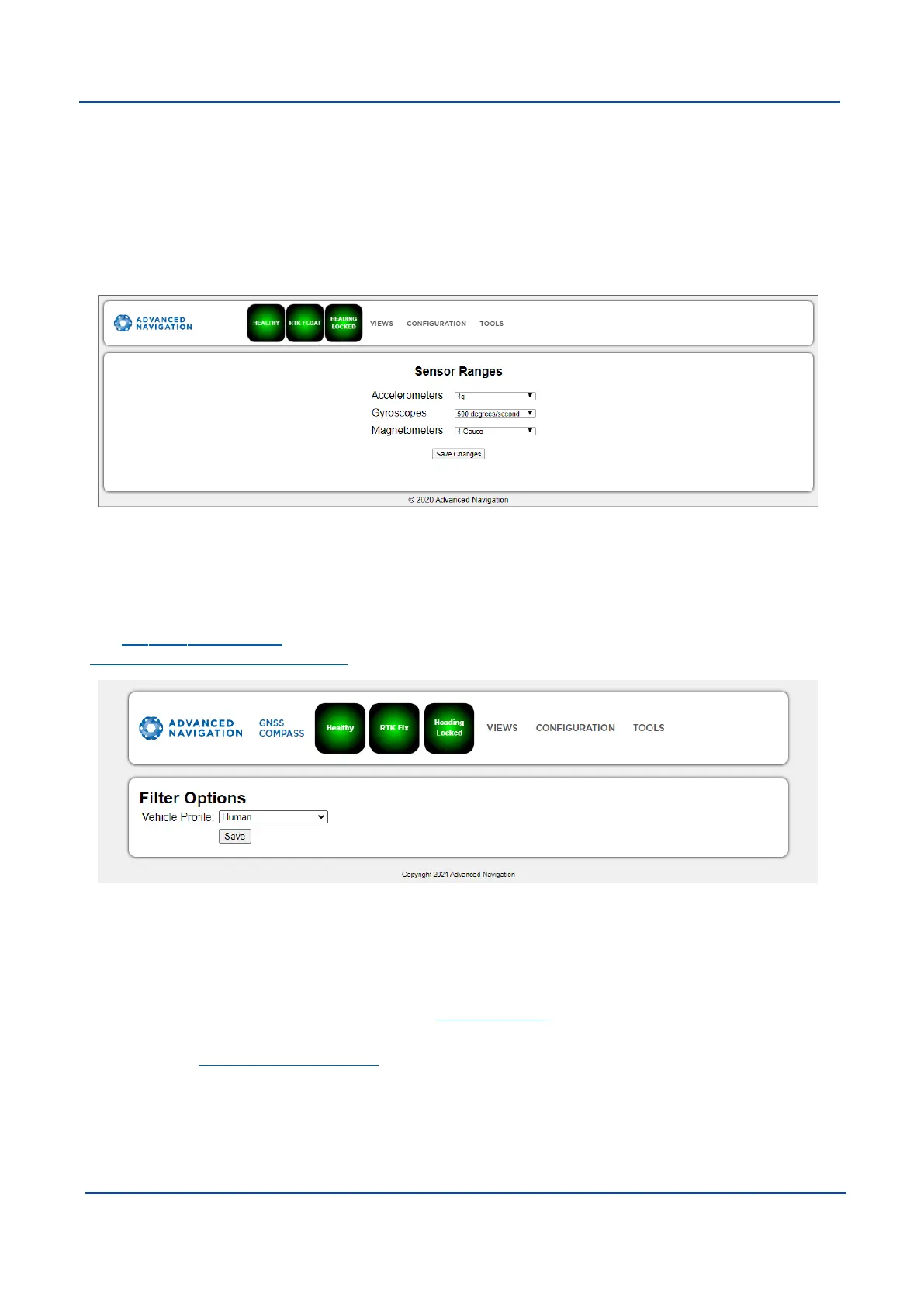
The Sensor Ranges page is used to set the dynamic range of the sensors. If you are experiencing over-range
events during operation, these settings should used to increase the range of the sensor which is reporting the
over-range. The lowest ranges give the best performance, so make changes slowly and monitor the results.
Figure 27: GNSS Compass Web UI Sensor Ranges Page
8.1.3.2 Filter Options
Ensure that the filter option is selected for all applications. For most standard applications, the other filter
options can be left at their defaults.
See 7.1 Filter Initialisation for more information on these specific settings. If you require assistance, contact
support@advancednavigation.com.
Figure 28: GNSS Compass Web UI Filter Options Page
8.1.3.3 Data Ports
The Data Ports page allows you to specify which data packets or messages are output on a periodic basis and
at what rate via a range of serial and Ethernet ports.
By default NMEA0183 is output over Ethernet. See 7.6 NMEA 0183 for details on messages and output rates.
Other data formats available include NMEA0183, GNSS, TSS1, SIMRAD and other formats. For more
information see 9.1.2 Ethernet Functions.
v2.0 Page 47 04 Nov 2021
GNSS Compass Reference Manual • Configuring and Monitoring GNSS Compass


 To Next Page