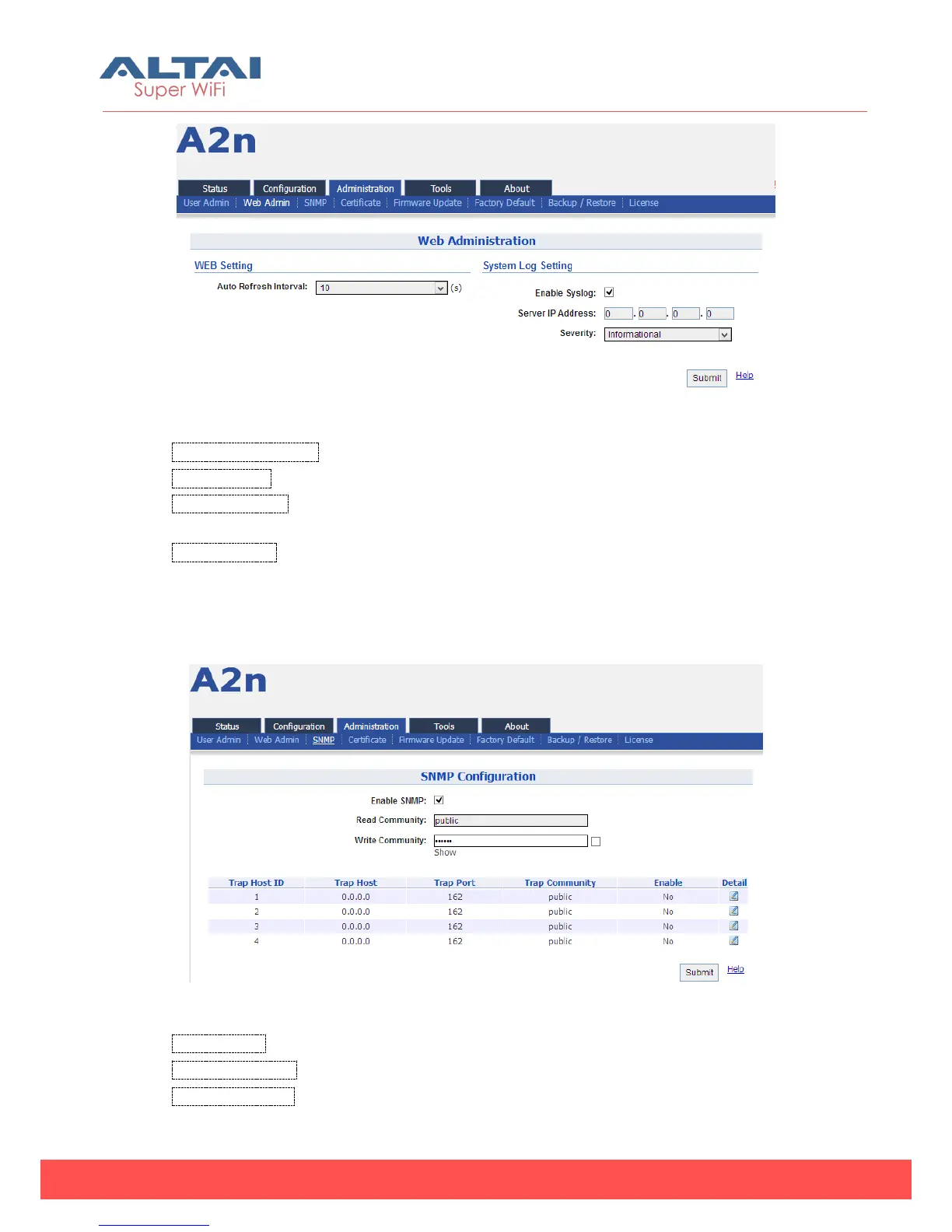
Figure 6-2 WEB Administration
Auto Refresh Interval:Set auto refresh interval
Enable Syslog: enable or disabled syslog function.
Server IP Address: The events which meet the severity condition will be sent to Syslog
server.
Syslog severity: Emergency, Alert, Critical, Error, Warning, Notice, Information and
Debug.
6.3. SNMP setting
Figure 6-3 SNMP Configuration
Enable SNMP:SNMP state (enabled or disabled)
Read Community:SNMP protocol read community; by default it is “public”
Write Community:SNMP protocol write community, by default it is “netman”



 To Next Page