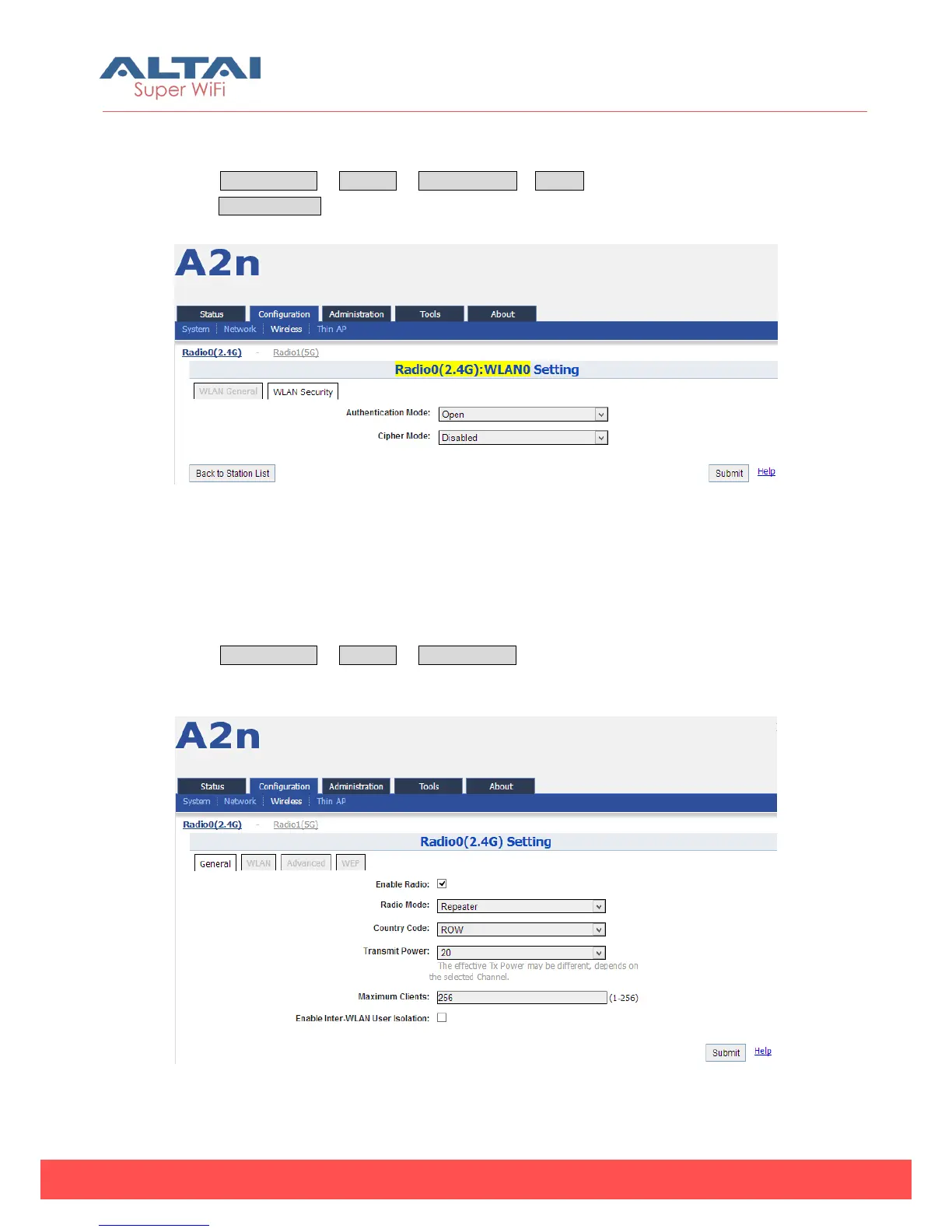
A2n 2.4GHz supports Open, Shared Key, WPA, WPA-PSK, WPA2, WPA2-PSK, WAPI,
WAPI-PSK authentication mode, and Disabled, WEP, AES, TKIP, SMS4 cipher mode.
Select Configuration -> Wireless -> Radio0 (2.4G)-> Station to edit “More…” then
select WLAN Security to access to security configuration page.
Figure 5-44 Radio (2.4G):WLAN0 Setting
Note: Please refer to 6.3.1.2.2. Section about the 2.4G AP Mode WLAN security setting
5.3.1.6. 2.4G Configuration — Repeater Mode
Select Configuration -> Wireless -> Radio0 (2.4G), and then select “Repeater” for
Radio Mode.
Figure 5-45 Radio (2.4G) Repeater Mode Setting



 To Next Page