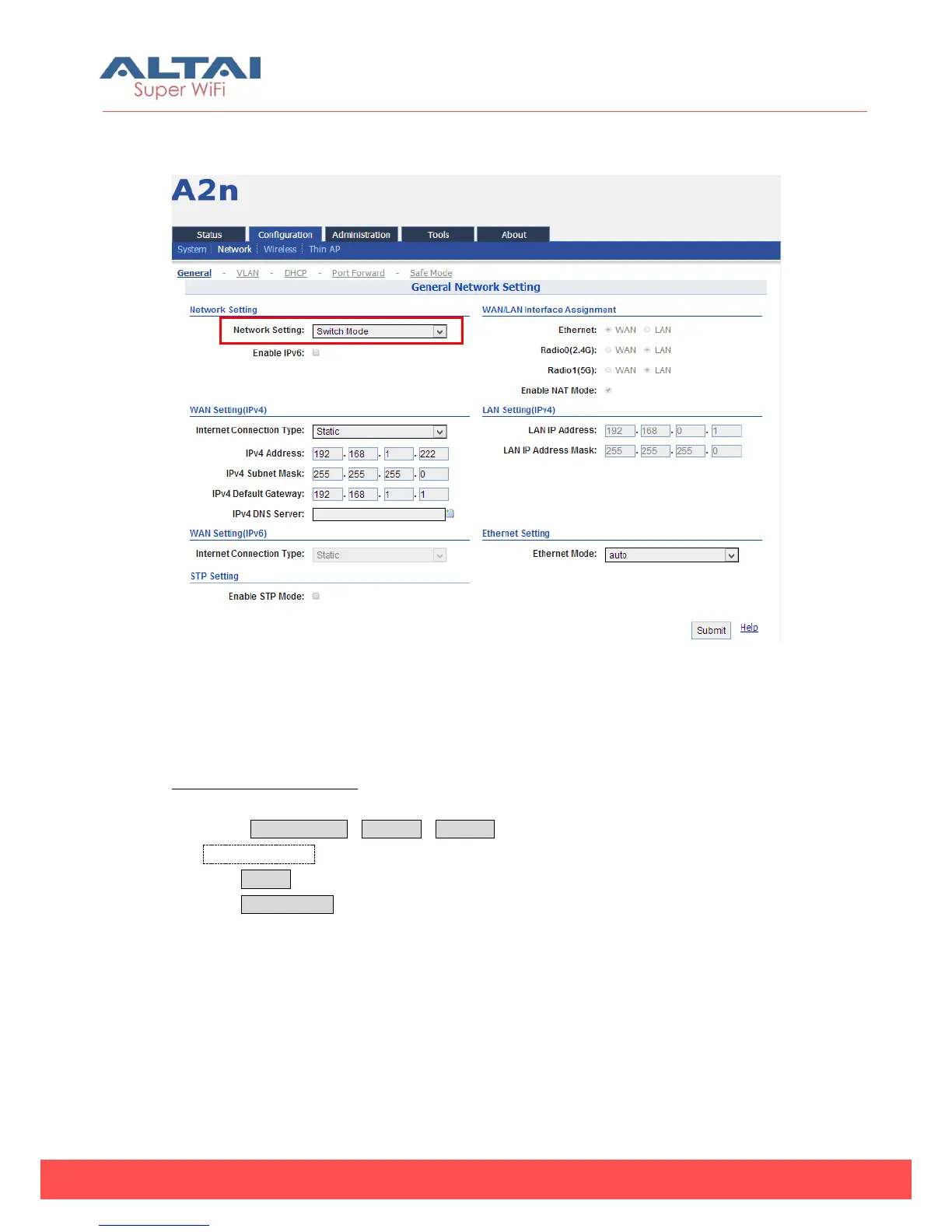
5.2.2.1.1. Network Setting—Switch Mode
Figure 5-8 Network Mode
In switch mode, A2n works as a switch to deliver data between Ethernet interface
and wireless interfaces.
Configuration procedures:
1. Select Configuration->Network->General to go to configuration page.
2. Network Setting: Switch Mode.
3. Click Submit.
4. Click Save&Apply to apply changes.
5.2.2.1.2. Network Setting—Gateway Mode



 To Next Page