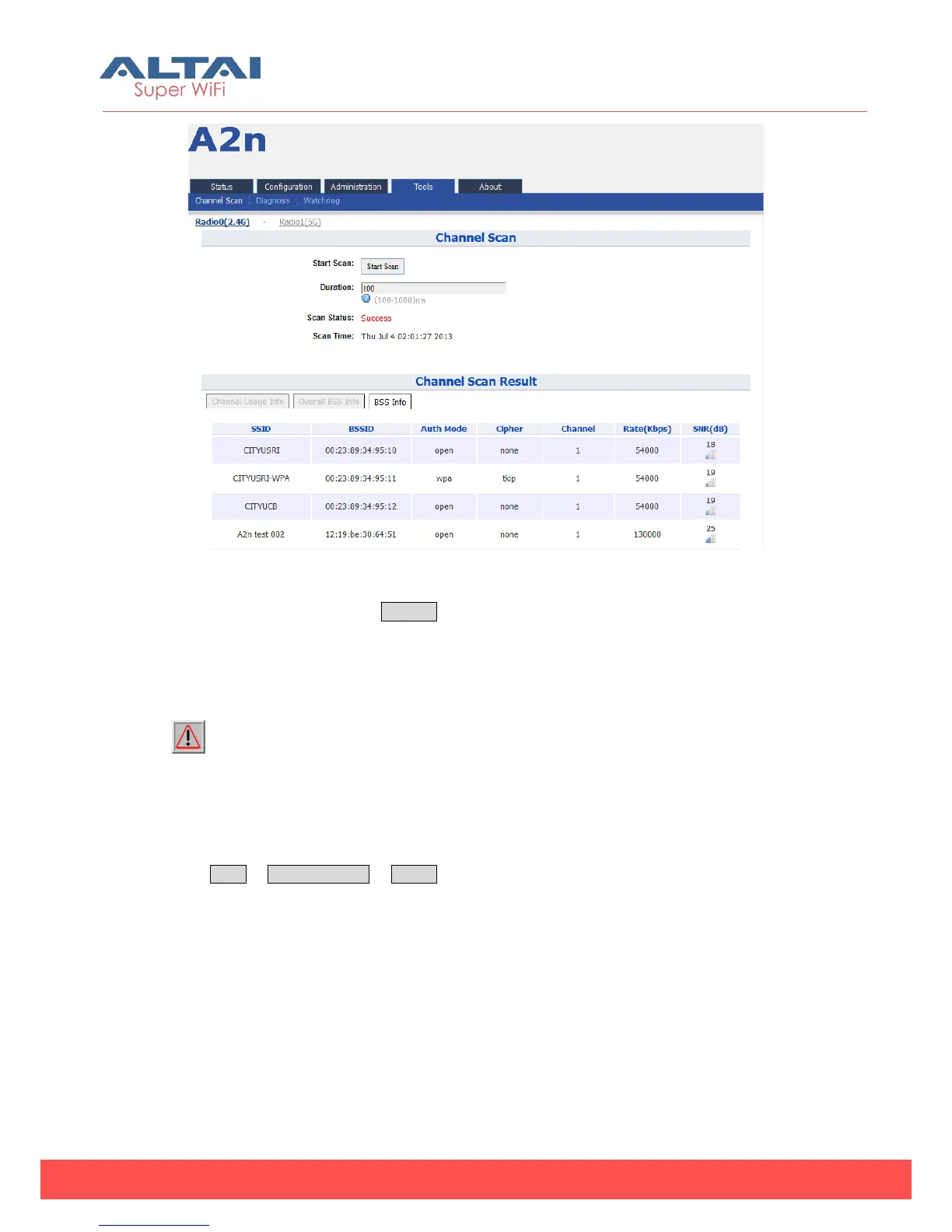
Figure 7-4 2.4G BSS Info
In Channel Scan Result, press BSS Info and it shows information of BSSID from A2n.
Base onA2n 2.4G Channel Scan Result, user can select 2.4G channel with lower noise
floor, less busy and less SSID as the channel for A2n’s SSID.
Caution: During the process of channel scan, all WiFi clients associated to A2n
via 2.4G channel will be drop for approximately 15-20 seconds.
7.1.2. 5G Channel Scan
Press Tools -> Channel Scan -> radio1 to start the 5G channel scan.



 To Next Page